DeskWorth

We research products from Amazon listing details, specs, and ratings; we have not tested them hands-on. We may earn a commission from qualifying purchases.

Category

Monitors

Displays for focus and comfort — sharp text, sensible sizes, and stands that let you raise the screen to eye level.

All products · Top 10 picks

Our three picks

Chosen from the Top 10 below. Budget tiers: $ budget · $$ mid-range · $$$ premium.

Top 10 Monitors

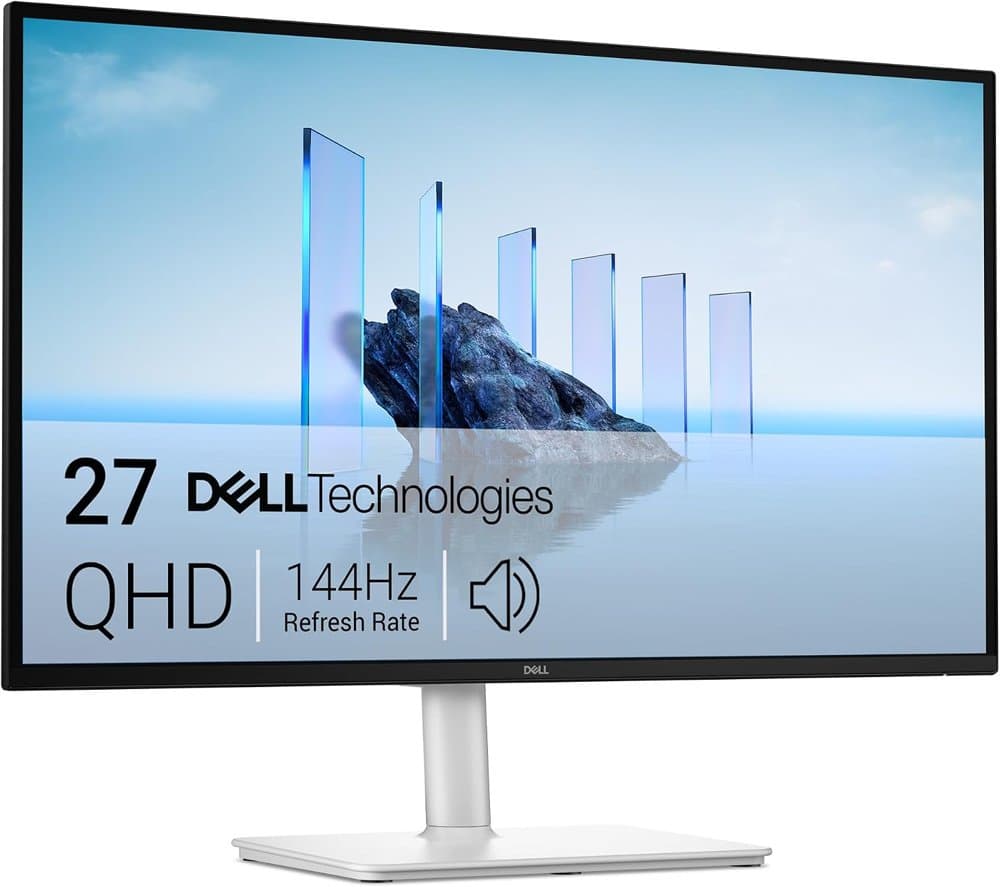
  1. #1Dell 27 Plus QHD Monitor - S2725DSM - 27-inch QHD (2560x1440) product photo

    Dell 27 Plus QHD Monitor - S2725DSM - 27-inch QHD (2560x1440) $$

    2 x 3W Speakers, HDMI/DisplayPort 1.4 Connectivity
    Pros

    • 27 inch QHD (2560 x 1440) panel
    • Built-in dual 3W speakers
    • TÜV 4-star eye-comfort certification

    Cons

    • No USB-C input, so laptops need HDMI or DisplayPort
    • Built-in 3W speakers are basic
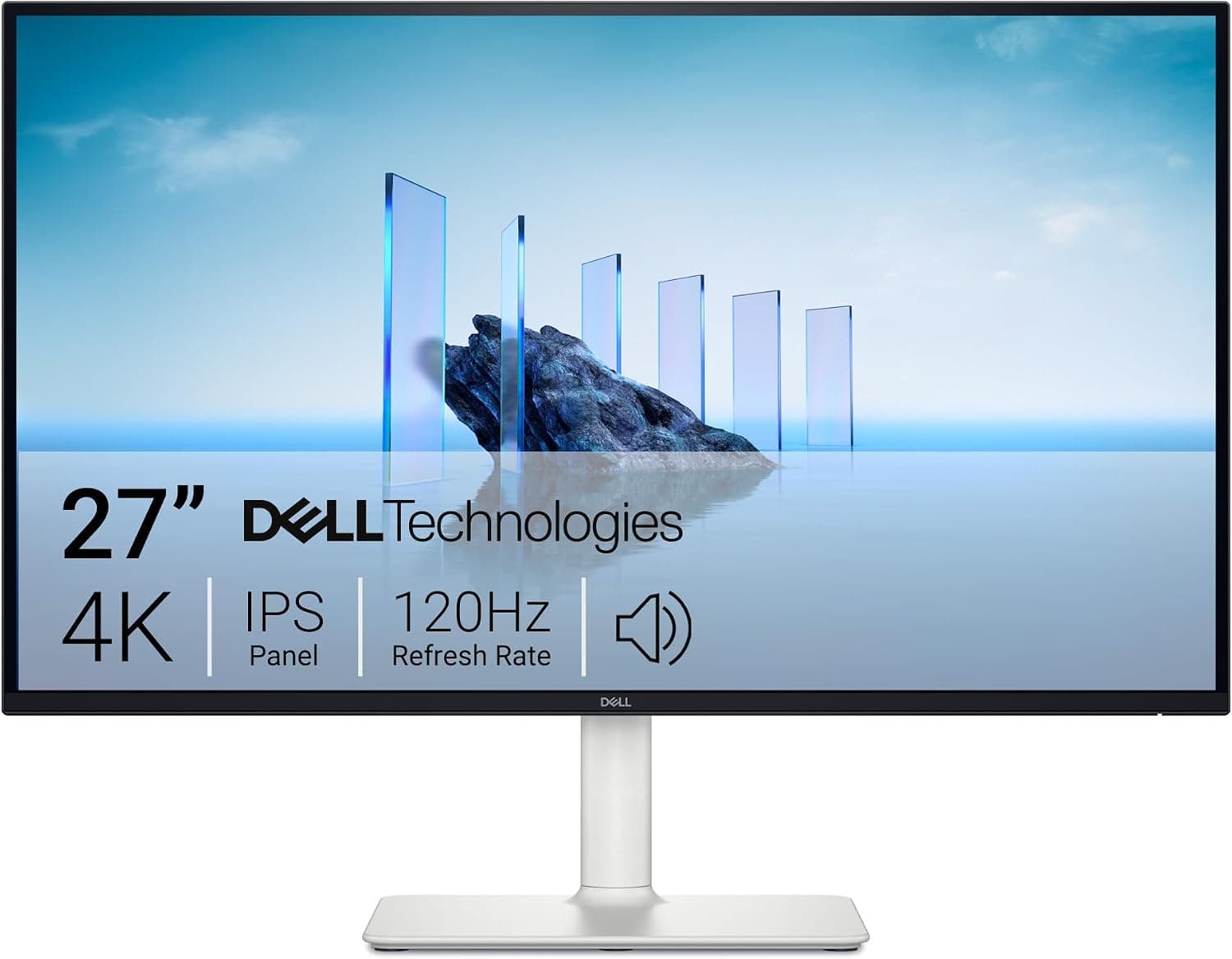
  2. #2Dell S2725QC 27-inch 4K monitor product photo

    Dell S2725QC 27" 4K USB-C Monitor $$$

    27-inch 4K work monitor with USB-C laptop charging
    Pros

    • Crisp 4K text for coding, docs, and spreadsheets
    • USB-C with laptop charging reduces cable clutter
    • Dell reliability and common VESA support
    • Good height-adjustable stand for eye-level setup

    Cons

    • 60 Hz class — not a competitive gaming panel
    • Built-in speakers are secondary to headphones
    • 27 inches may feel small vs ultrawides
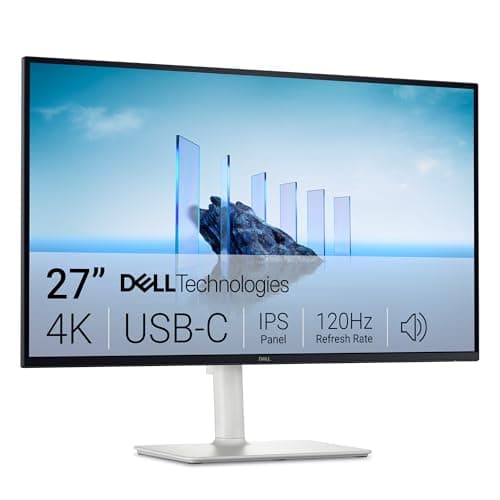
  3. #3Dell S2725QS 27-inch 4K monitor product photo

    Dell S2725QS 27" 4K Monitor $$$

    Sibling 27-inch 4K Dell for clean productivity setups

    Pros

    • Sharp 4K IPS for everyday knowledge work
    • Dell stand adjustability for healthier posture
    • Often priced competitively vs the USB-C sibling
    • Easy dual-display pairing with matching Dell models

    Cons

    • Confirm USB-C / PD features vs S2725QC before buying
    • Not aimed at high-refresh gaming
    • Colorists may still want a calibrated reference display
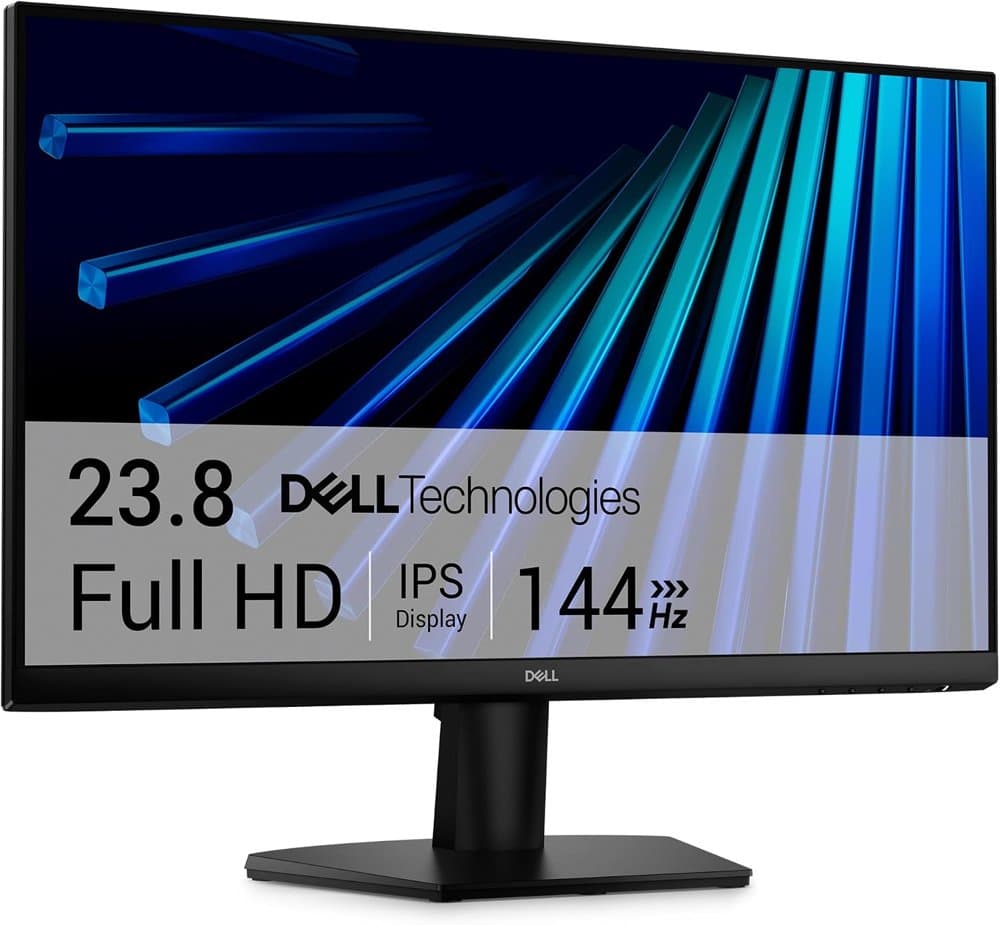
  4. #4Dell 24 Monitor - SE2426H - 23.8-inch FHD (1920x1080) 144Hz 1ms product photo

    Dell 24 Monitor - SE2426H - 23.8-inch FHD (1920x1080) 144Hz 1ms $

    In-Plane Switching (IPS) Technology, AMD FreeSync™
    Pros

    • 144Hz refresh for smoother motion
    • IPS panel with wide viewing angles
    • TÜV 3-star eye-comfort certification

    Cons

    • 1080p on 24 inches is less sharp for text than QHD or 4K
    • HDMI input only, no USB-C
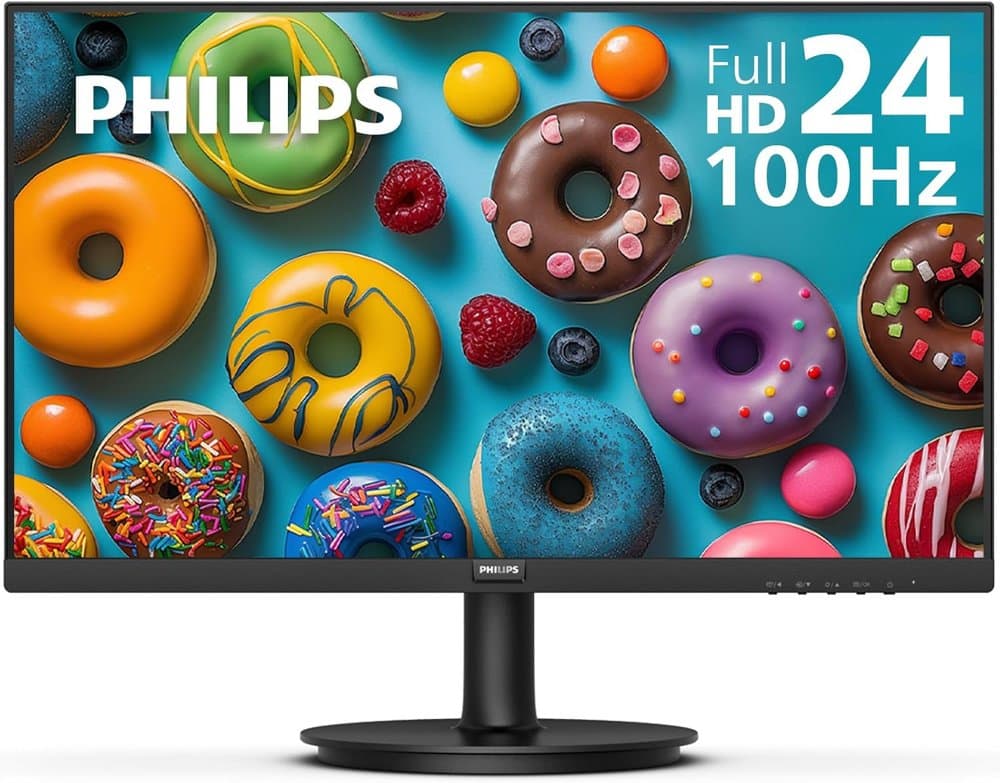
  5. #5Philips 24 Inch Computer Monitor FHD 100Hz VA VESA Flicker-Free product photo

    Philips 24 Inch Computer Monitor FHD 100Hz VA VESA Flicker-Free $

    This 23.8″ Philips V line monitor delivers crisp Full HD 1920x1080 visuals
    Pros

    • 23.8 inch Full HD panel at 100Hz
    • VA panel with deep blacks
    • 178-degree viewing angles
    • Thin bezels on three sides

    Cons

    • 1080p at 23.8 inches is less sharp for text than QHD
    • No USB-C or DisplayPort (HDMI and VGA only)
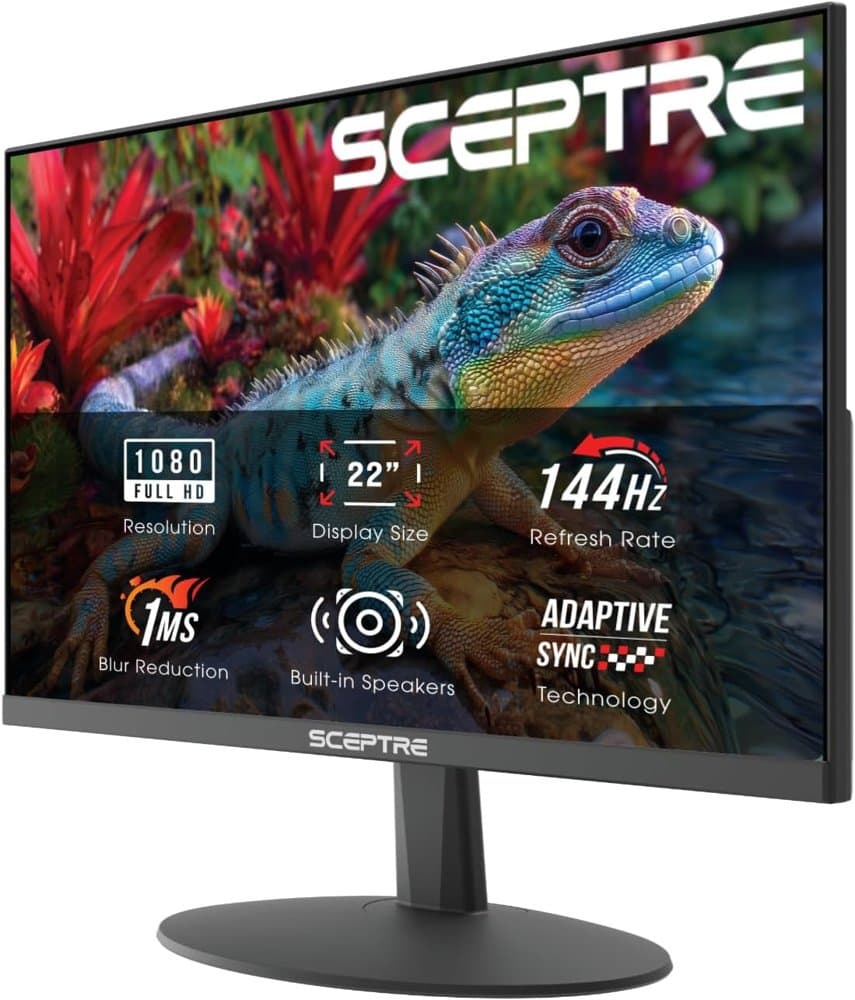
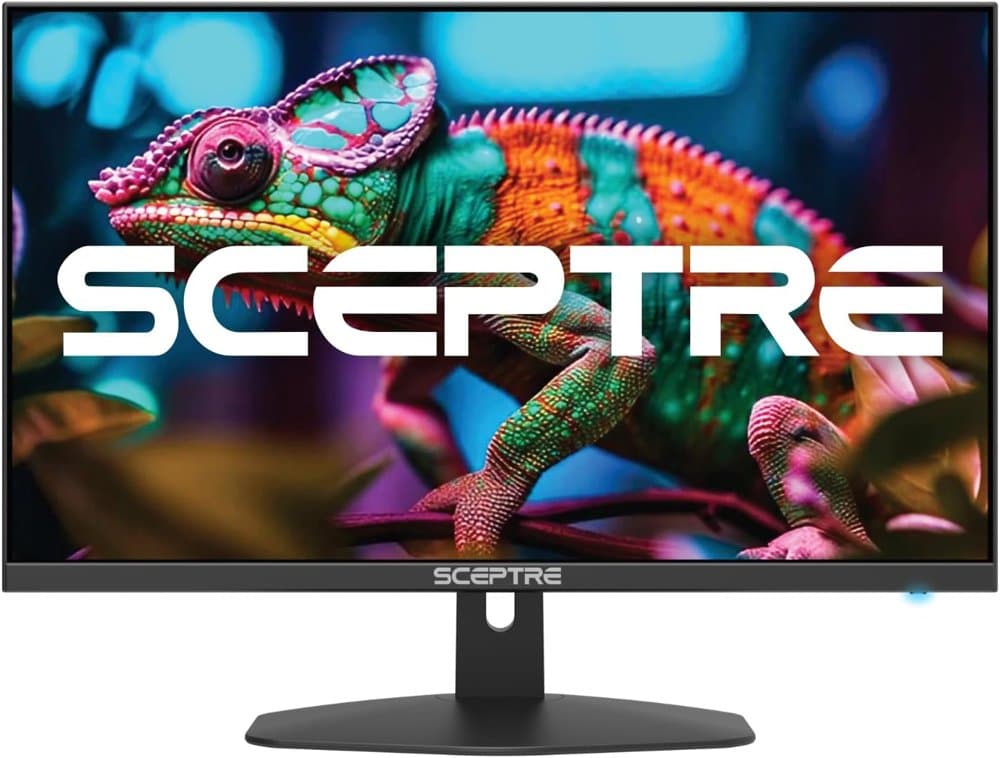
  6. #6Sceptre New 22-Inch Gaming Monitor product photo

    Sceptre New 22-Inch Gaming Monitor $

    FHD 1080p, Up to 144Hz

    Pros

    • Built-in speakers
    • Blue Light Shift mode for evening work
    • Slim bezels

    Cons

    • 22 inches is small for side-by-side windows
    • HDMI input only
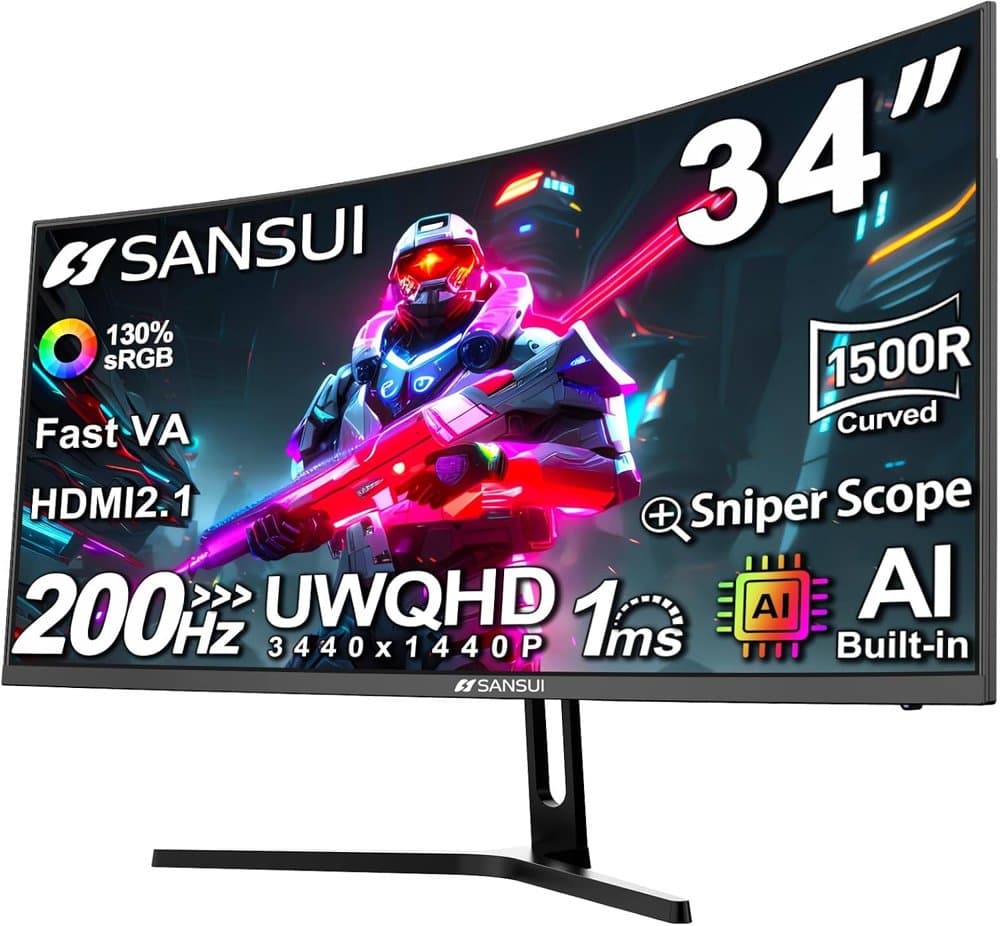
  7. #7SANSUI 34-Inch Curved Gaming Monitor UWQHD 3440 x 1440P 200Hz product photo

    SANSUI 34-Inch Curved Gaming Monitor UWQHD 3440 x 1440P 200Hz $$

    34 inch Curved 1500R UWQHD(3440 x 1440) @ 200Hz Fast VA Ultrawide Gaming Monitor with AI built-in
    Pros

    • 34 inch 1500R ultrawide at 3440 x 1440
    • Up to 200Hz refresh with VRR support
    • VESA 100 mount and PIP/PBP modes

    Cons

    • No built-in speakers
    • Large 34-inch curve needs a deep desk or an arm
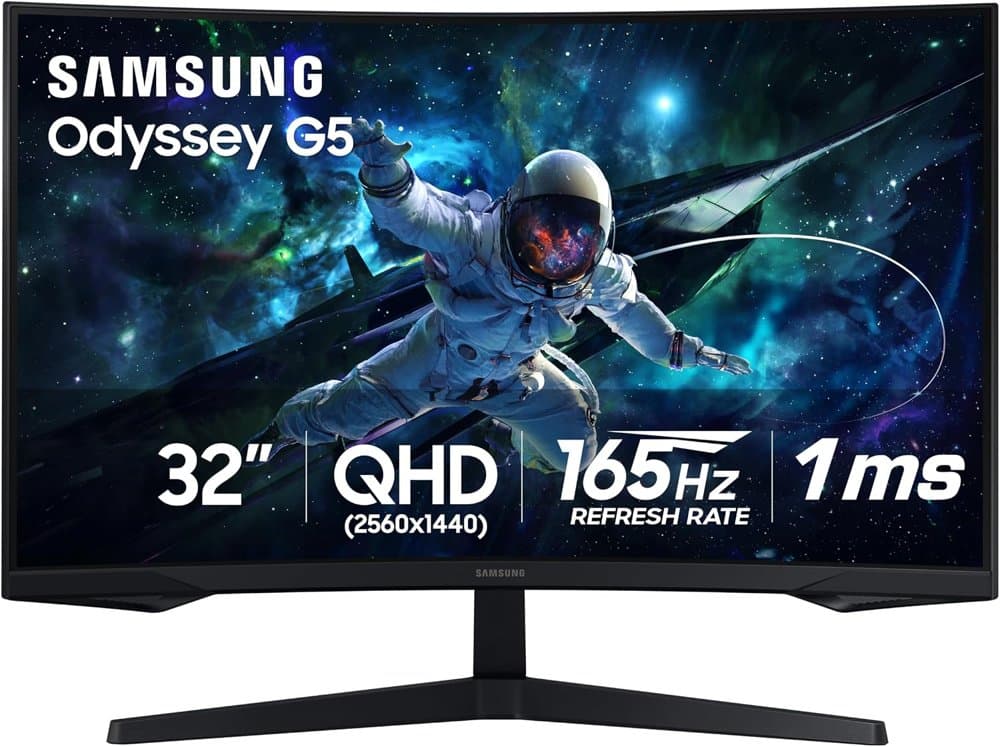
  8. #8Samsung 32" Odyssey product photo

    Samsung 32" Odyssey $$

    Your gaming world, more lifelike than ever
    Pros

    • 32 inch 1000R curved screen
    • 165Hz refresh rate for smooth motion
    • AMD FreeSync reduces tearing

    Cons

    • 1000R curve can distort straight lines in design work
    • Takes a lot of desk width at 32 inches
  9. #9Sceptre 27-inch Prime Gaming Monitor 100Hz 1ms DisplayPort HDMI product photo

    Sceptre 27-inch Prime Gaming Monitor 100Hz 1ms DisplayPort HDMI $

    Eye Care Frameless Machine Black 2025 (E275W-FW100T Series)
    Pros

    • 100% sRGB color coverage
    • Two HDMI ports and one DisplayPort, up to 100Hz
    • Blue Light Shift mode
    • Built-in speakers

    Cons

    • 1080p looks soft on a 27-inch screen
    • Built-in speakers are basic
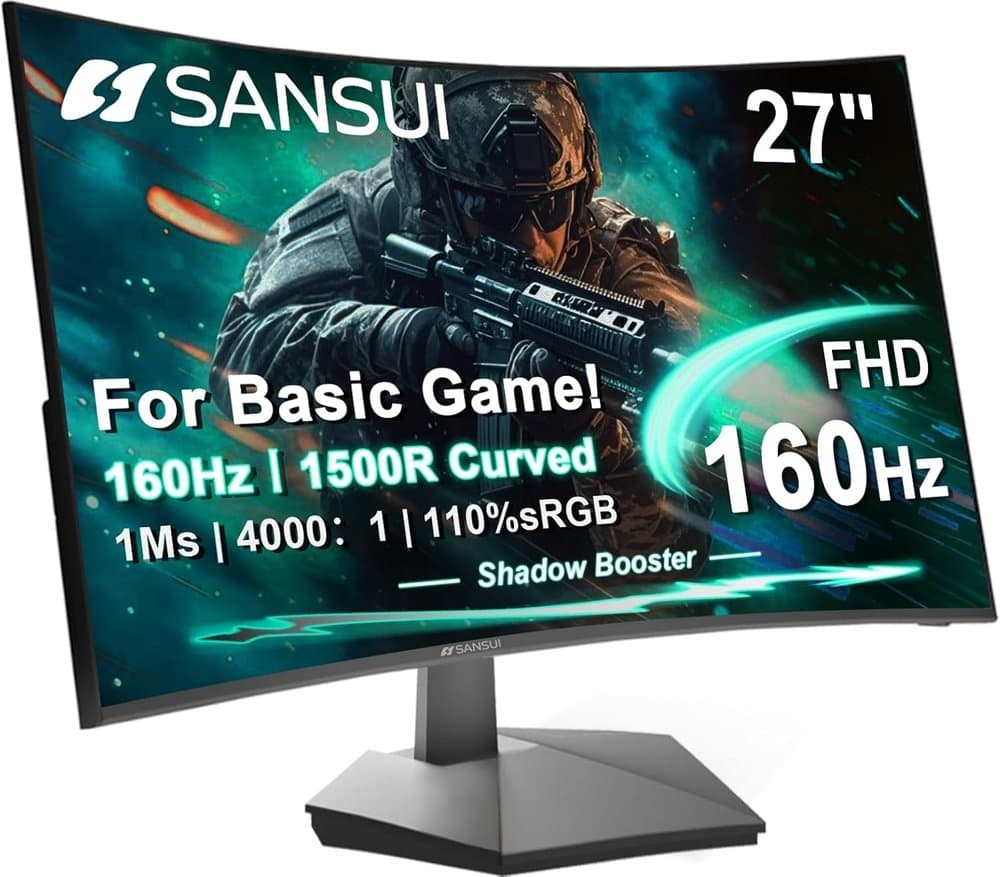
  10. #10SANSUI 27 Inch Curved 160Hz Gaming Monitor 144Hz FHD 1080P product photo

    SANSUI 27 Inch Curved 160Hz Gaming Monitor 144Hz FHD 1080P $$

    27" 1500R Up to 160Hz Curved Gaming Monitor FHD 1920x1080P 1Ms (MPRT) for Gaming, Movie

    Pros

    • 27 inch 1500R curve at 1080p
    • Up to 160Hz refresh with FreeSync
    • Preset modes for office, movies, and games

    Cons

    • 1080p looks soft on a 27-inch screen
    • Curve is less useful for spreadsheets and docs

Best Overall

Dell 27 Plus QHD Monitor - S2725DSM - 27-inch QHD (2560x1440)

Check price on Amazon