Desk setups, reviewed for years
Buy the right desk gear once — with tradeoffs spelled out
Standing desks, converters, chairs, monitors, boom arms, mats, cables, and desk power. Editorial shortlists with real tradeoffs and no invented scores.
We may earn a commission from qualifying purchases.
Shop by category
Start where your setup hurts most — chair, desk, converter, boom arm, mat, or power.
Category
Standing Desks
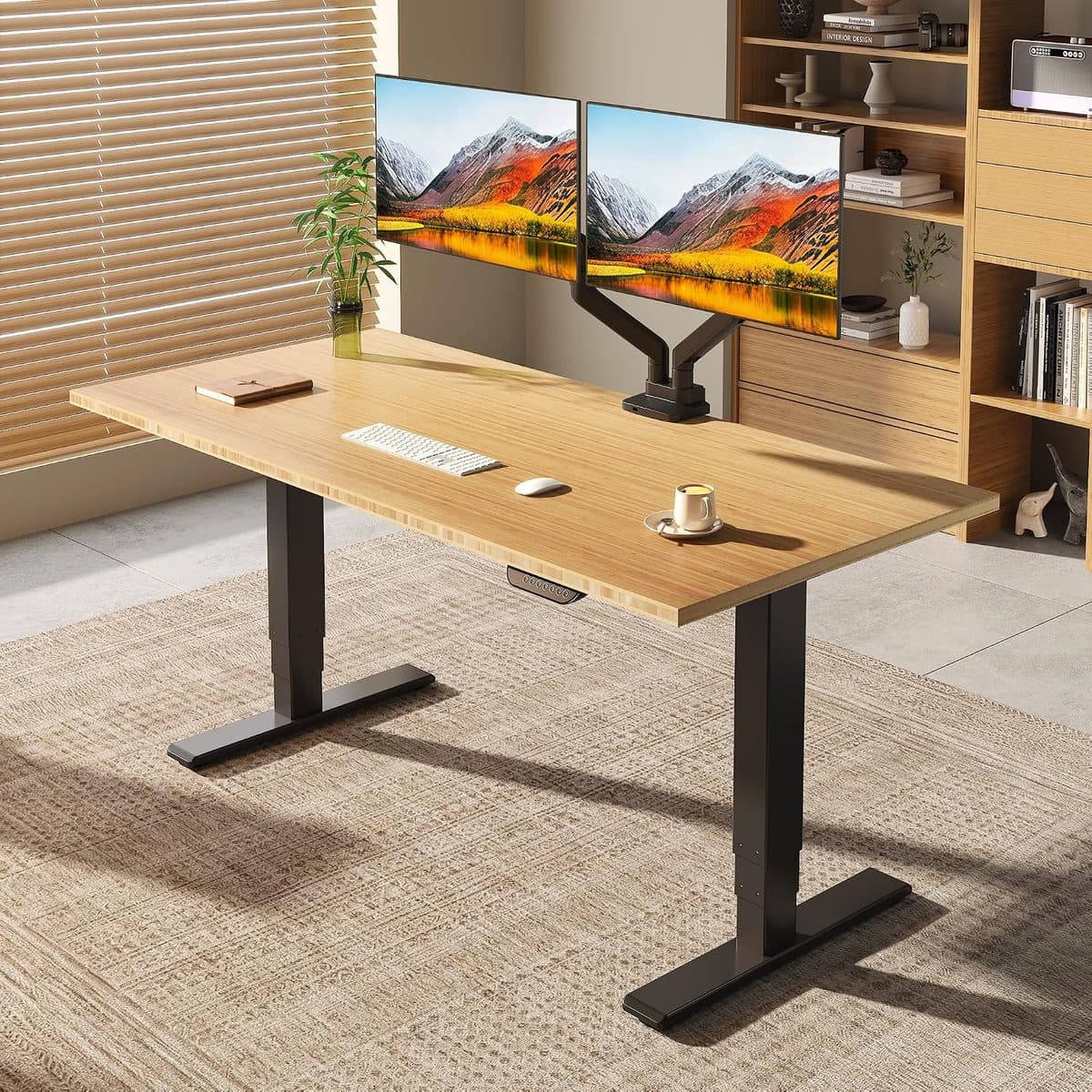
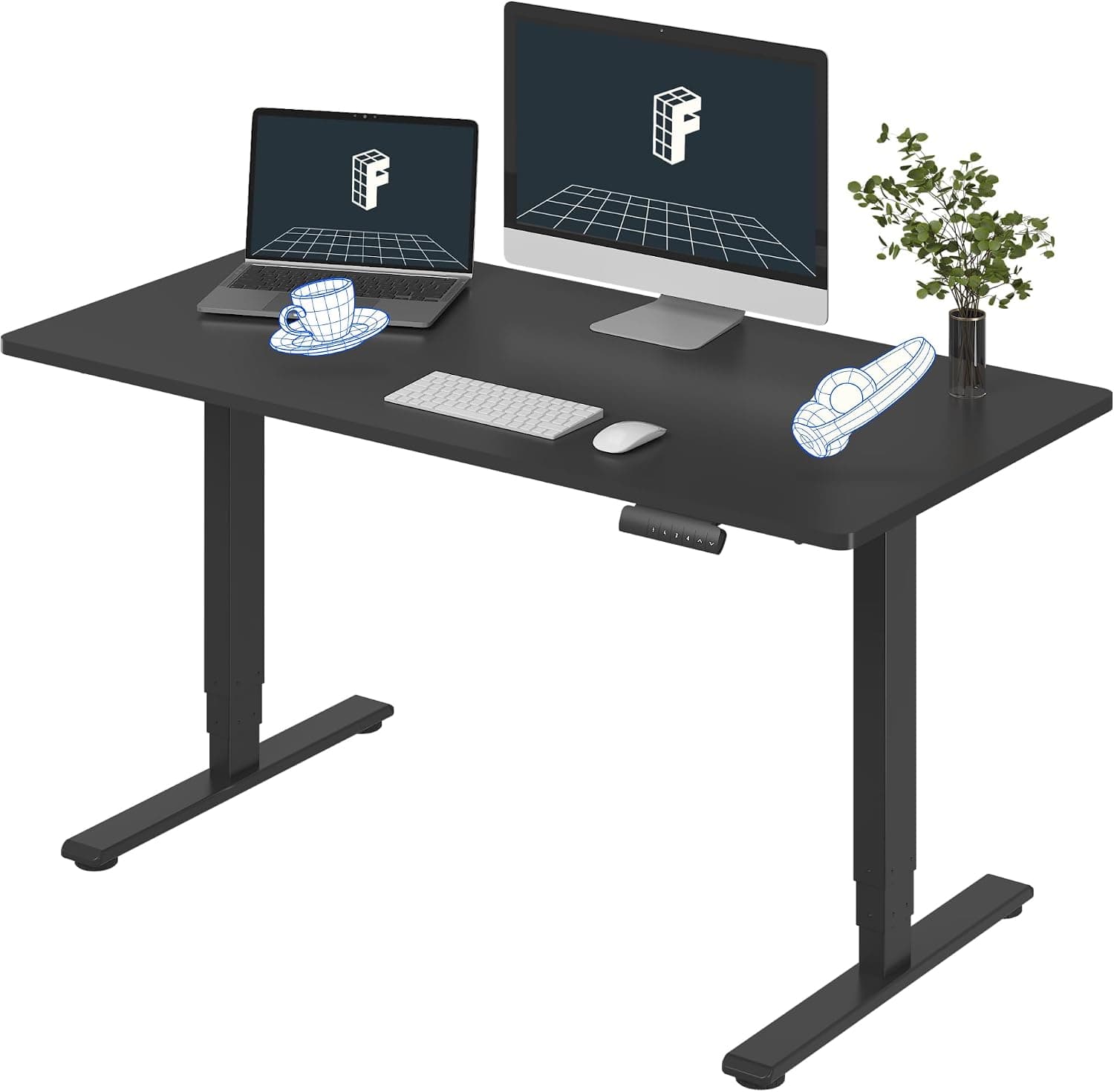
Electric and manual sit-stand desks that help you move through the workday without wrecking your posture — or your floors.
Category
Office Chairs
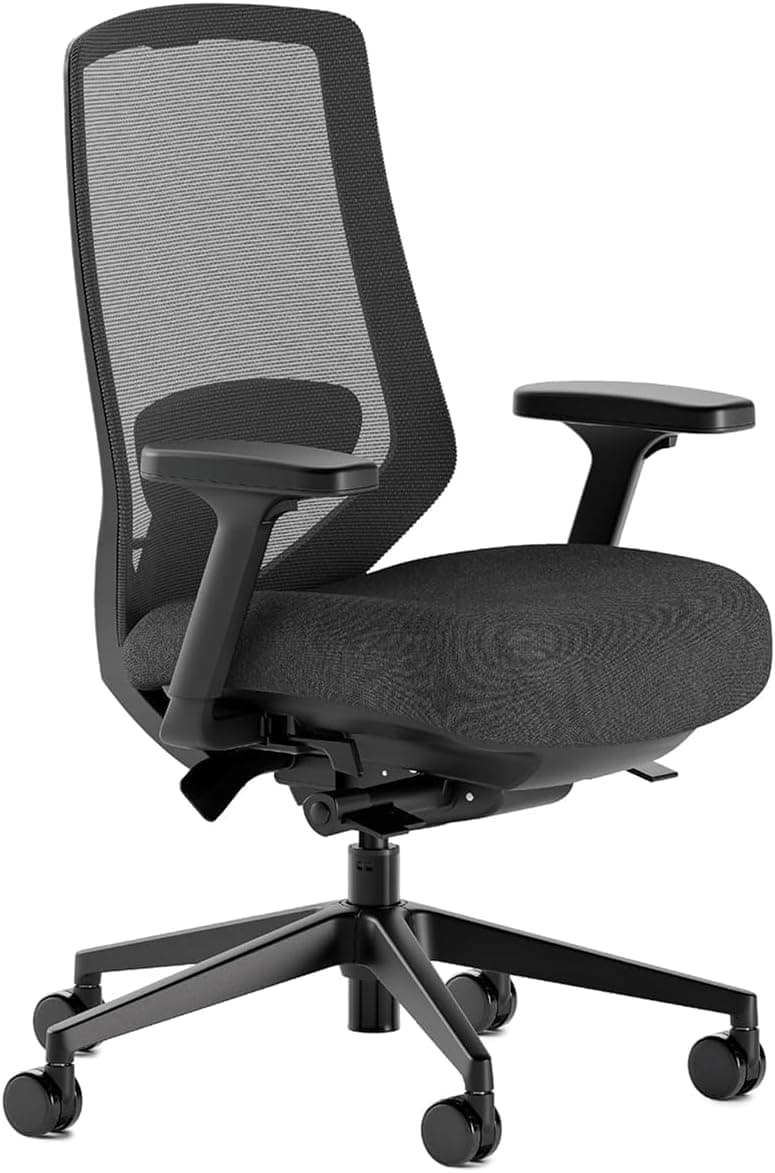
Ergonomic chairs built for long sessions: lumbar support that actually supports, seats that don’t go flat, and adjustments you’ll use.
Category
Monitors
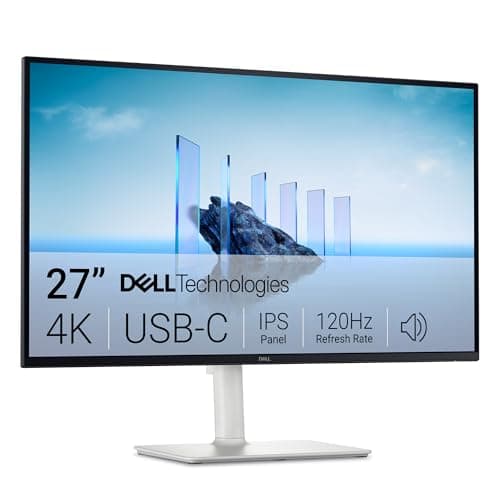
Displays for focus and comfort — sharp text, sensible sizes, and stands that let you raise the screen to eye level.
Category
Monitor Arms
VESA arms that reclaim desk space and put screens at eye level — single or dual mounts with clamp and grommet options.
Category
Desk Mats & Pads
Large desk mats and pads that protect the surface, quiet your mouse, and give keyboard and pointer a consistent glide.
Category
Laptop Stands
Risers that lift the screen toward eye level for healthier posture — fixed aluminum classics and portable travel stands.
Category
USB-C Docks & Hubs
USB-C hubs and Thunderbolt docks that expand ports, charge the laptop, and drive external displays with fewer adapters.
Category
Keyboards & Mice
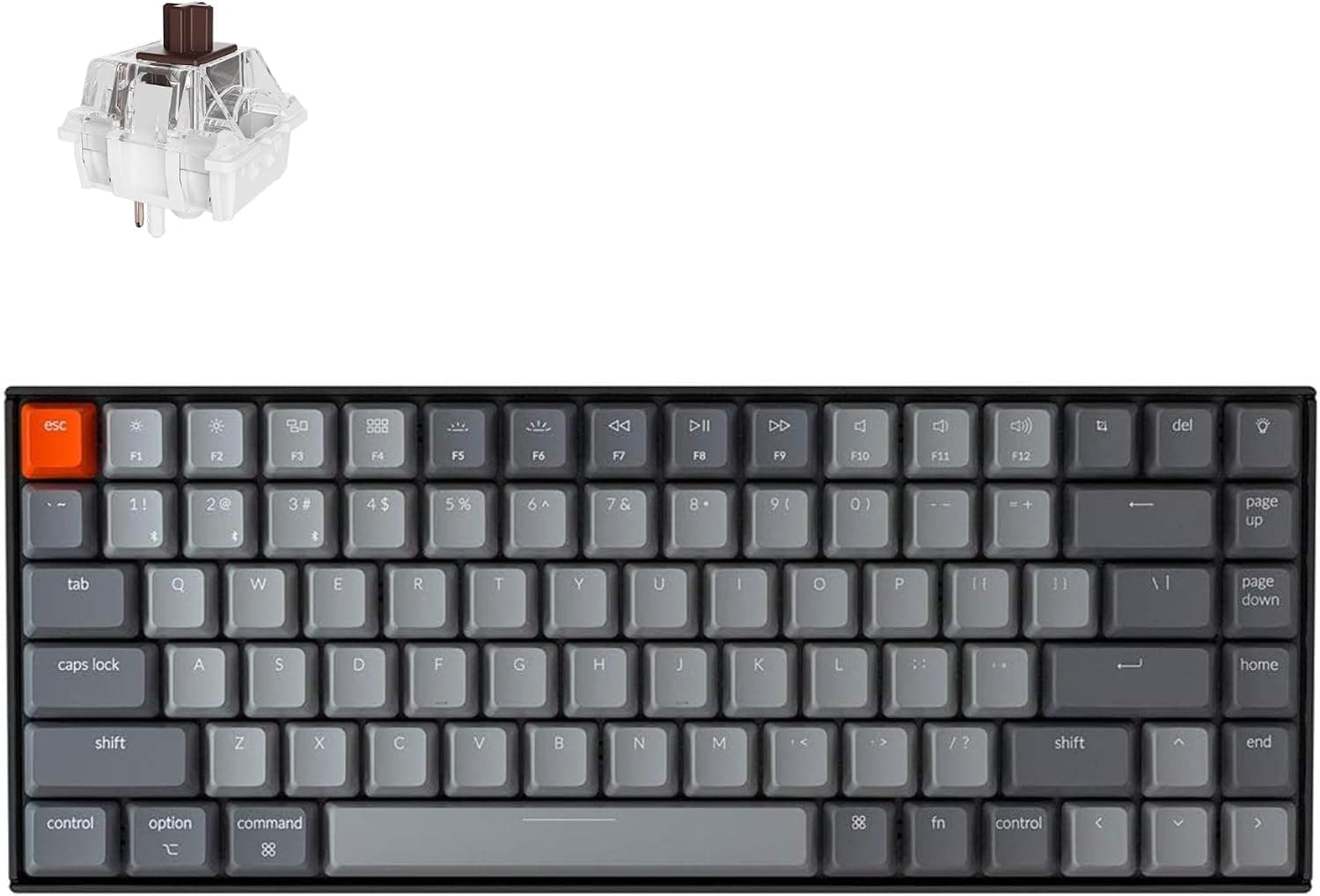
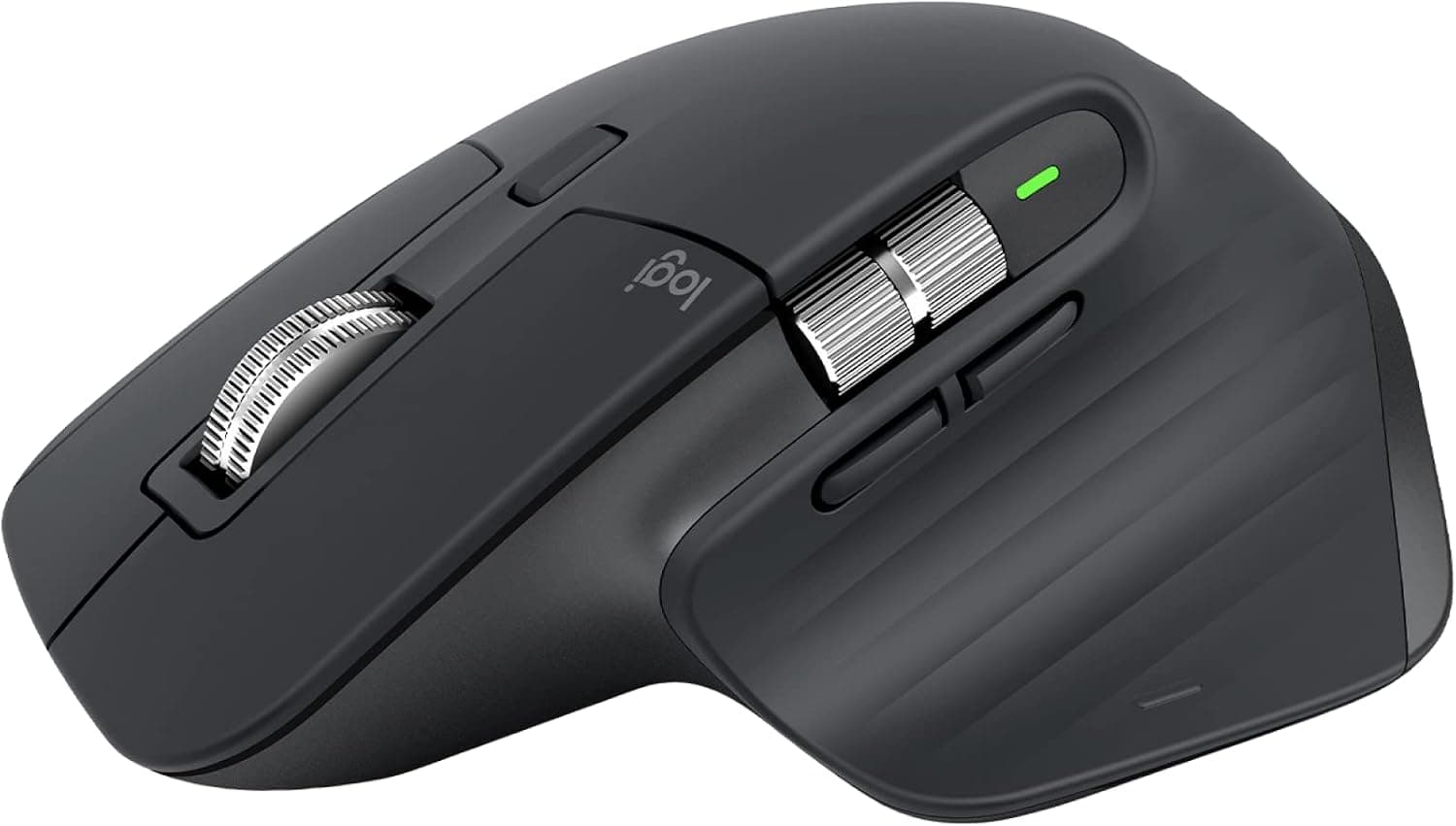
Keyboards and pointing devices that reduce strain: quiet switches, sensible layouts, and shapes that fit real hands.
Category
Webcams & Audio
Webcams, mics, and headphones so you look and sound clear on calls without turning your desk into a studio.
Category
Anti-Fatigue Standing Mats
Floor mats that make standing sessions lasting — textured Topo-style terrain versus dense flat foam, matched to how long you actually stand.
Category
Cable Management
Under-desk trays, J-channel raceways, and cord covers that keep power bricks and HDMI runs out of the lift path and off the floor.
Category
Footrests
Under-desk footrests that fix dangling feet and restless legs — rocking plastic platforms versus memory-foam cushions.
Category
Desk Power & Charging
Surge strips, USB desk chargers, and clamp-mounted power bars that feed monitors, docks, and phones without a floor tangle.
Category
Sit-Stand Desk Converters
Desktop risers that turn a fixed desk into sit-stand — keep the furniture you already own and lift the work surface instead.
Category
Mic & Webcam Boom Arms
Desk-clamp boom arms that get mics and cameras off the desk surface — low-profile streamer arms versus broadcast spring mounts.
Category
Desk Organizers
File trays, mesh caddies, and drawer bins that clear the desktop so keyboard, mouse, and notebook actually have room.
Category
Wrist Rests & Palm Supports
Keyboard and mouse wrist supports that reduce hard-edge pressure on long typing days — foam sets versus classic gel pads.
Featured picks
Six products we'd put on our own desks first — with Amazon price checks.
Buying guides
Longer reads with internal links to the products we mention.
8 min read · 2026-08-12
How to Choose a Standing Desk (Without Overpaying)
Motors, stability, size, and warranties — a practical checklist so you buy once and actually use the standing positions.
10 min read · 2026-09-01
Ergonomic Home Office Starter Kit Under Real Budgets
Chair, desk height, screen position, input devices, and lighting — the order that actually reduces strain without buying everything at once.
7 min read · 2026-09-19
How to Choose a Monitor Arm (Clamp, Gas Spring, Dual)
VESA patterns, weight ratings, clamp vs grommet, and when a budget dual arm is enough versus a premium Ergotron LX.
8 min read · 2026-09-19
Best Standing Desk Mat: Topo Terrain vs Dense Flat Foam
How to choose an anti-fatigue mat for real standing sessions — textured Topo-style terrain, commercial flat foam, and honest budget options.
8 min read · 2026-09-19
Sit-Stand Converter vs Standing Desk: Which Should You Buy?
Keep your fixed desk with a converter, or replace the whole thing with an electric frame — tradeoffs, costs, and when each wins.