Guides · 7 min read · 2026-09-27
Best Power Strip for a Standing Desk (Clamp-On vs Under-Desk Tray)
A power strip on the floor gets yanked every time a sit-stand desk rises. Here's how to mount power on the desk itself, and which strip to use: clamp-on, tray-mounted, or high-joule.
We may earn a commission from qualifying purchases.
Quick picks
Best power strip for most standing desks
Anker Nano Desk-Clamp Power Strip (70W, 6 AC + USB-C/A) · About $70
Clamps to the desk edge, with 6 AC outlets, 2 USB-C and 2 USB-A ports, and up to 70W USB-C for a laptop.
Best budget strip for an under-desk tray
Anker 12-Outlet Power Strip with 20W USB-C (2100J) · About $29
12 widely spaced outlets plus a 20W USB-C port for about $29. Drop it in a tray and forget it.
Best for surge protection
Belkin 12-Outlet Surge Protector with 2 USB-A (3996J) · About $41
3,996 joules, 12 outlets, a 6 ft flat-plug cord, and a $250,000 connected-equipment warranty.
The tray that makes any strip work
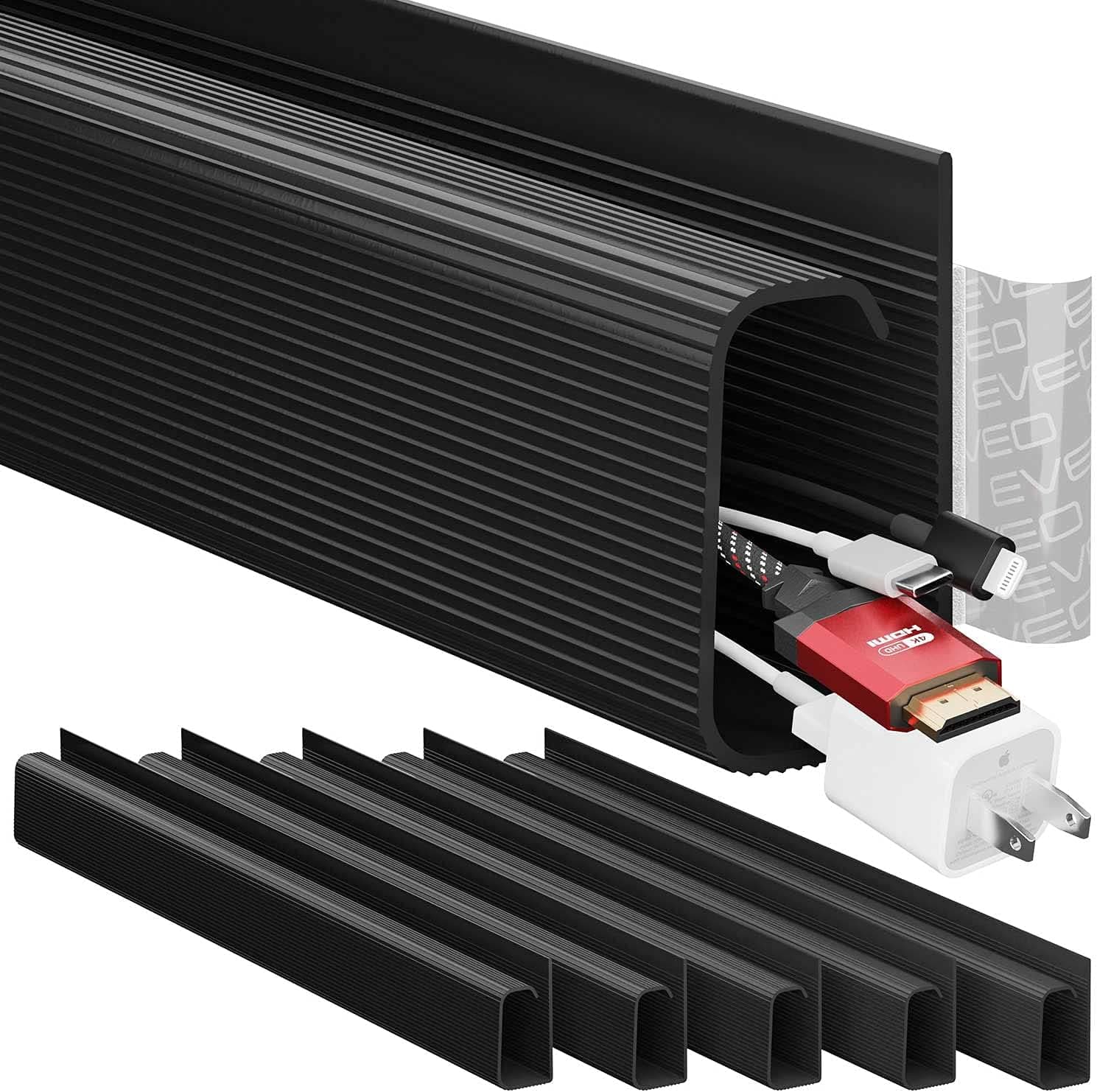
Large Under-Desk Metal Cable Management Tray (No-Drill) · About $24
A no-drill metal tray that holds the strip and power bricks, so everything rises with the desk.
1. Best power strip for most standing desks
Anker Nano Desk-Clamp Power Strip (70W, 6 AC + USB-C/A)
About $70
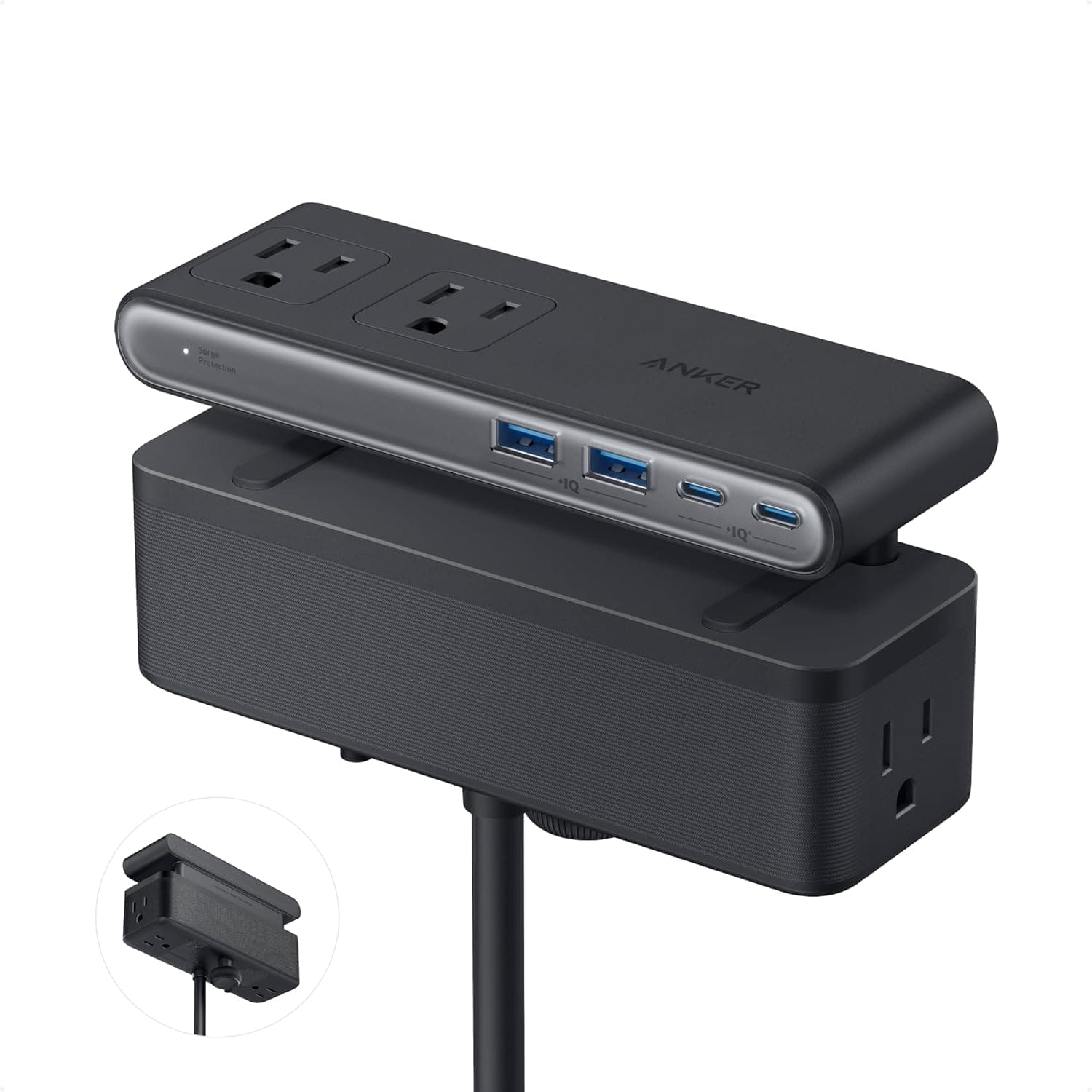
The Anker Nano clamps onto the desk edge, so its outlets rise and fall with the desktop and only one cord runs to the wall. It fits edges 0.6 to 1.8 inches thick, and it has six AC outlets, two USB-C ports, and two USB-A ports split across top and bottom zones. The USB-C port delivers up to 70W, enough to charge many laptops without a separate brick. There are two caveats. Its 1500J surge rating is modest next to the Belkin, and the 5 ft cord has to cover the desk's full travel. It also won't clamp to curved edges or edges sloped more than 45°.
Pros
- Clamp mount keeps outlets moving with the desk
- 6 AC + 2 USB-C + 2 USB-A in one unit
- Up to 70W USB-C, enough for many laptops
- 24-month warranty
Cons
- 1500J surge rating is the lowest here
- 5 ft cord needs a wall outlet near the desk
- Needs a flat edge 0.6–1.8 inches thick (no curved or steeply sloped edges)
Best for: Standing-desk owners who want outlets and laptop charging within reach at any height.
2. Best budget strip for an under-desk tray
Anker 12-Outlet Power Strip with 20W USB-C (2100J)
About $29
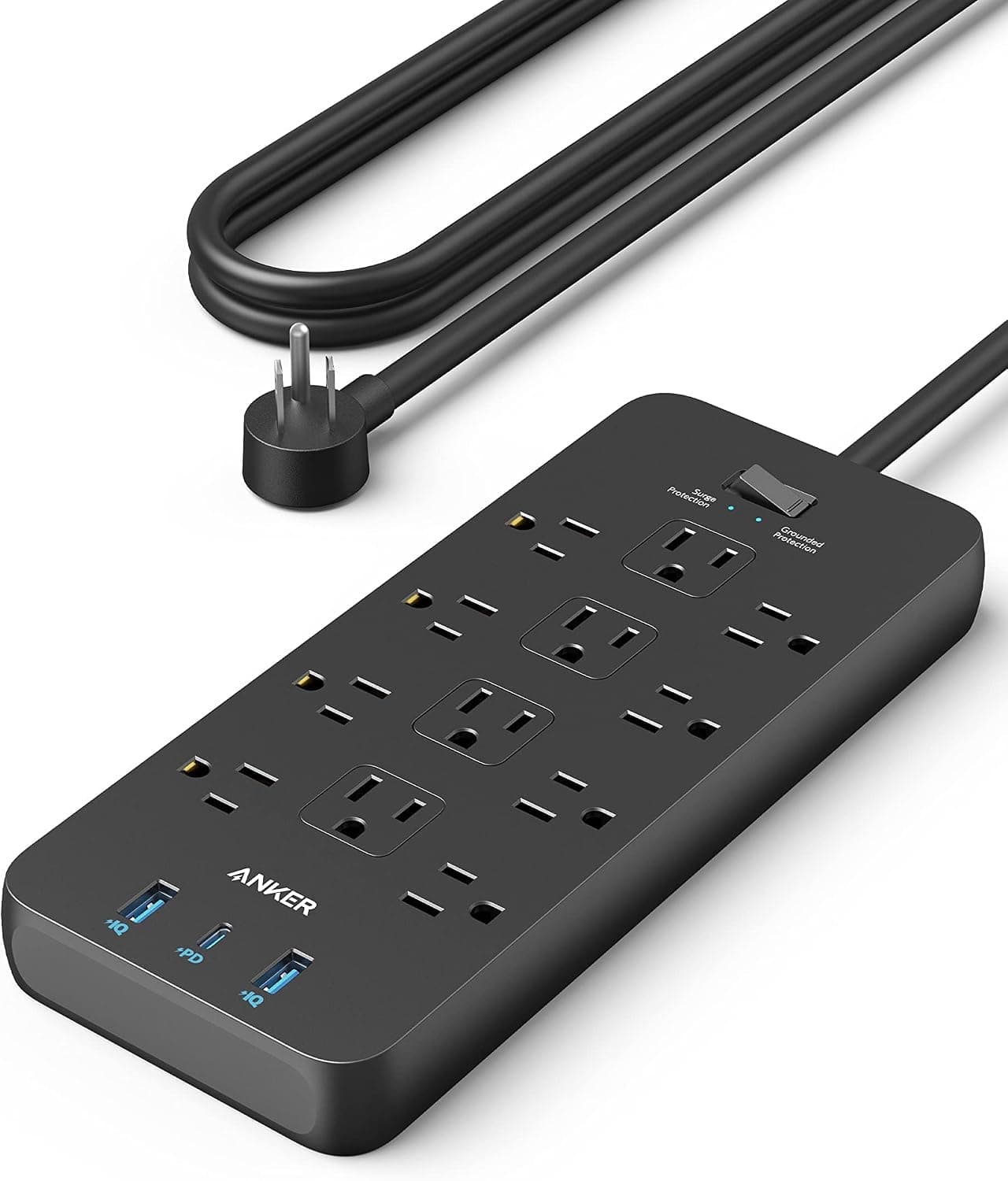
For the lowest cost, put a flat strip in an under-desk tray so the whole bundle rides with the desk. Anker's 12-outlet strip is the one we use there. The twelve outlets are spaced for bulky plugs, it has one USB-C port (20W for phones) and two USB-A ports, and it's rated at 2100J. It ships with two mounting screws and an 18-month warranty. USB output is shared and far below laptop wattage, so plan on a separate laptop charger or a monitor with USB-C charging.
Pros
- Twelve widely spaced AC outlets
- 20W USB-C for fast phone charging
- Includes mounting screws; 2100J surge rating
- About $29
Cons
- USB ports can't charge a laptop (shared USB output)
- Needs a tray or mounting spot under the desk
- Wide footprint
Best for: Full setups with monitors, a dock, lamps, and speakers that need many outlets under the desktop.
3. Best for surge protection
Belkin 12-Outlet Surge Protector with 2 USB-A (3996J)
About $41
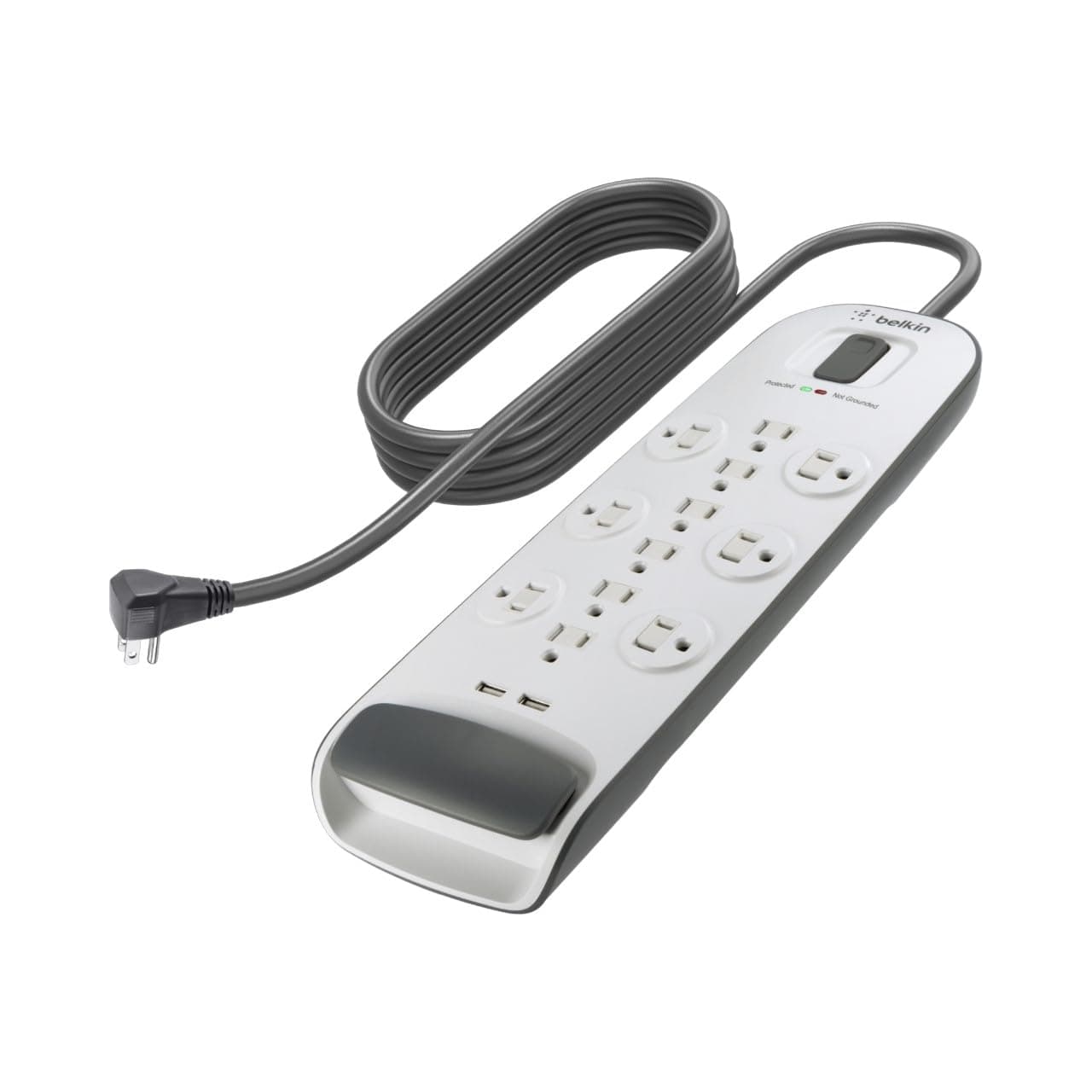
If a desktop PC, two monitors, and a dock ride on your desk, Belkin's 3,996-joule rating gives you the most surge headroom here, and it comes with a $250,000 connected-equipment warranty. The 6 ft cord with a flat plug gives the desk a little more travel slack than the 5 ft Anker cords, and mounting holes on the back let you screw it into a tray or under the desktop. The USB side is dated: two USB-A ports sharing 2.1A. It's also bulky, and white, which shows under dark desks.
Pros
- 3,996J surge rating, the highest here
- 6 ft cord with a flat plug
- Back mounting holes for tray or under-desk mounting
- 2-year limited warranty plus a $250,000 connected-equipment warranty
Cons
- USB-A only (2.1A shared), so no USB-C
- Bulkier than Anker's strips
- White finish stands out under dark desks
Best for: Desks carrying expensive electronics, where surge rating matters more than USB-C.
4. The tray that makes any strip work
Large Under-Desk Metal Cable Management Tray (No-Drill)
About $24
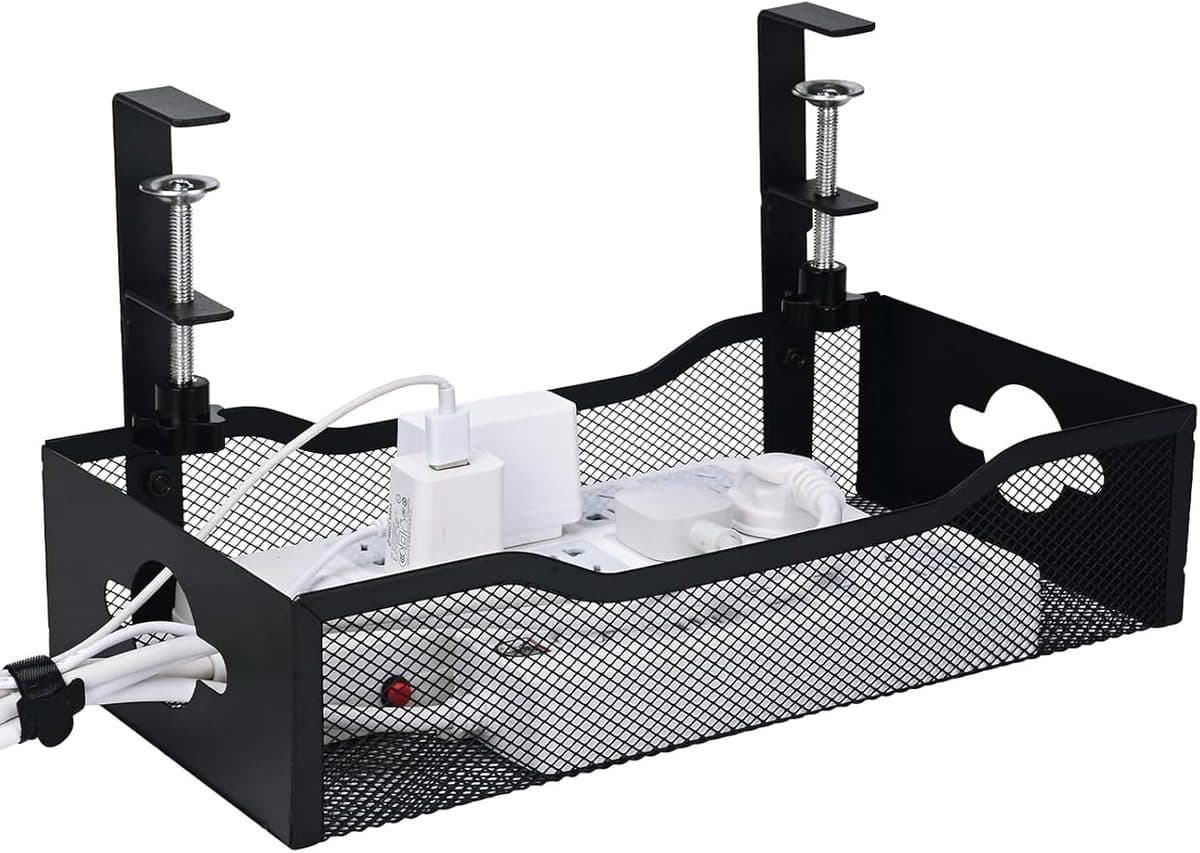
This isn't a power strip, but it's what makes the Anker 12-outlet or Belkin work on a sit-stand desk. Mount the tray under the desktop, drop the strip and charger bricks inside, and the desk carries everything up and down with it. The only cable left moving is the strip's own cord to the wall. It installs without drilling, but brand and packaging vary by seller, so measure your desktop thickness and check clearance around the frame's crossbar before ordering.
Pros
- Holds a full strip plus charger bricks
- Metal build is sturdier than thin plastic trays
- No-drill installation
- About $24
Cons
- Check clearance around dual-motor frame crossbars
- Brand and packaging vary by marketplace seller
- You still need a raceway for cables dropping to the wall
Best for: Anyone using a regular flat power strip with a standing desk.
How to choose
- Mount power on the desk, not the floor
- Every device on a standing desk should plug into a strip that moves with the desktop, either clamped to the edge or sitting in a tray. That leaves one cord (the strip's) running to the wall, instead of a dozen cords stretching every time the desk rises.
- Cord length vs desk travel
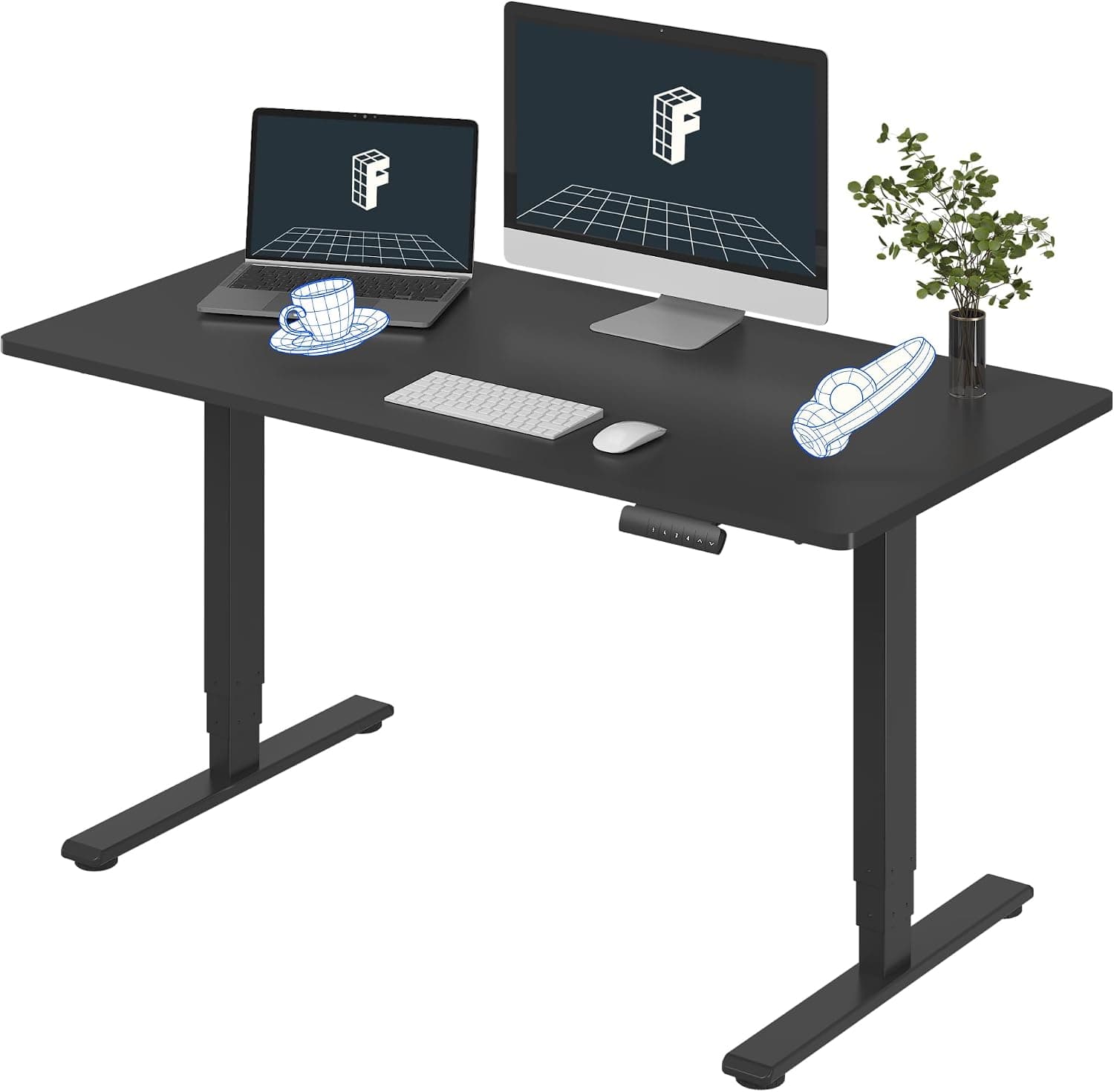
- A dual-motor desk like the FlexiSpot E6 travels from about 23.6 to 48.8 inches, a swing of roughly 25 inches. With the desk fully raised, the strip's cord still has to reach the wall with slack to spare. The Anker cords are 5 ft and the Belkin's is 6 ft. Don't add an extension cord to make up the difference; move the desk closer to the outlet.
- USB-C wattage
- If you want to charge a laptop from the strip, only the Anker Nano's USB-C (up to 70W) is up to it. The Anker 12-outlet's 20W USB-C and the Belkin's USB-A ports are for phones and earbuds.
- Surge rating and outlet count
- Count your plugs: monitors, lamp, dock, speakers, laptop brick, and the desk's own control box add up fast. Twelve outlets cover big setups. More joules means more surge headroom, and the Belkin's 3,996J is the conservative choice for expensive gear.
Frequently asked questions
What is the best power strip for a standing desk?
For most standing desks, the Anker Nano desk-clamp power strip. It clamps to the desk edge so it moves with the desktop, and it gives you 6 AC outlets, 2 USB-C and 2 USB-A ports, and up to 70W USB-C. For the lowest cost, put the Anker 12-outlet strip in an under-desk tray. For maximum surge protection, use the Belkin 12-outlet (3,996J).
Where should a power strip go on a standing desk?
On the desk itself, clamped to the edge or in an under-desk tray, never on the floor. That way only the strip's own cord moves when the desk changes height, and nothing gets pulled out or pinched.
Can I plug my standing desk into a power strip?
Follow your desk's manual, since manufacturers differ on this. When it's allowed, plugging the control box into the same desk-mounted strip keeps it to one cord to the wall. Always keep the desk's own power cable slack enough for full travel.
How long should the cord be for a sit-stand desk?
Long enough to reach the wall outlet with the desk at full height and still have slack. Desks like the FlexiSpot E6 rise about 25 inches from lowest to highest, so a 5–6 ft cord works when the outlet is directly behind or beside the desk.
Can a desk power strip charge my laptop?
Only if its USB-C port delivers enough wattage. The Anker Nano's USB-C port provides up to 70W, which charges many laptops. The Anker 12-outlet's 20W USB-C port and the Belkin's USB-A ports are phone-level, so plug a laptop charger into an AC outlet instead.