DeskWorth

We research products from Amazon listing details, specs, and ratings; we have not tested them hands-on. We may earn a commission from qualifying purchases.

Category

USB-C Docks & Hubs

USB-C hubs and Thunderbolt docks that expand ports, charge the laptop, and drive external displays with fewer adapters.

All products · Top 10 picks

USB-C dock comparison

Our three picks

Chosen from the Top 10 below. Budget tiers: $ budget · $$ mid-range · $$$ premium.

Top 10 USB-C Docks & Hubs

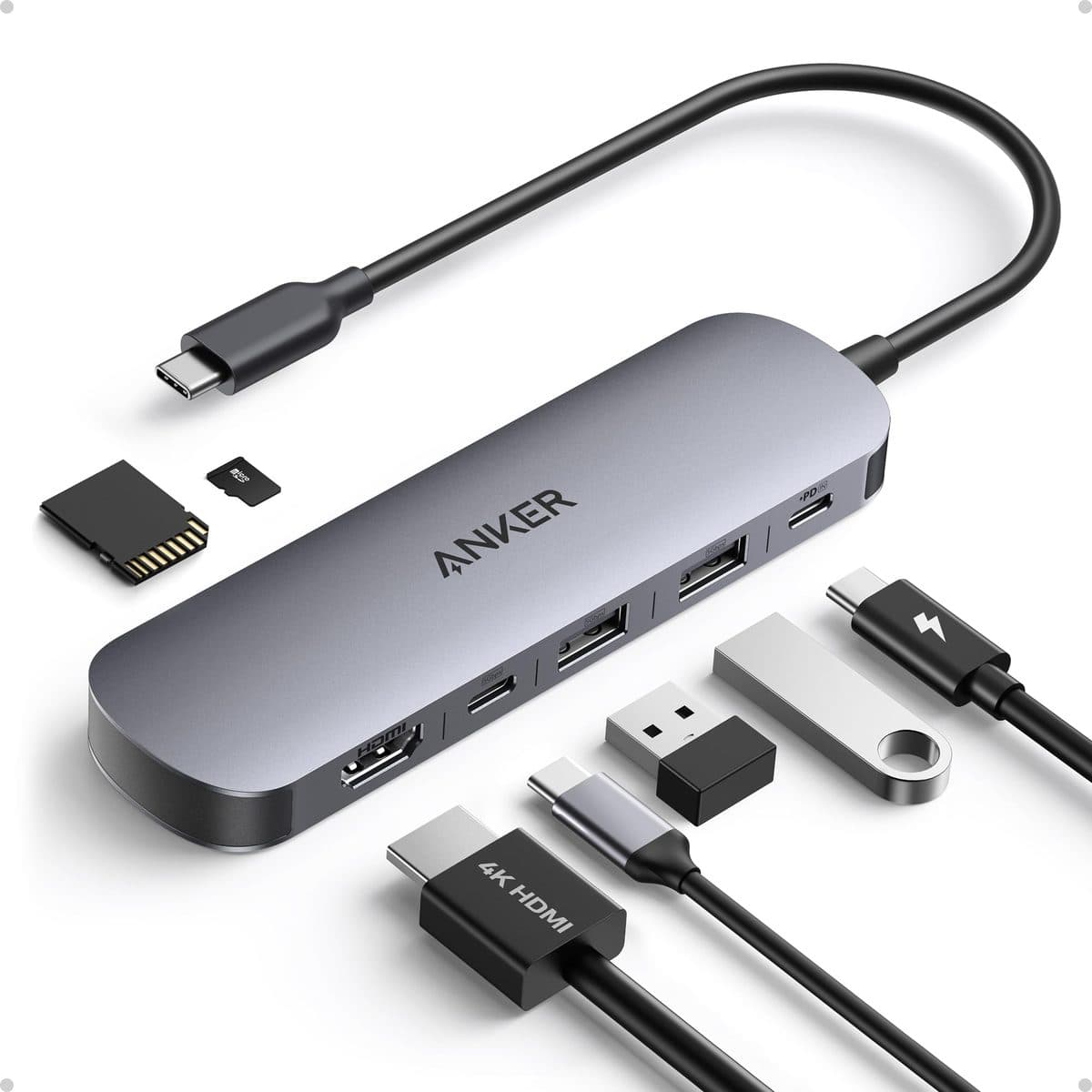
  1. #1Anker USB-C Hub 7-in-1 (4K@60Hz HDMI) product photo

    Anker USB-C Hub 7-in-1 (4K@60Hz HDMI) $

    Compact 7-in-1 hub with HDMI, PD pass-through, and SD/TF
    Pros

    • Affordable everyday USB-C expansion
    • 4K@60Hz HDMI for a single external display
    • PD pass-through keeps the laptop charging
    • SD/TF slots for creators and photographers

    Cons

    • Single video output — not a dual-monitor dock
    • Wall charger sold separately
    • Bandwidth shared across ports under heavy load
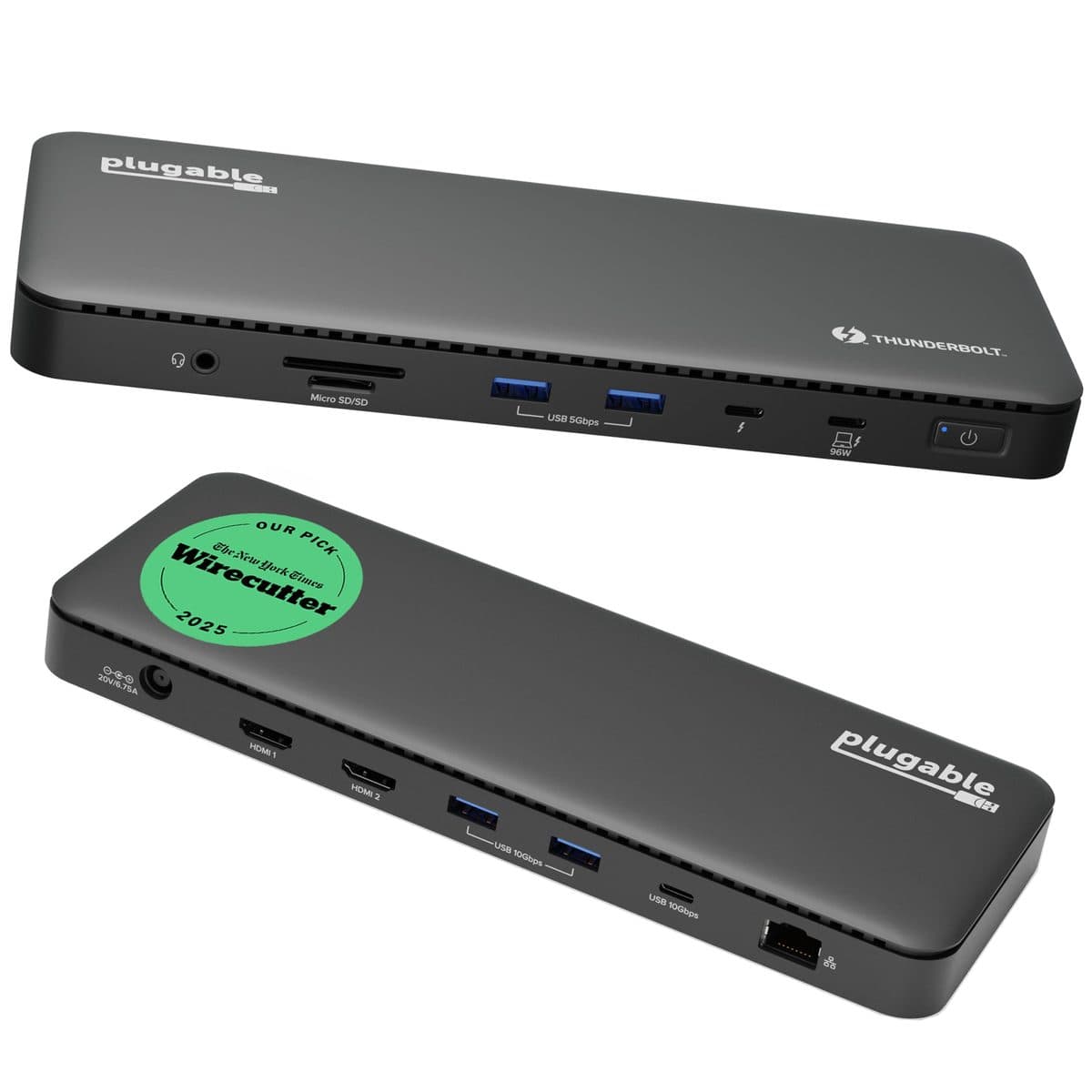
  2. #2Plugable Thunderbolt 4 Dock (TBT4-UD5) product photo

    Plugable Thunderbolt 4 Dock (TBT4-UD5) $$$

    13-port Thunderbolt 4 dock with dual 4K and ~100W charging

    Pros

    • True Thunderbolt 4 bandwidth for dual displays
    • High-wattage laptop charging
    • Ethernet + card readers for office desks
    • Strong Windows and Mac compatibility story

    Cons

    • Needs a Thunderbolt / USB4 capable host port
    • Larger footprint than a slim hub
    • Price jumps vs basic HDMI hubs
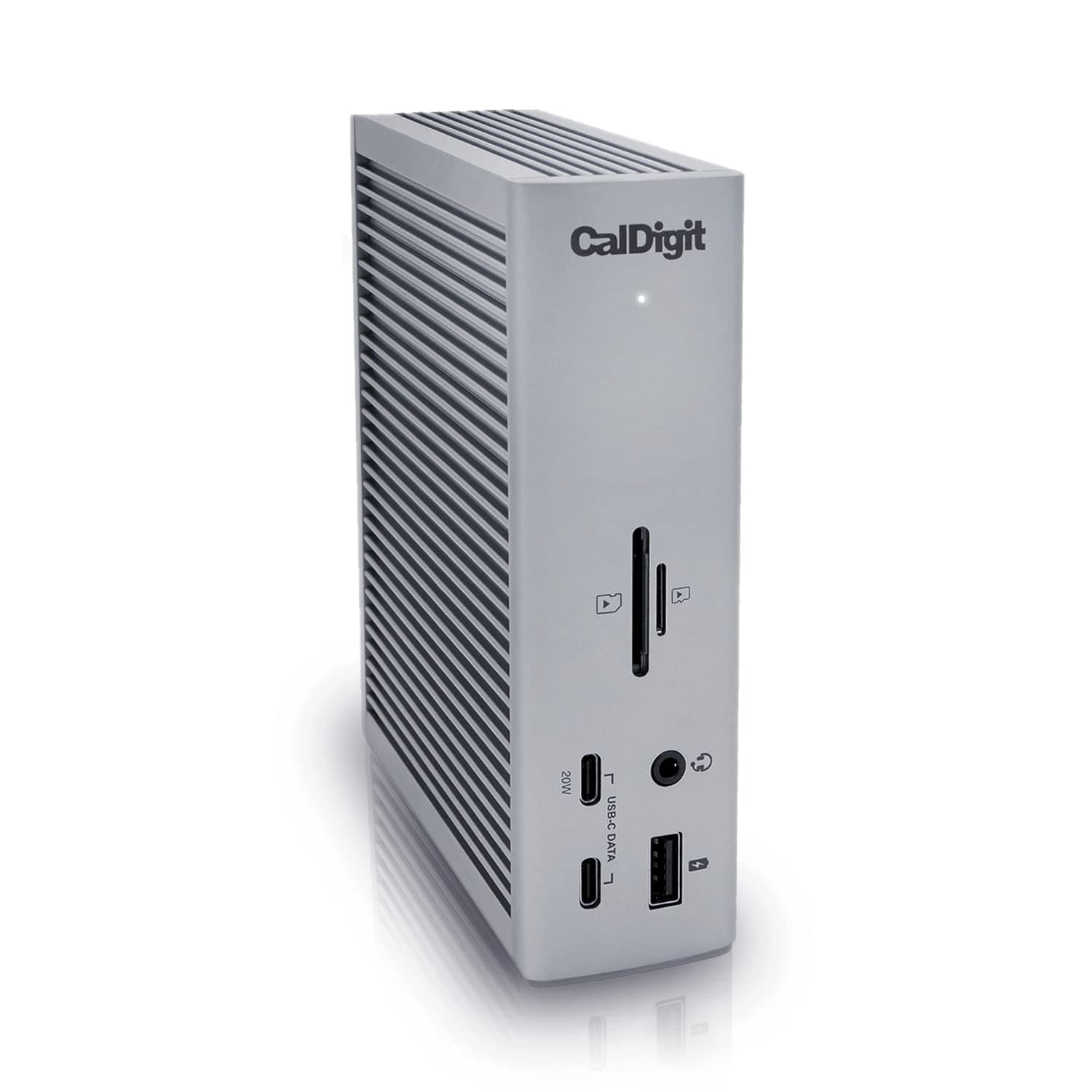
  3. #3CalDigit TS4 Thunderbolt 4 Dock product photo

    CalDigit TS4 Thunderbolt 4 Dock $$$

    Flagship 18-port Thunderbolt 4 dock for maximal desk setups
    Pros

    • Very high port count for complex desks
    • Thunderbolt 4 with strong multi-display support
    • Fast networking via 2.5GbE
    • CalDigit’s pro/creative desk reputation

    Cons

    • Expensive vs Plugable / Anker options
    • Overkill for single-monitor travel kits
    • Requires a compatible Thunderbolt 4 / USB4 host
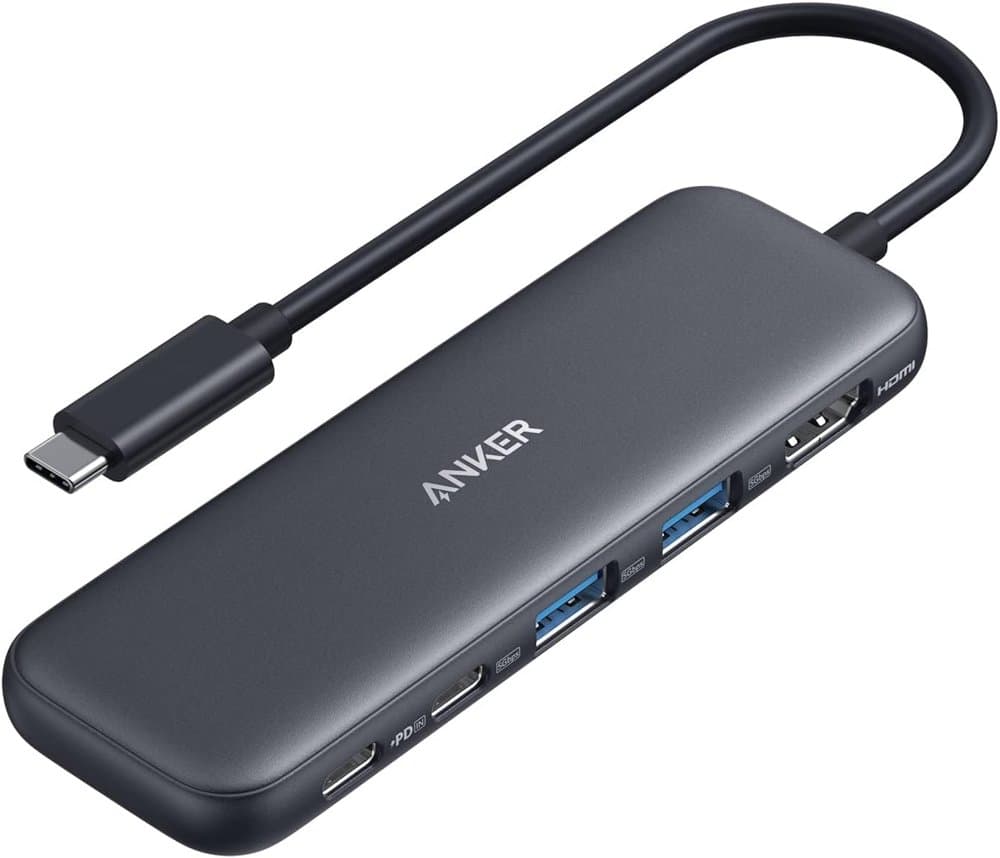
  4. #4Anker USB C Hub product photo

    Anker USB C Hub $

    5-in-1 USBC to HDMI Splitter with 4K Display

    Pros

    • 4K HDMI, a 5 Gbps USB-C data port, and two 5 Gbps USB-A ports
    • 100W USB-C PD input with up to 85W pass-through to the laptop
    • HDMI output up to 4K at 30Hz

    Cons

    • HDMI limited to 4K at 30Hz
    • No SD card reader or Ethernet
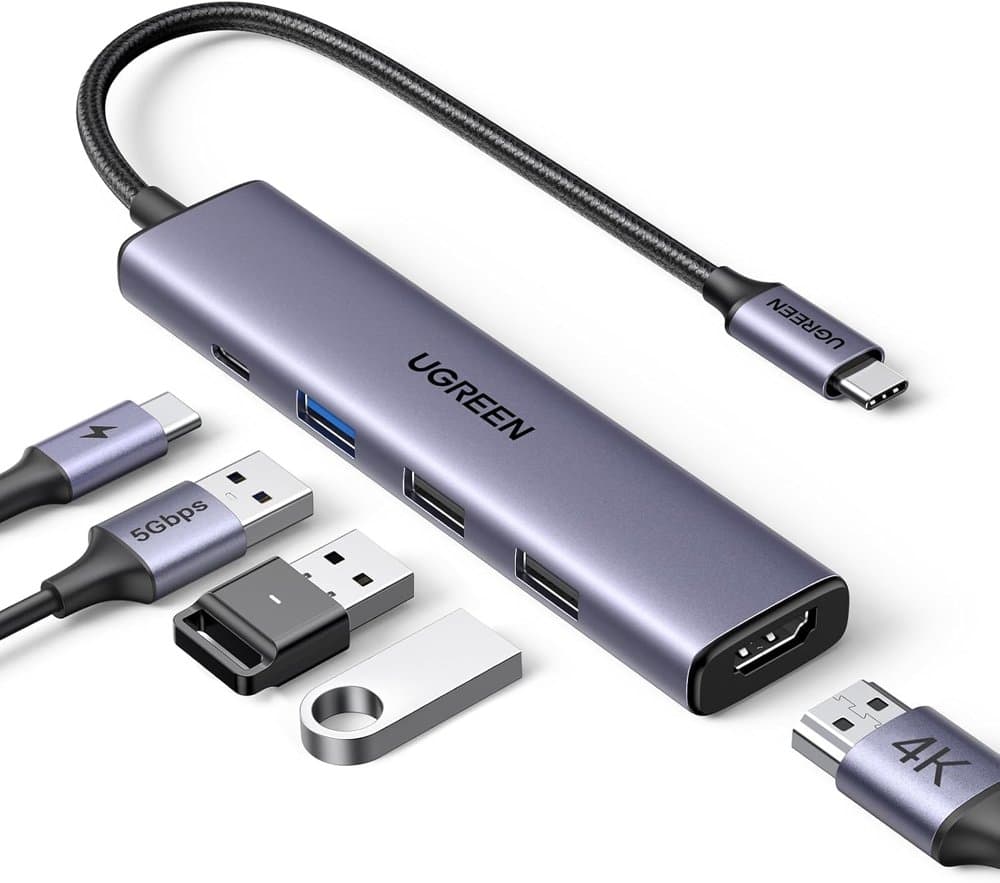
  5. #5UGREEN USB C Hub 5 in 1 Multiport USB Adapter 4K HDMI product photo

    UGREEN USB C Hub 5 in 1 Multiport USB Adapter 4K HDMI $

    100W Power Delivery

    Pros

    • 4K HDMI plus 100W USB-C PD input
    • 5 Gbps USB-A data port and two USB 2.0 ports
    • Small, light, plug-and-play

    Cons

    • No SD/TF card readers
    • Two of the USB-A ports are slow USB 2.0
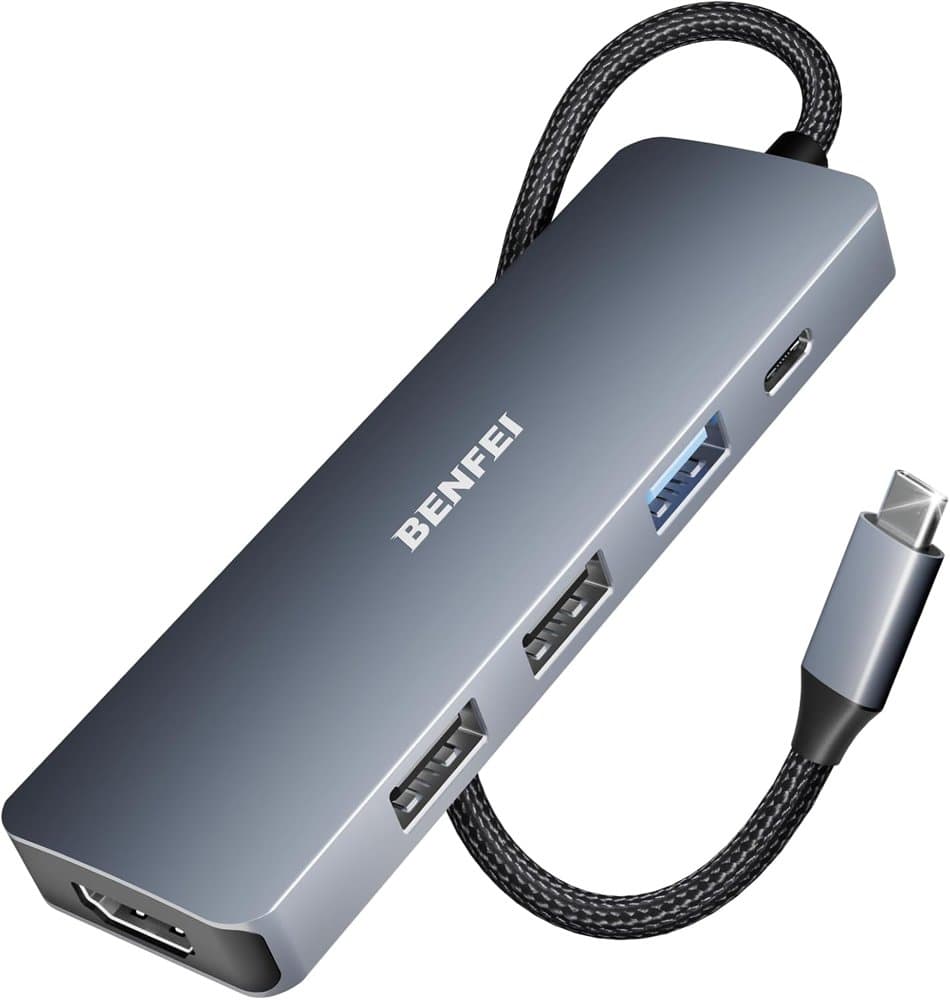
  6. #6BENFEI USB C Hub 5-in-1 with 4K HDMI(Certified) product photo

    BENFEI USB C Hub 5-in-1 with 4K HDMI(Certified) $

    100W Power Delivery, 3 USB-A

    Pros

    • Up to 90W pass-through from a 100W charger (10W reserved for the hub)
    • 4K at 30Hz HDMI output
    • Braided silicone cable

    Cons

    • HDMI limited to 4K at 30Hz
    • 10W of charger power goes to the hub, not the laptop
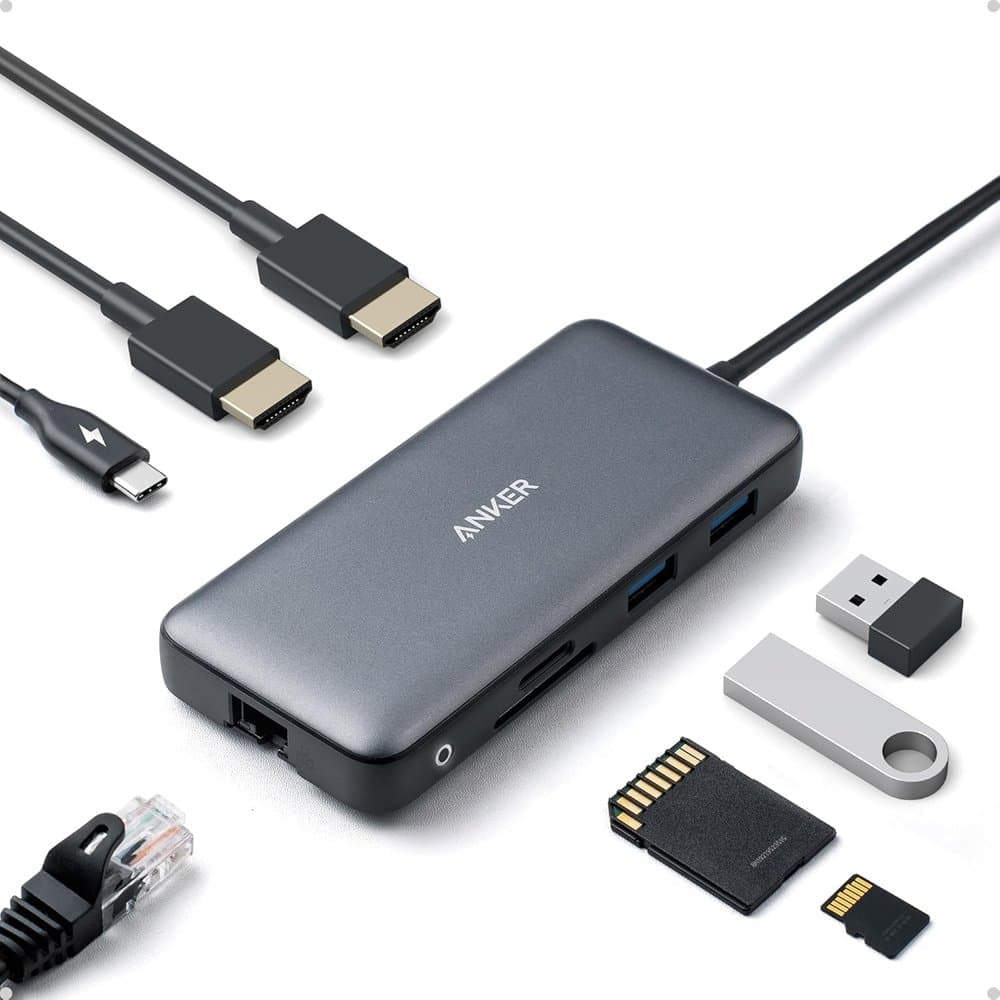
  7. #7Anker Laptop Docking Station Dual Monitor product photo

    Anker Laptop Docking Station Dual Monitor $$

    8-in-1 USB C Hub with 4K HDMI

    Pros

    • Two HDMI ports, two USB-A, Ethernet, and SD/microSD
    • One display at 4K 60Hz or two at 4K 30Hz
    • USB-C PD input with up to 85W pass-through to the laptop

    Cons

    • Two displays drop to 4K at 30Hz
    • Pass-through charging tops out at 85W
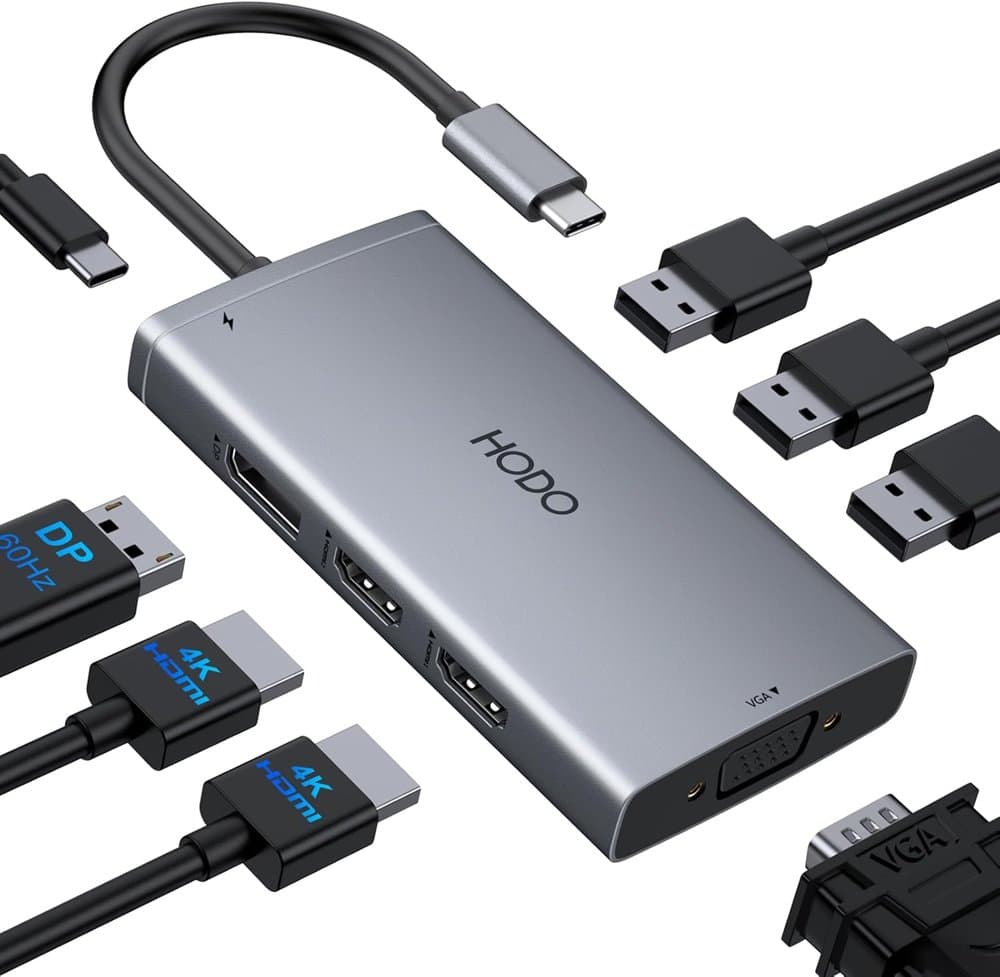
  8. #8HODO USB C Docking Station Dual Monitor for HP,Laptop Docking product photo

    HODO USB C Docking Station Dual Monitor for HP,Laptop Docking $$

    Laptop Docking Station 3 Monitors

    Pros

    • Two HDMI ports (one 4K at 60Hz, one 4K at 30Hz) plus a 4K 60Hz DisplayPort and VGA
    • Drives up to three displays
    • Up to 100W input and 87W to the laptop
    • Three USB 2.0 ports for a keyboard, mouse, and drives

    Cons

    • USB ports are slower USB 2.0
    • Second HDMI port is limited to 4K at 30Hz
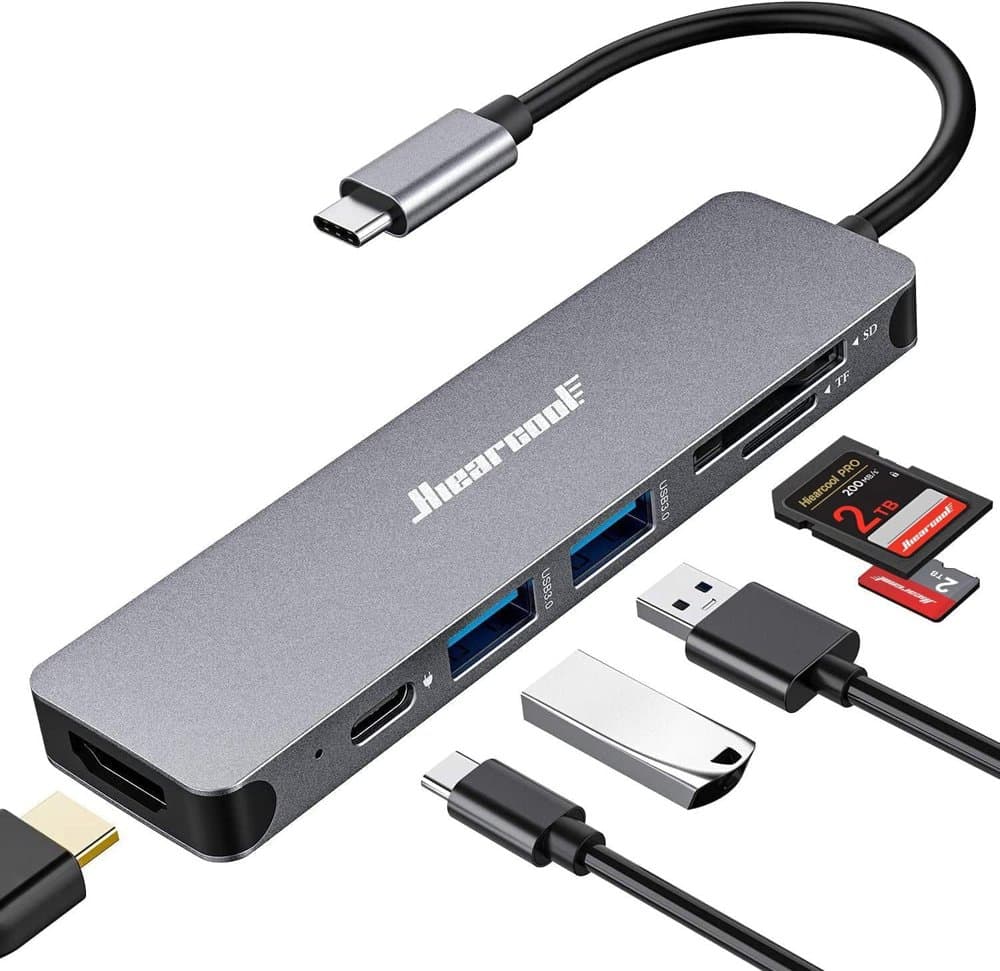
  9. #9Hiearcool 7-in-1 USB C Hub product photo

    Hiearcool 7-in-1 USB C Hub $

    USB C Dongle Compatible for MacBook, Space Gray
    Pros

    • HDMI, USB 3.0, PD charging, and SD/TF slots in one hub
    • 4K at 30Hz HDMI for a monitor or projector
    • 5 Gbps USB 3.0 ports

    Cons

    • HDMI limited to 4K at 30Hz
    • Single display output
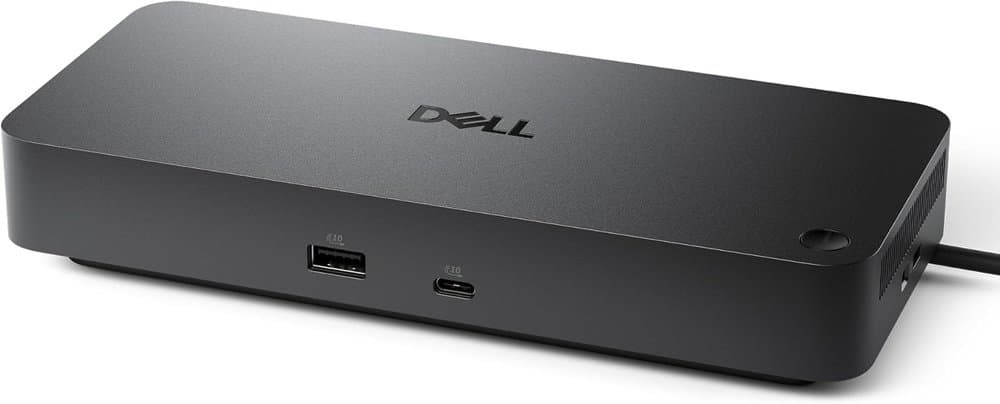
  10. #10Dell Pro Laptop Docking Station WD25 product photo

    Dell Pro Laptop Docking Station WD25 $$$

    Power essential productivity across the AI PC workplace

    Pros

    • Business dock built for IT-managed fleets
    • USB-C cable can route left or right
    • Lower standby power use, per Dell

    Cons

    • Business-focused features many home users won't use
    • Larger than travel hubs at 8.07 inches long

Best Overall

Anker USB-C Hub 7-in-1 (4K@60Hz HDMI)

Check price on Amazon