DeskWorth

We research products from Amazon listing details, specs, and ratings; we have not tested them hands-on. We may earn a commission from qualifying purchases.

Category

Monitor Arms

VESA arms that reclaim desk space and put screens at eye level — single or dual mounts with clamp and grommet options.

All products · Top 10 picks

How to choose a monitor armMonitor arm comparison

Our three picks

Chosen from the Top 10 below. Budget tiers: $ budget · $$ mid-range · $$$ premium.

Top 10 Monitor Arms

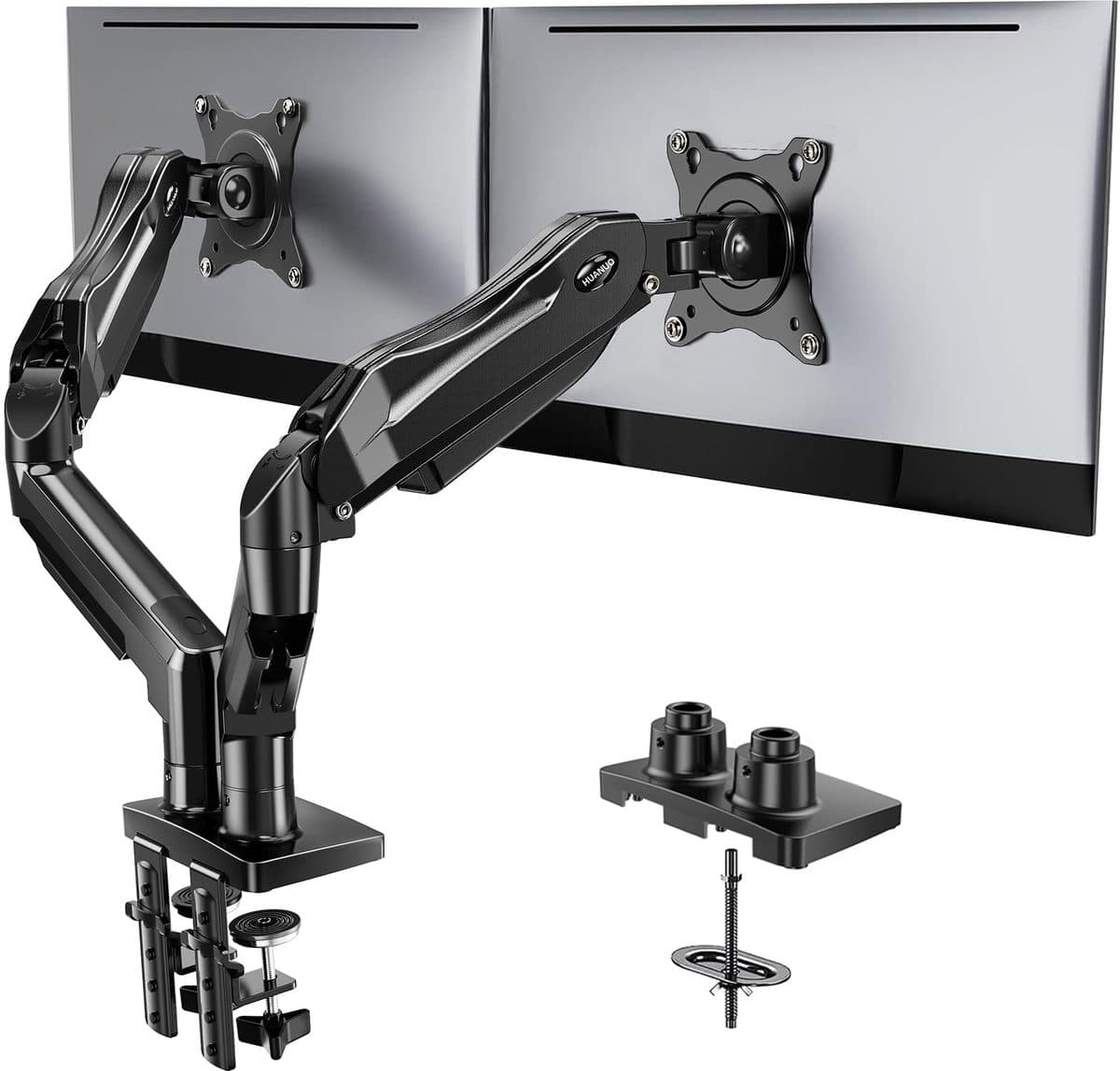
  1. #1HUANUO FlowLift Dual Monitor Stand (13–32") product photo

    HUANUO FlowLift Dual Monitor Stand (13–32") $$

    Best-selling gas-spring dual arm for everyday dual-monitor desks
    Pros

    • Dual arms reclaim a lot of desk surface
    • Gas spring height adjustments for sit/stand desks
    • Clamp and grommet mounting options
    • Strong value vs premium single-brand arms

    Cons

    • Check each monitor’s weight vs the 19.8 lb per-arm rating
    • Assembly takes patience on thicker tops
    • Not as refined as Ergotron’s long-warranty LX line
  2. #2Amazon Basics Adjustable Dual Monitor Desk Mount product photo

    Amazon Basics Adjustable Dual Monitor Desk Mount $

    Budget dual mount with adjustable tension for up to 32" screens

    Pros

    • Low price for a dual VESA desk mount
    • Supports common 75/100 VESA patterns
    • About 22 lb capacity per arm covers many 27" IPS panels
    • Easy Amazon returns if the fit isn’t right

    Cons

    • Less polished motion than gas-spring arms
    • Confirm desk thickness and clamp clearance
    • Cable management is basic
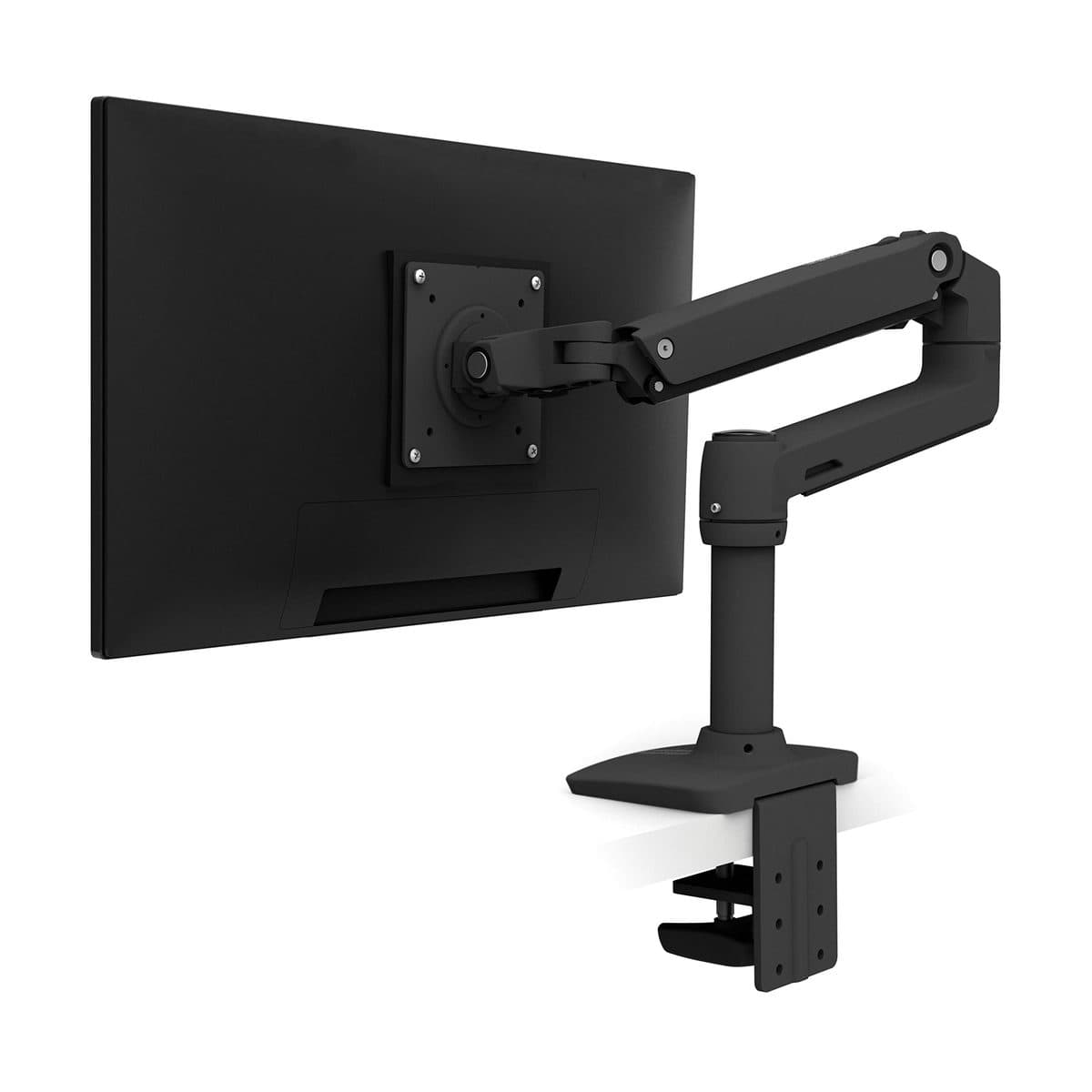
  3. #3Ergotron LX Desk Mount LCD Arm (Matte Black) product photo

    Ergotron LX Desk Mount LCD Arm (Matte Black) $$$

    Premium single arm with Constant Force motion and a 10-year warranty
    Pros

    • Smooth Constant Force lift you actually use daily
    • Excellent stability for productivity monitors
    • Clamp and grommet kit included on most LX listings
    • Industry-leading warranty reputation

    Cons

    • Premium price for a single arm
    • Dual setups need a second arm or a dual LX variant
    • Verify weight range (typically ~7–25 lb) for ultrawides
  4. #4ErGear Single Monitor Arm product photo

    ErGear Single Monitor Arm $

    Fully Adjustable Monitor Mount for 13–34 Inch Screens
    Pros

    • Fits 13 to 34 inch monitors up to 19.8 lb
    • Wider VESA head for a steadier hold
    • Up to 17.5 inches of height and 18.1 inches of reach
    • Tool-free cable clips

    Cons

    • 19.8 lb limit rules out heavy ultrawides
    • Single arm only
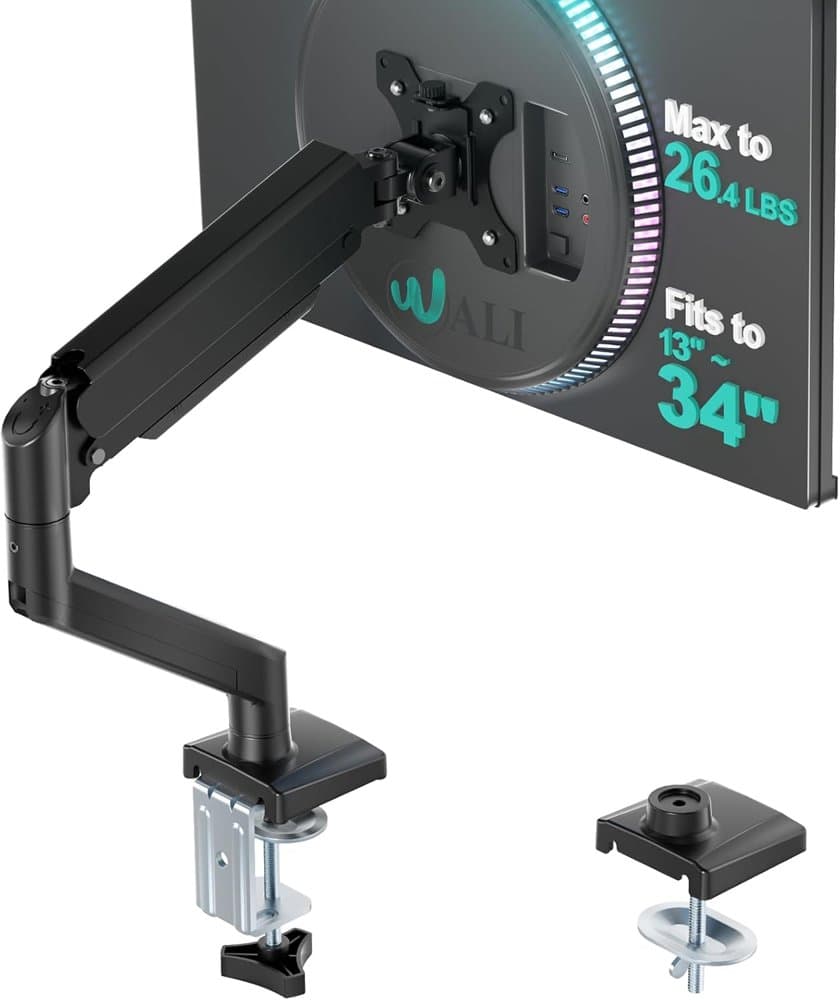
  5. #5WALI Adjustable Single Monitor Arm for 13-34 inch Screens product photo

    WALI Adjustable Single Monitor Arm for 13-34 inch Screens $

    By lifting screen off the desktop, this monitor arm opens up valuable space for your keyboard, notebook
    Pros

    • Frees desk space by lifting the screen
    • Fits most flat or curved screens up to 34 inches
    • Extends 19.3 inches and rises 17.3 inches above the desk
    • Wider VESA head for a steadier hold

    Cons

    • Single arm only
    • Check your monitor's weight against the listing before buying
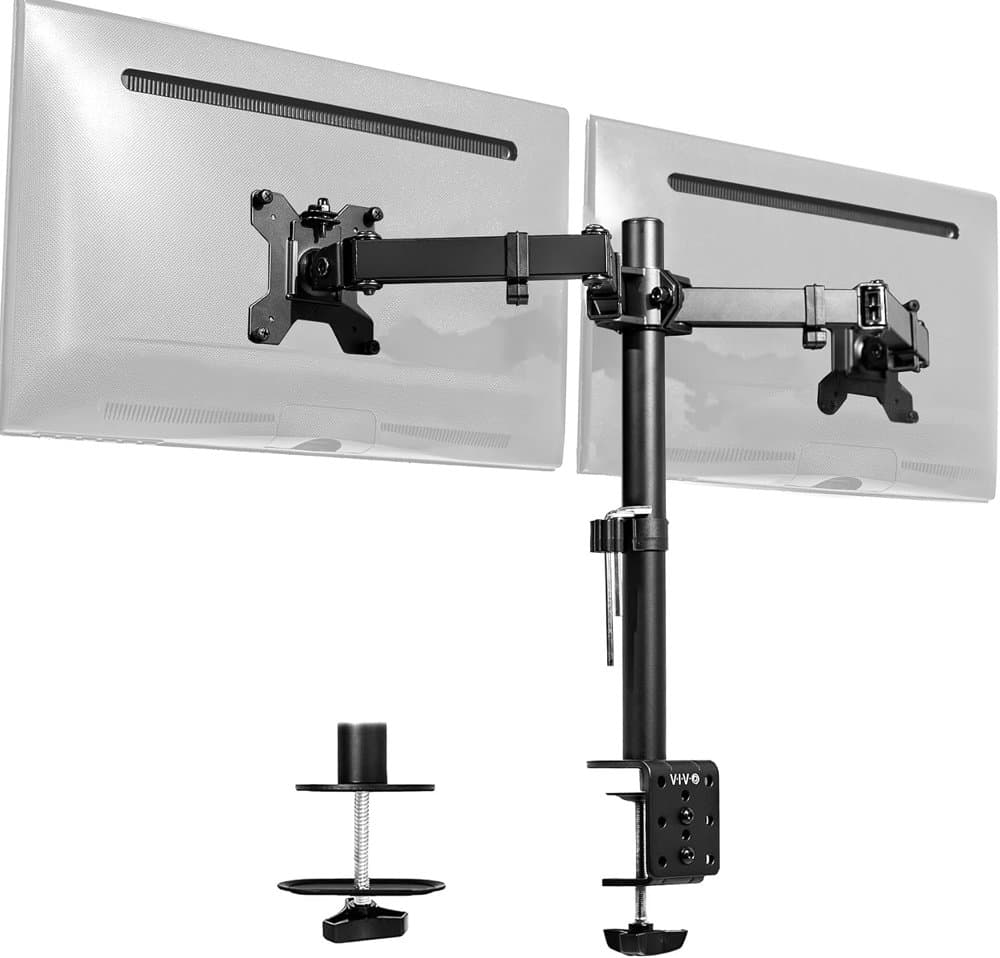
  6. #6VIVO Dual Monitor Desk Mount product photo

    VIVO Dual Monitor Desk Mount $

    Holds 2 Computer Screens up to 30 inches and 22lbs Each
    Pros

    • Holds two 13 to 30 inch screens up to 22 lb each, VESA 75x75 or 100x100
    • Tilt, swivel, rotation, and pole height adjustment
    • C-clamp for desks up to 3.25 inches thick, or grommet mount
    • Detachable VESA plates for easy mounting

    Cons

    • Pole mount, so height changes need tools rather than a gas spring
    • 30-inch screen limit
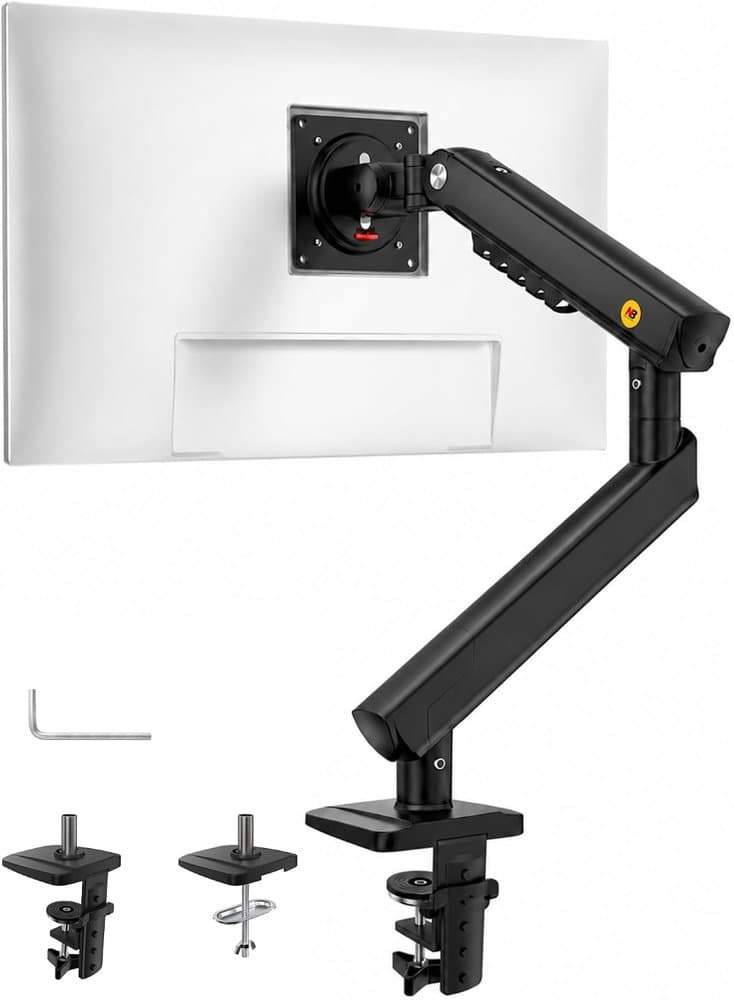
  7. #7NB SmooVex™ Monitor Arm product photo

    NB SmooVex™ Monitor Arm $

    Monitor Stand fits up to 32 Inch, Mechanical Spring Mount
    Pros

    • Mechanical spring instead of a gas spring
    • Fits flat and curved monitors up to 32 inches (VESA 75/100)
    • Simple assembly
    • Rotation, tilt, swivel, and 230 mm of height travel

    Cons

    • Single arm only
    • 32-inch limit rules out large ultrawides
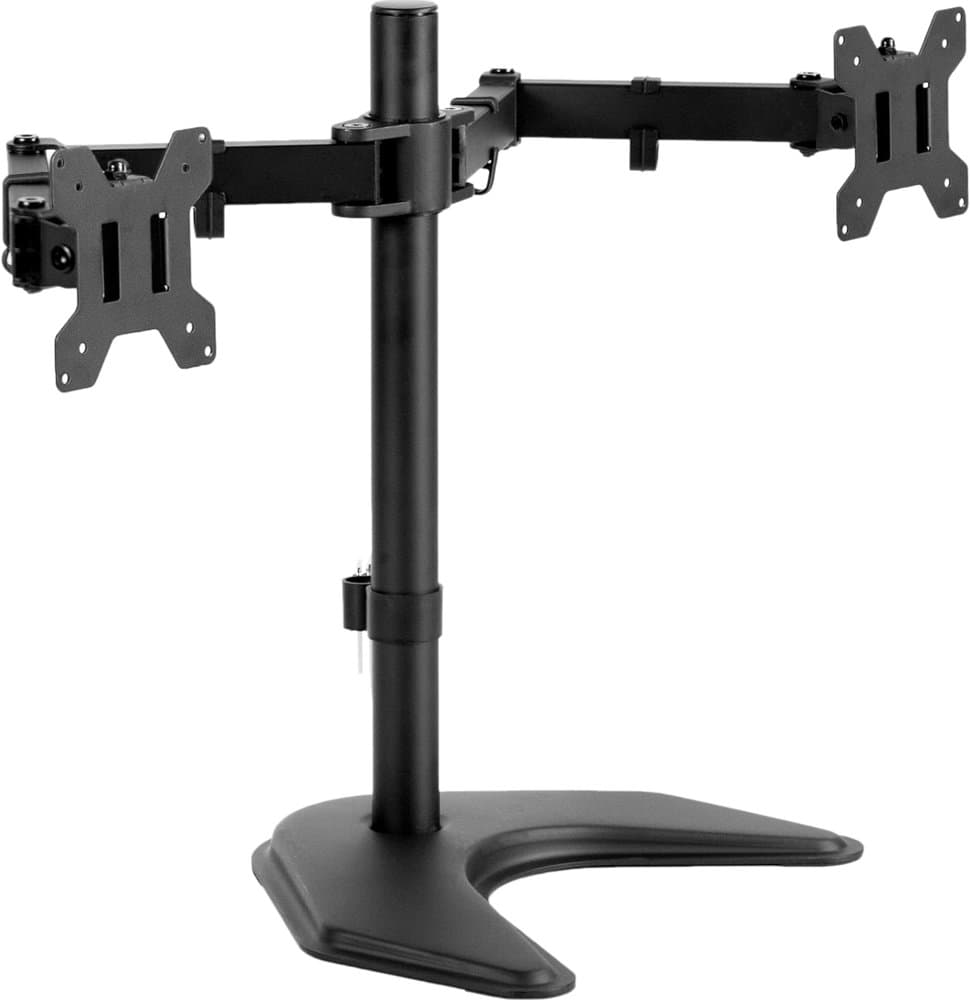
  8. #8VIVO STAND-V002F Dual LED LCD Monitor Free-Standing Desk Stand product photo

    VIVO STAND-V002F Dual LED LCD Monitor Free-Standing Desk Stand $

    Freestanding dual monitor mount holds two screens 13” to 27” and up to 22 lbs with 75x75mm or 100x100mm
    Pros

    • Freestanding base holds two 13 to 27 inch screens up to 22 lb each
    • Tilt, swivel, rotation, and pole height adjustment
    • 13 x 10.5 inch base, no clamp needed
    • Detachable VESA plates for easy mounting

    Cons

    • 27-inch screen limit
    • Freestanding base takes up desk space
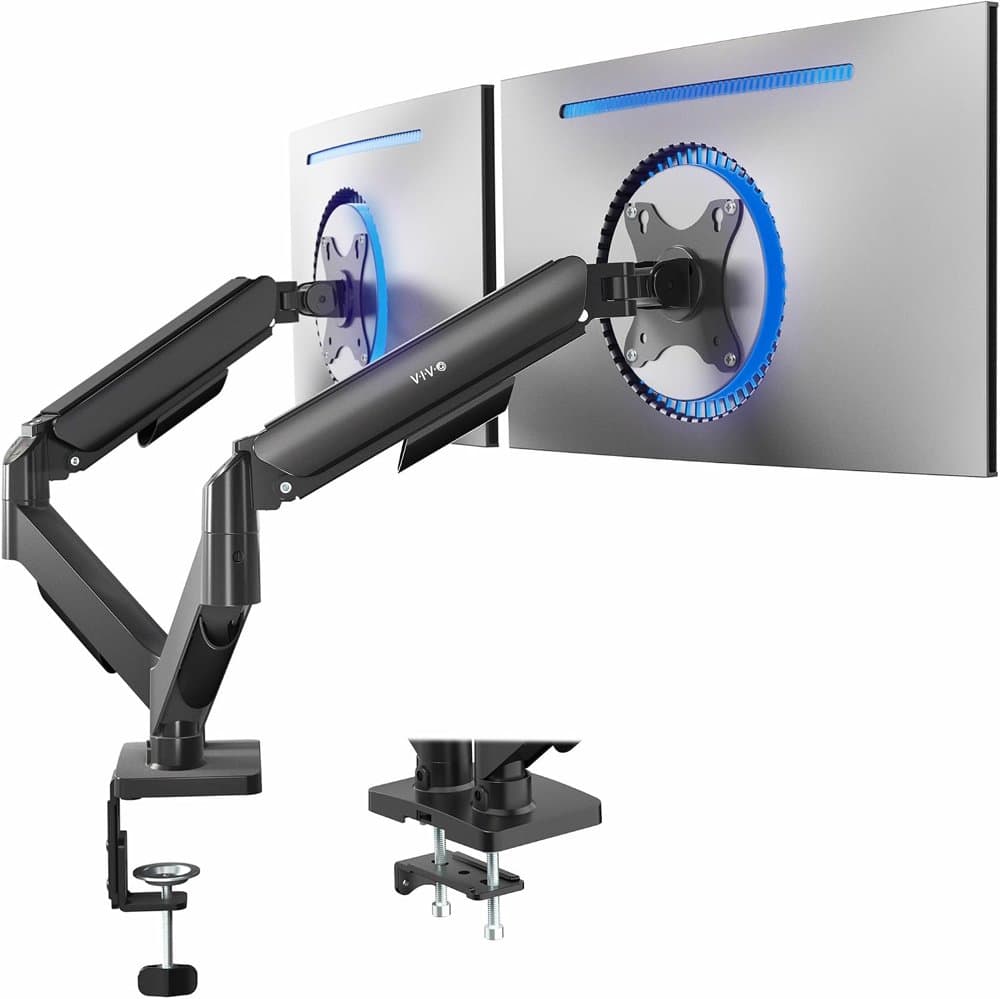
  9. #9VIVO Dual Monitor Stand product photo

    VIVO Dual Monitor Stand $$

    Fully Adjustable Arms for 17 to 32 inch Screens, Mechanical Articulating Desk Mount
    Pros

    • Fits two 17 to 32 inch screens from 4.4 to 19.8 lb each, VESA 75x75 or 100x100
    • Counterbalanced arms move without tools
    • Tilt, swivel, and rotation
    • All hardware included

    Cons

    • 4.4 lb minimum weight, so very light screens may not balance
    • Check your monitor's VESA pattern before buying
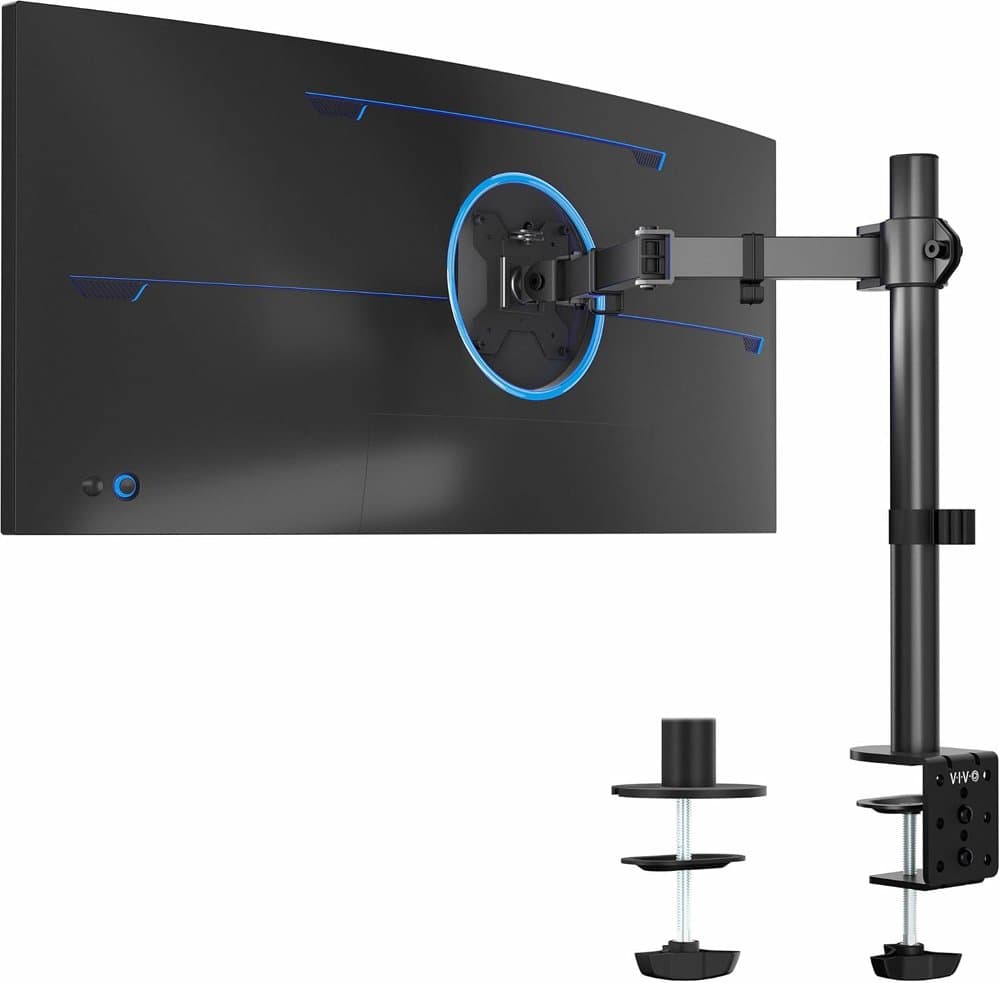
  10. #10VIVO Single 13 to 38 inch Ultrawide Monitor Arm Desk Mount product photo

    VIVO Single 13 to 38 inch Ultrawide Monitor Arm Desk Mount $

    Regular Screens up to 32 inches, 22 lbs capacity

    Pros

    • Holds an ultrawide up to 22 lb (VESA 75/100)
    • Tilt, swivel, rotation, and up to 16 inches of pole height
    • Hand-tightened clamp for desks up to 3.25 inches thick
    • Detachable cable clips

    Cons

    • Pole mount, so height changes need loosening the clamp rather than a gas spring
    • 22 lb limit, so check heavy ultrawides

Best Overall

HUANUO FlowLift Dual Monitor Stand (13–32")

Check price on Amazon