Guides · 7 min read · 2026-09-19
How to Choose a Monitor Arm (Clamp, Gas Spring, Dual)
VESA patterns, weight ratings, clamp vs grommet, and when a budget dual arm is enough versus a premium Ergotron LX.
We may earn a commission from qualifying purchases.
Confirm VESA and weight before you fall in love with a listing
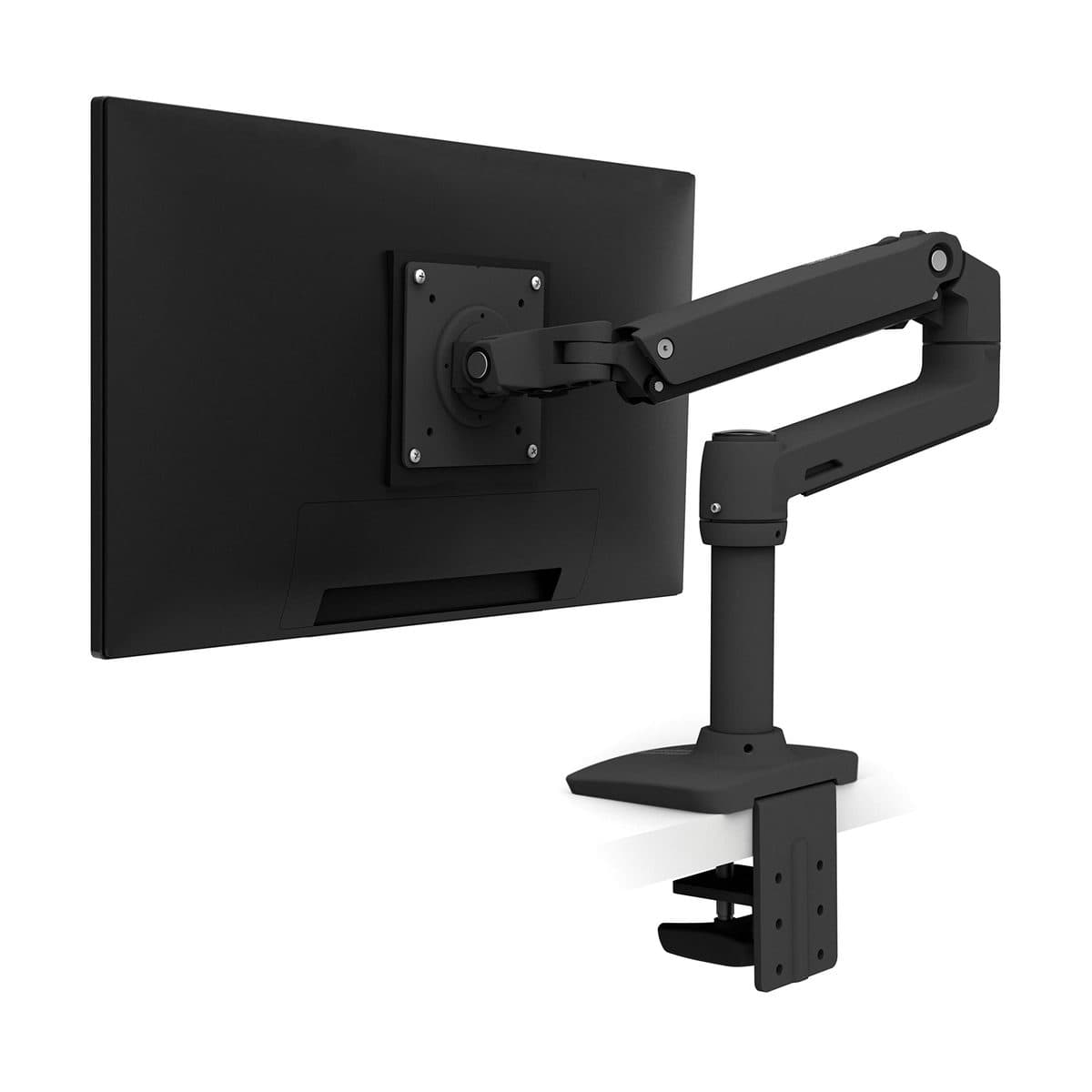
Almost every modern IPS monitor uses 75×75 or 100×100 mm VESA holes — but ultrawides and some curved panels can be heavier or use larger patterns. Weigh the monitor (or check the manual) and leave headroom: a 19–22 lb per-arm rating is fine for many 27" panels, while heavier 32" and ultrawide screens may need a higher-capacity arm. If the listing’s weight range starts at 7 lb (like many Ergotron LX arms), very light portable monitors may not balance correctly.
Clamp vs grommet vs freestanding
A C-clamp is the default for solid wood and most standing-desk tops — measure thickness and leave clearance behind the desk. Grommet mounts use an existing cable hole and look cleaner on thick tops. Freestanding bases avoid clamping but steal desk real estate. Standing desks with thin laminate edges sometimes need a wider clamp plate or a grommet — check your frame before ordering.
Single premium vs dual budget
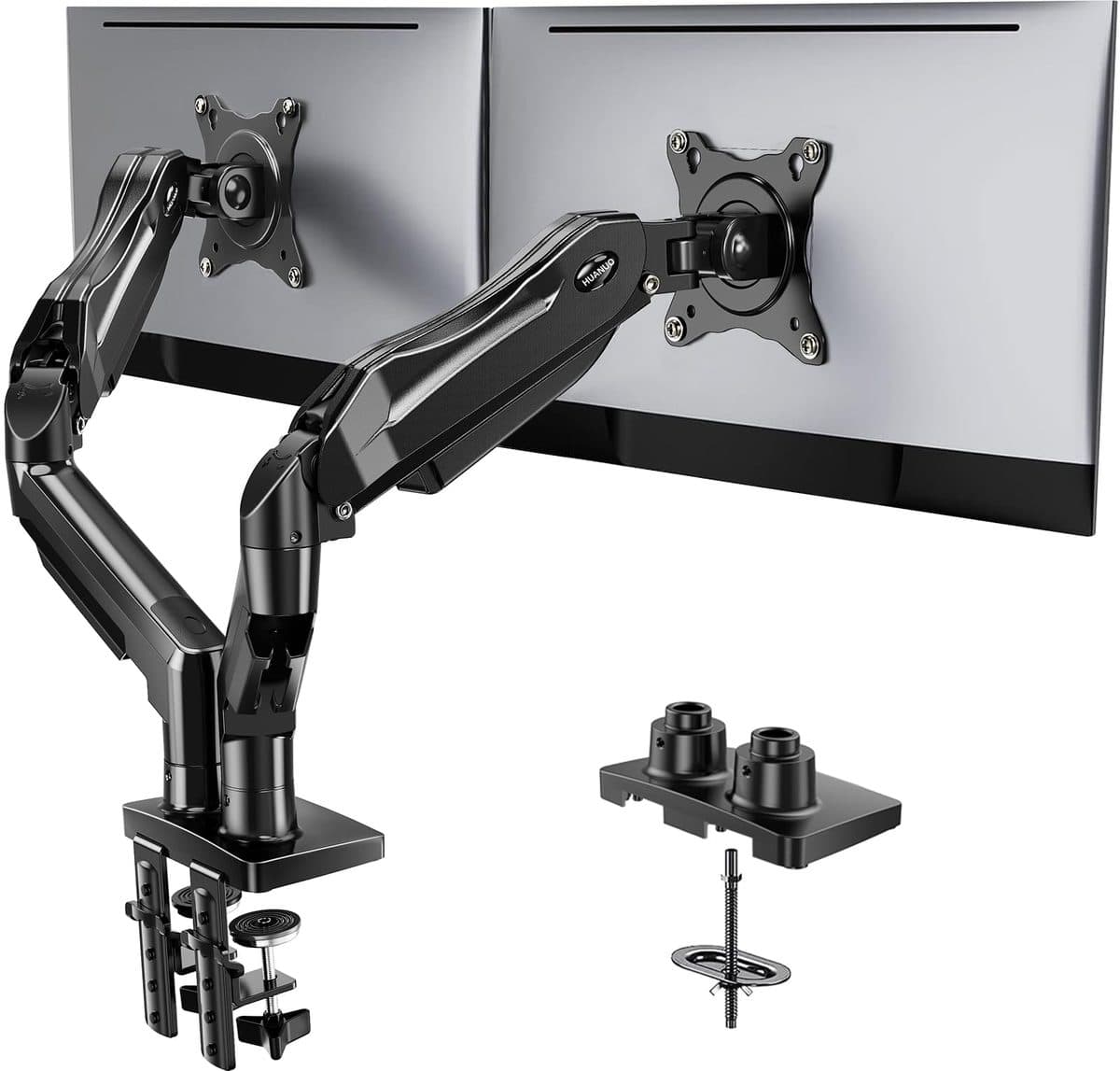
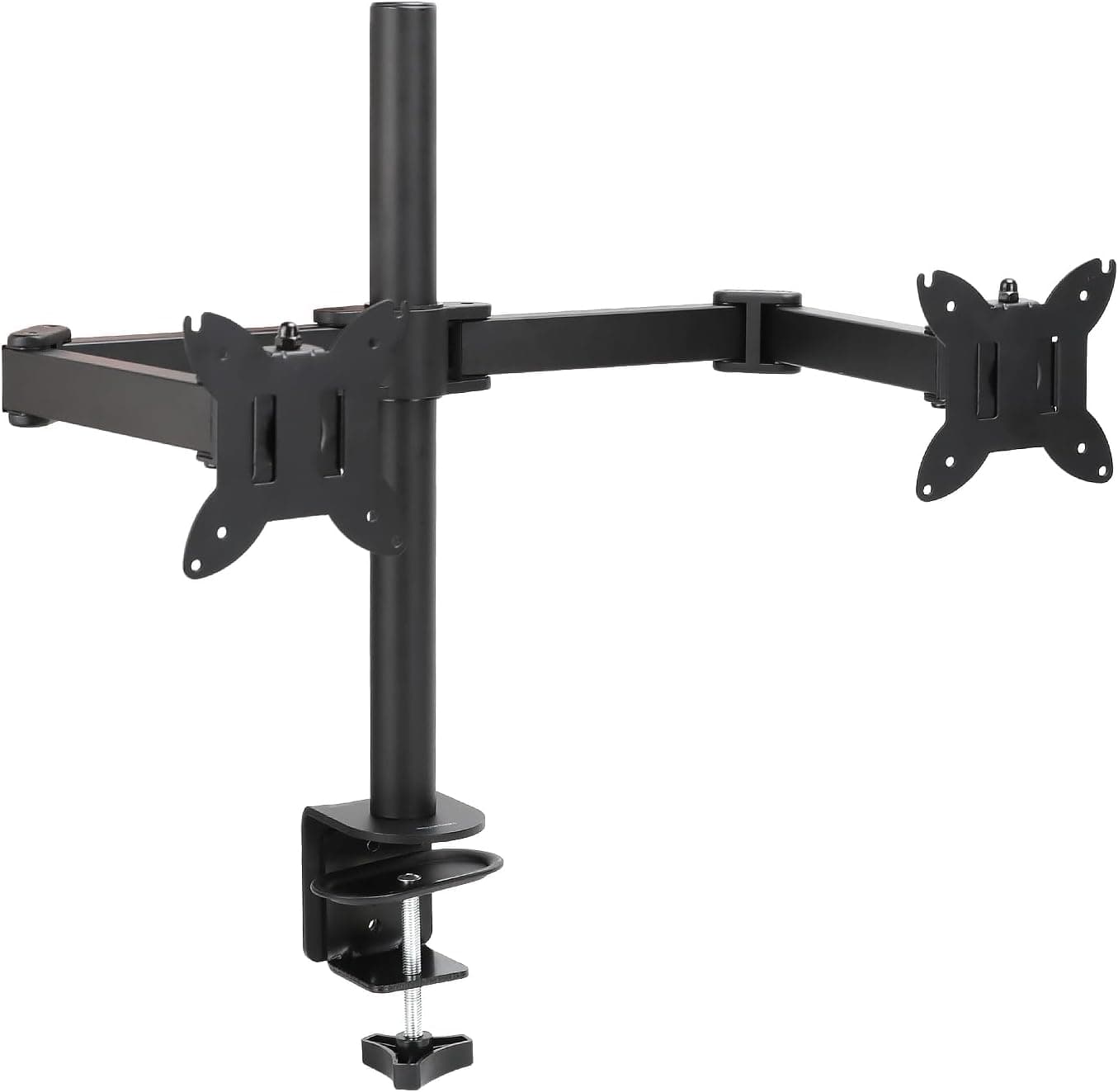
If you run one primary display and adjust height constantly, a premium single arm like the Ergotron LX pays off in smooth Constant Force motion and long warranty peace of mind. Dual-monitor desks usually get more value from a gas-spring dual mount such as the HUANUO FlowLift, or a simpler budget dual like Amazon Basics when you mainly need alignment. Buying two premium singles is excellent — and expensive.
Our shortlist
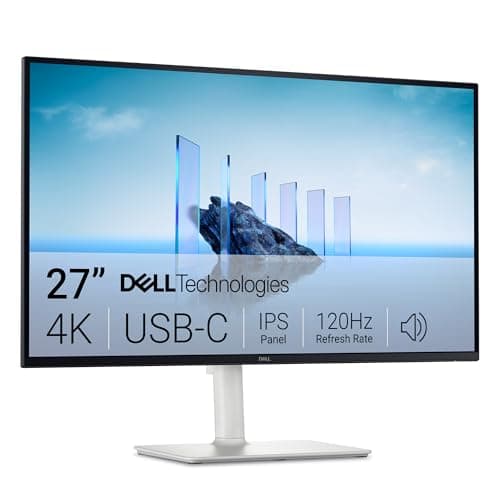
Start with the HUANUO dual if you need two screens on a budget. Choose Amazon Basics when you want the lowest dual-mount price and basic adjustability. Step up to the Ergotron LX for a single hero display you’ll adjust every day. Pair any arm with a VESA-friendly productivity monitor like the Dell S2725QC, and compare the three arms side-by-side on our monitor-arms comparison page.