Guides · 10 min read · 2026-09-01
Ergonomic Home Office Starter Kit Under Real Budgets
Chair, desk height, screen position, input devices, and lighting — the order that actually reduces strain without buying everything at once.
We may earn a commission from qualifying purchases.
Fix the chair before the gadgets
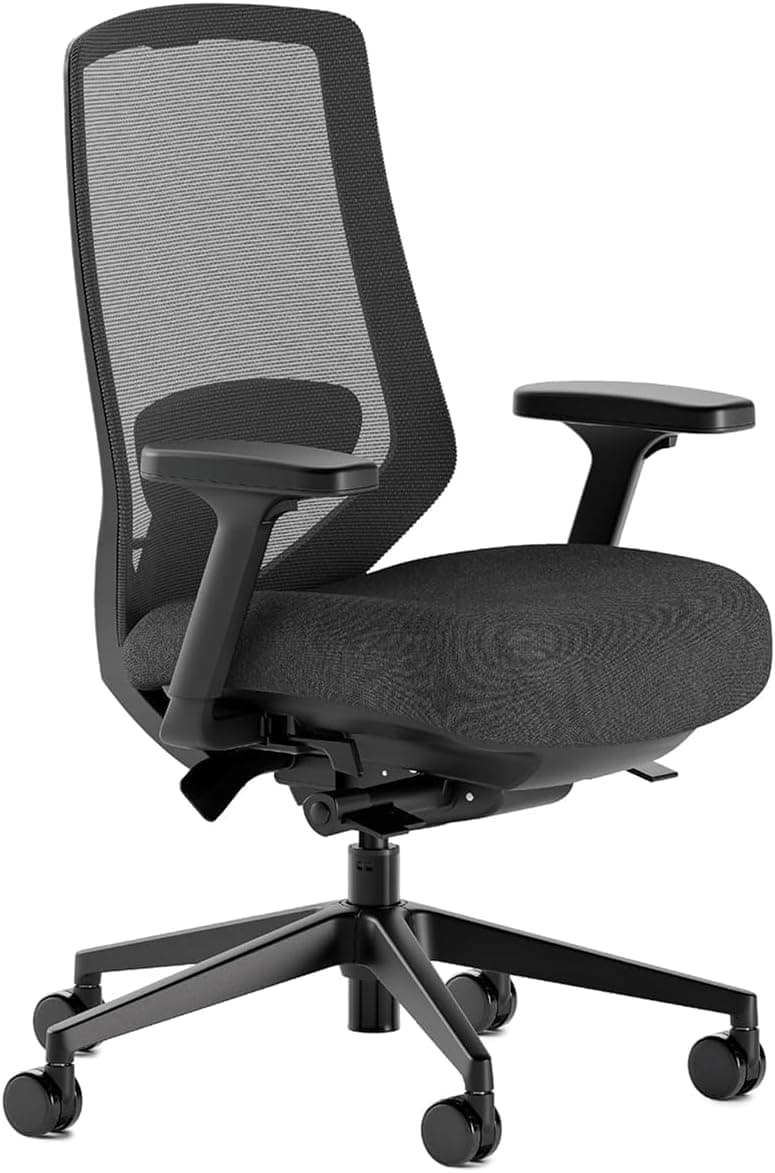
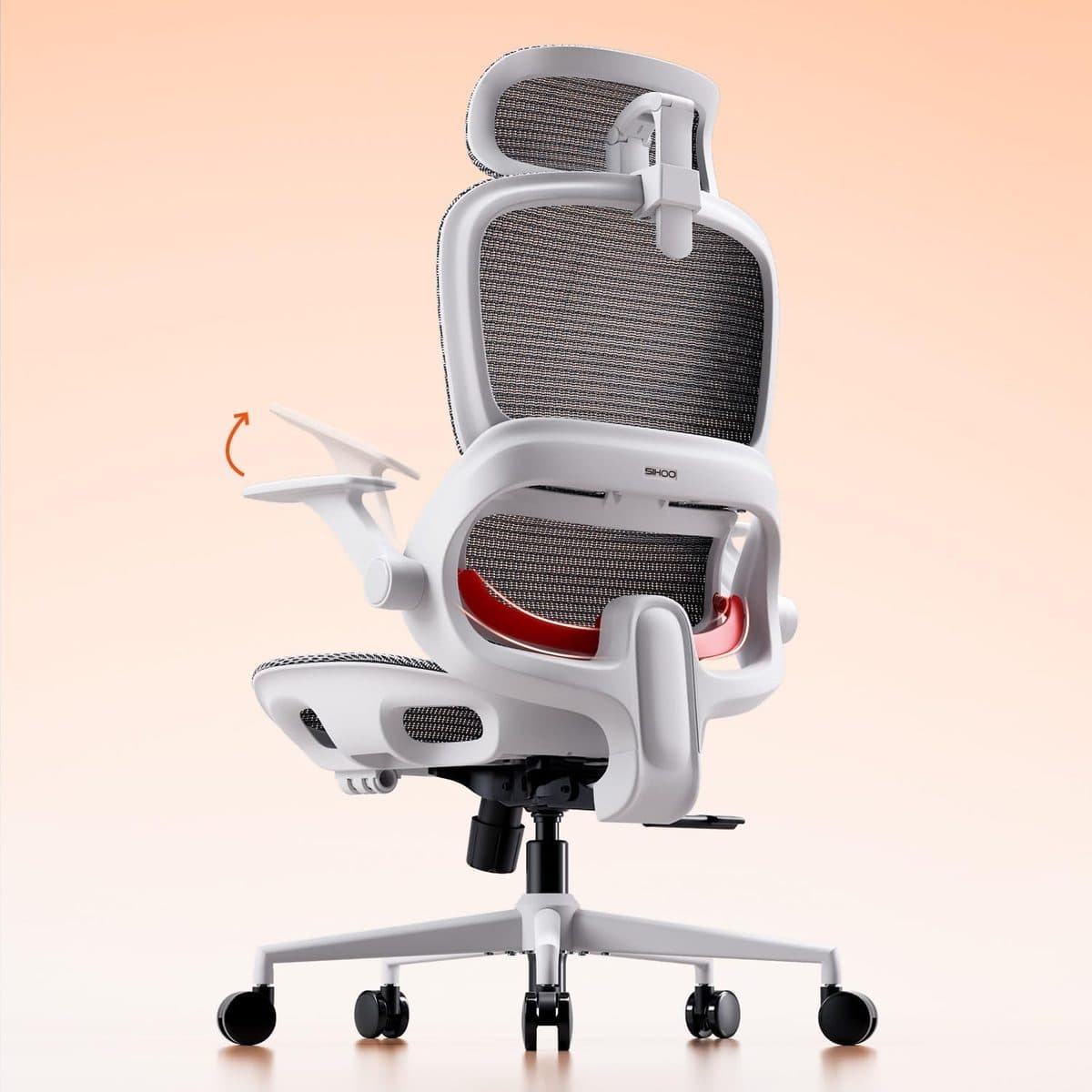
Your hips should be roughly level with or slightly above your knees, feet flat, and lumbar filled in without forcing a military posture. If your dining chair fails that test, prioritize a supportive mesh chair first. The Branch Ergonomic Chair Pro is our premium pick when you sit most of the day; the SIHOO B100 is a named value mesh option around $170.
Get the screen to eye level
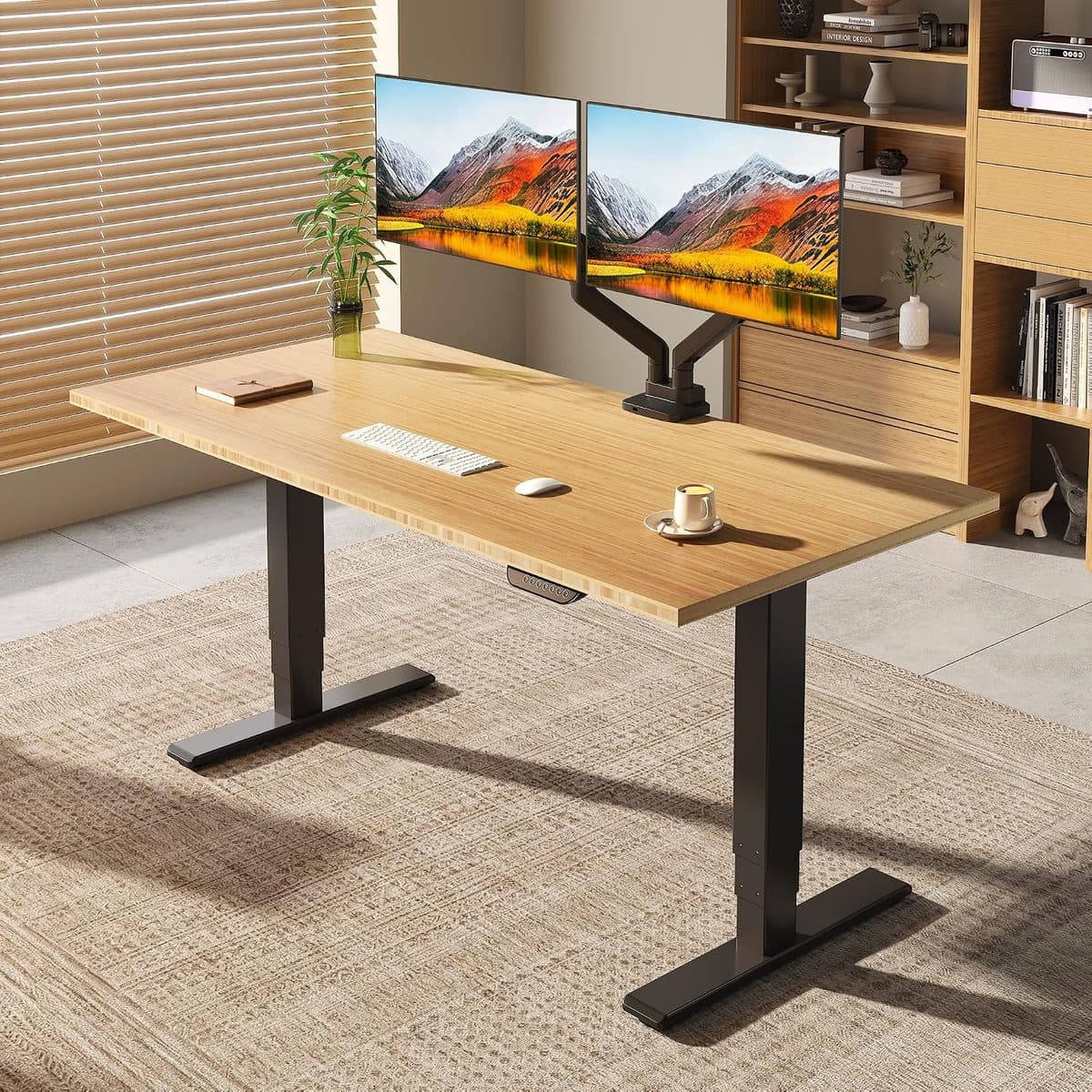
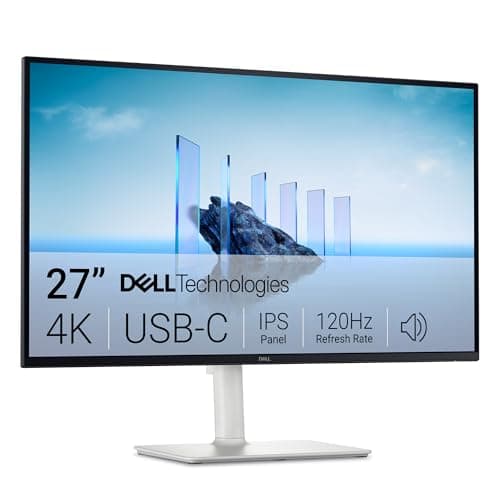
The top third of the screen should sit near eye height so you’re not craning down at a laptop all day. A height-adjustable monitor stand (or a monitor with a good stand, like the Dell S2725QC) often helps more than an expensive keyboard. If you stand part-time, match desk height so elbows stay near 90°.
Input devices that reduce strain
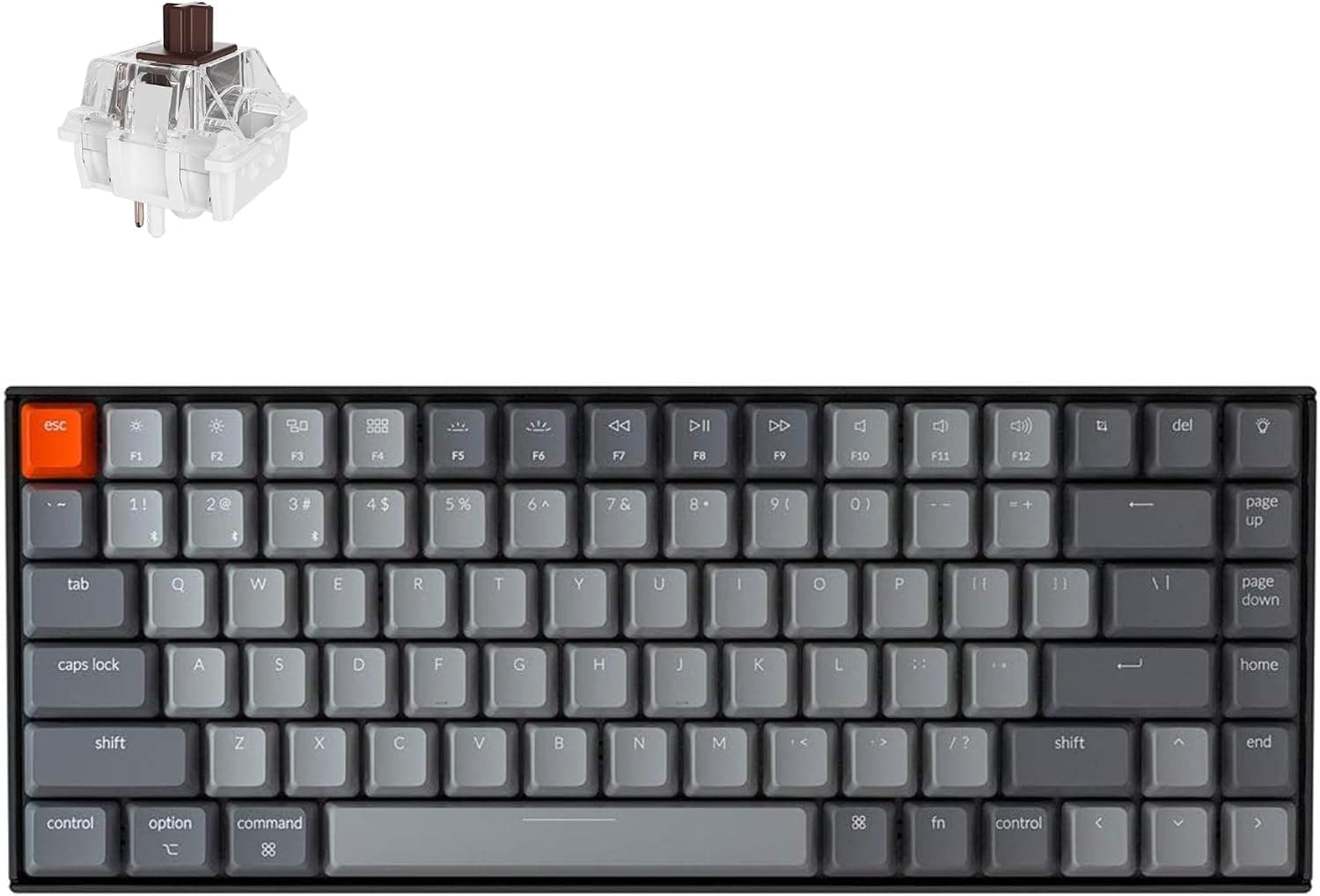
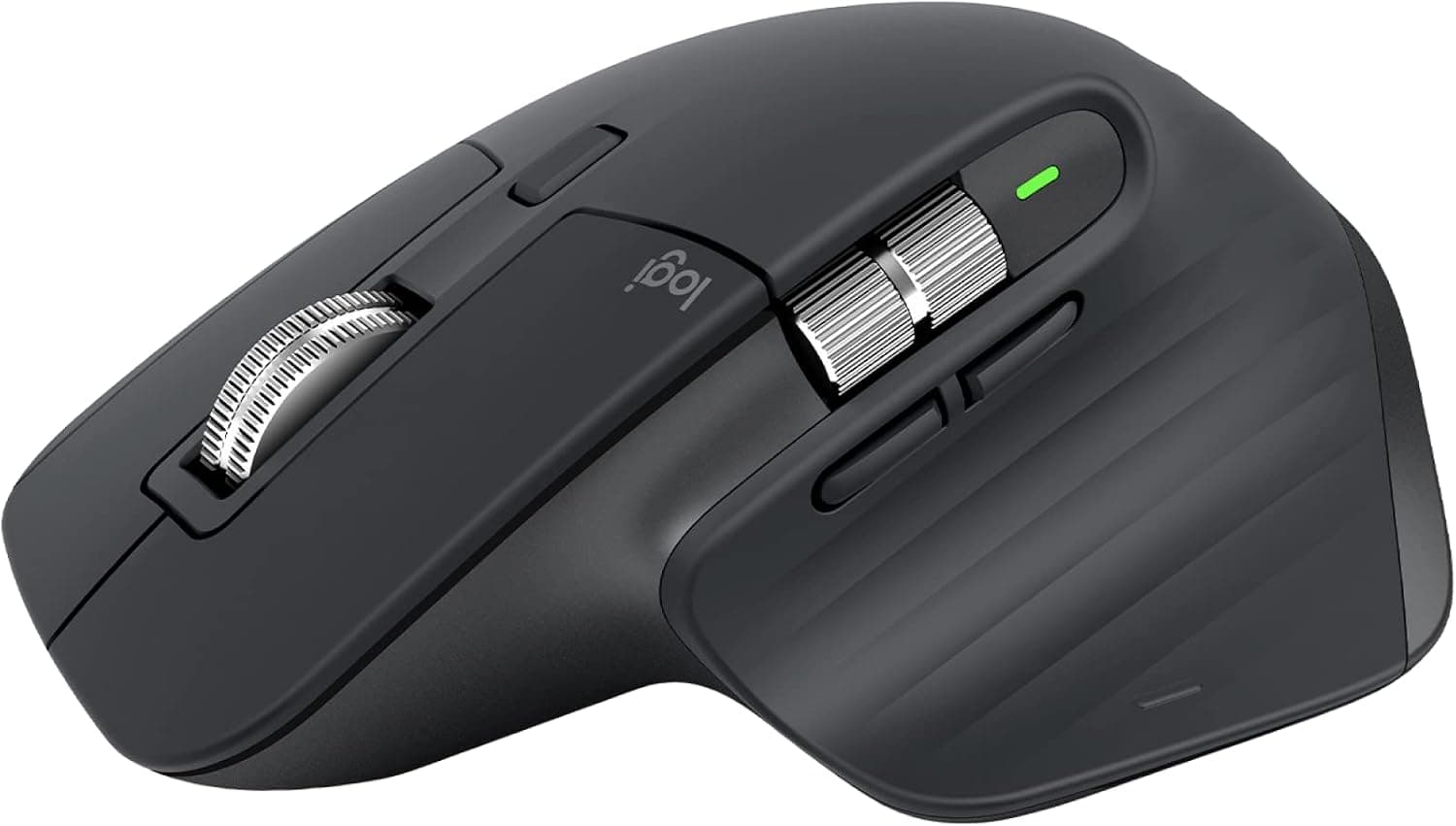
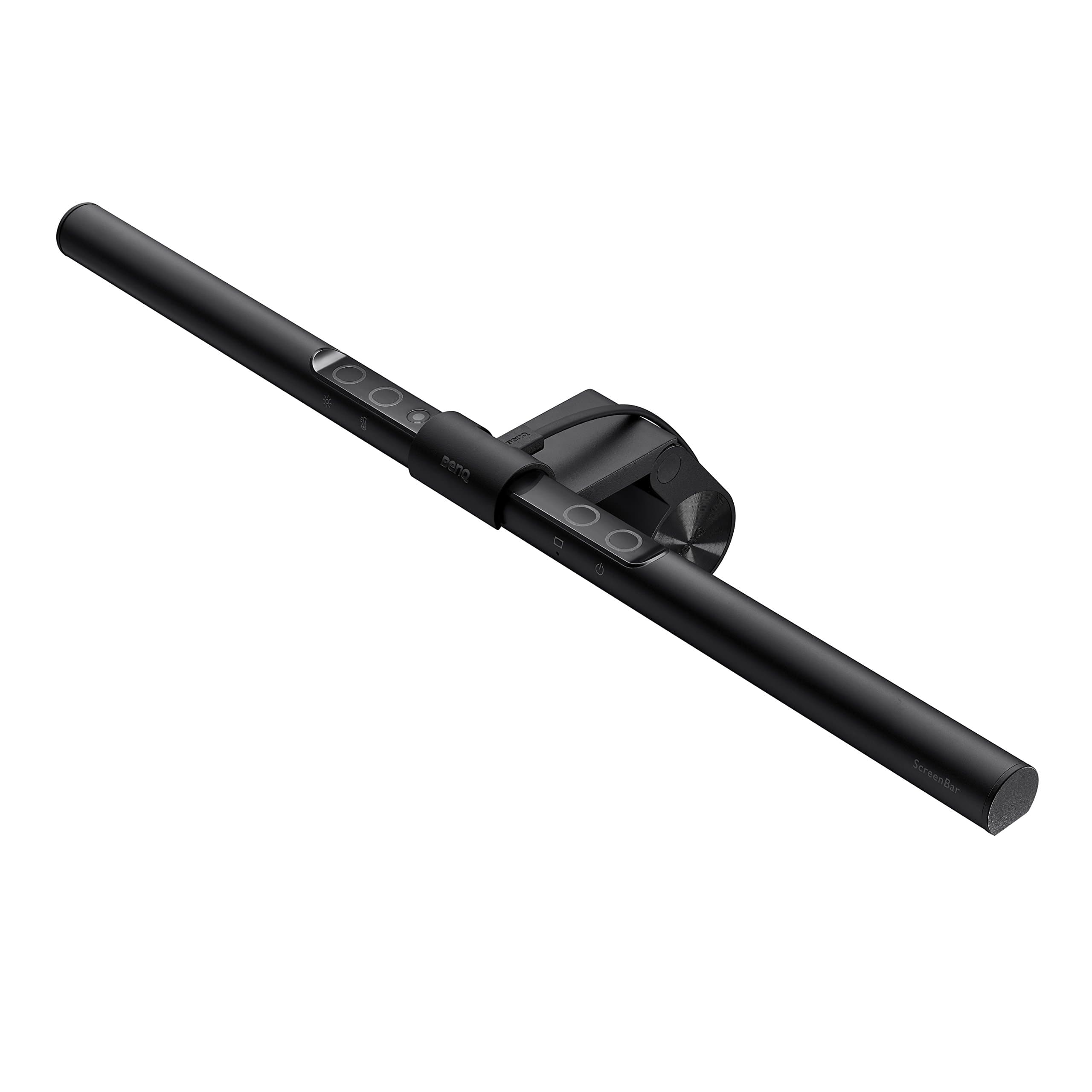
A compact wireless mechanical like the Keychron K2 keeps shoulders relaxed by bringing the mouse closer. For pointer precision and long scrolling sessions, the Logitech MX Master 3S is hard to beat. Lighting matters too: a BenQ ScreenBar cuts evening eye fatigue and makes video look less like a cave.
Calls, focus, and buying in phases
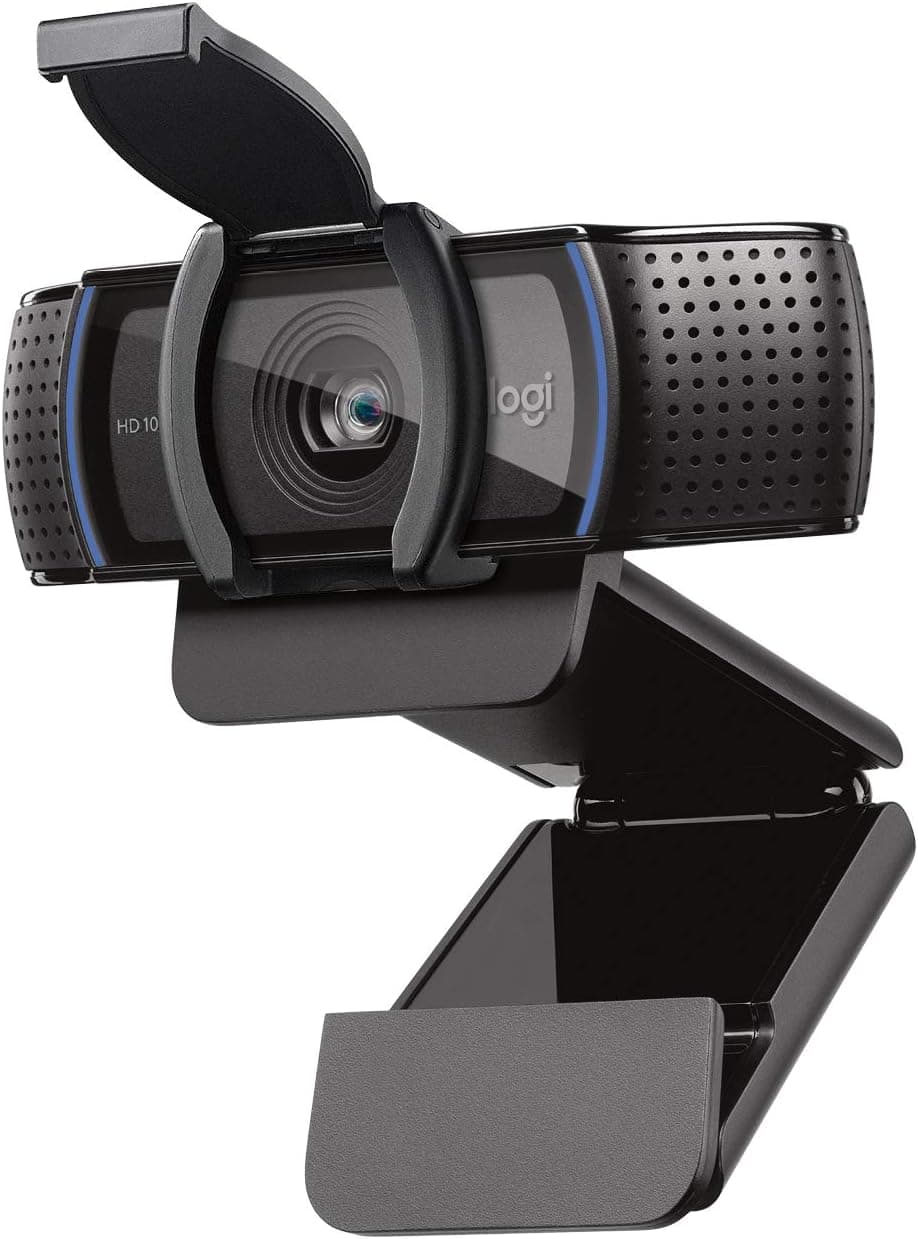
You don’t need everything day one. Phase 1: chair + screen height. Phase 2: desk that fits sit/stand if you want movement. Phase 3: keyboard/mouse and lighting. Add a webcam (Logitech C920s) when meetings dominate your calendar. Buy what you’ll use daily; skip the RGB and the ‘productivity’ accessories that become clutter.