Guides · 7 min read · 2026-09-27
Best Laptop Stand for a Desk: Fixed, Adjustable, or Portable?
Rain Design mStand, Twelve South Curve Flex, or Roost V3? Which laptop stand fits a permanent desk, which fits a hybrid week, and why you still need a keyboard and mouse.
We may earn a commission from qualifying purchases.
Quick picks
Best for a laptop that lives on one desk
Rain Design mStand Laptop Stand (Silver) · About $40
One-piece aluminum, a fixed 5.9-inch lift, and nothing to fiddle with. The one to get if your laptop stays on the desk.
Best adjustable laptop stand
Twelve South Curve Flex Laptop Stand (Matte Black) · About $80
Raises the laptop base anywhere from 2 to 11 inches and folds flat. The pick for tall users and hybrid weeks.
Best portable laptop stand
Roost V3 Laptop Stand · About $90
Weighs 6 oz and lifts the screen 6.5–12.5 inches. Buy it if you work from more than one desk.
1. Best for a laptop that lives on one desk
Rain Design mStand Laptop Stand (Silver)
About $40
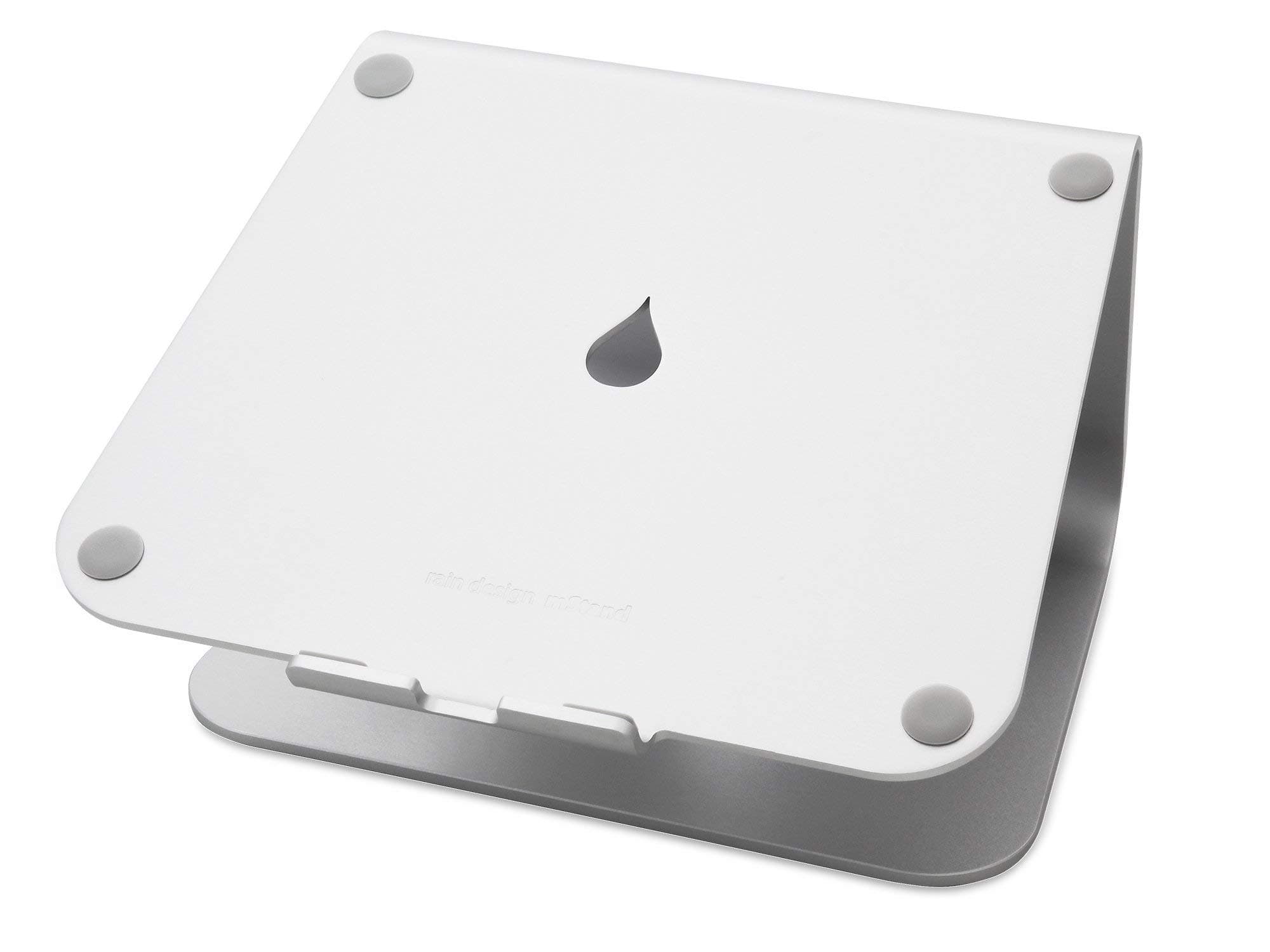
The mStand is a single bent slab of aluminum that lifts the screen 5.9 inches and never moves after that. There are no hinges or joints to loosen, it doubles as a heat sink, and a 2-inch hole at the back routes the charger and hub cables so they stay tidy. The space underneath is sized to park a keyboard when you want the desk clear. The tradeoff is right there in the design: the height is fixed. At a standard-height desk that gets most seated users close to eye level. Very tall people, and anyone standing at a sit-stand desk while using the laptop, may want more lift.
Pros
- Solid single-piece aluminum, with no joints to wobble or wear
- 5.9-inch fixed lift suits most seated desk setups
- 2-inch rear cable hole plus keyboard storage underneath
- About $40, the cheapest of the three
Cons
- Fixed height, so there's no fine-tuning for tall users
- Too heavy and bulky to carry around; it's a desk-only stand
- Laptop depth must be under 10.4 inches (check large 16–17 inch models)
Best for: Laptop-as-main-computer or laptop-beside-a-monitor desks that never pack up.
2. Best adjustable laptop stand
Twelve South Curve Flex Laptop Stand (Matte Black)
About $80
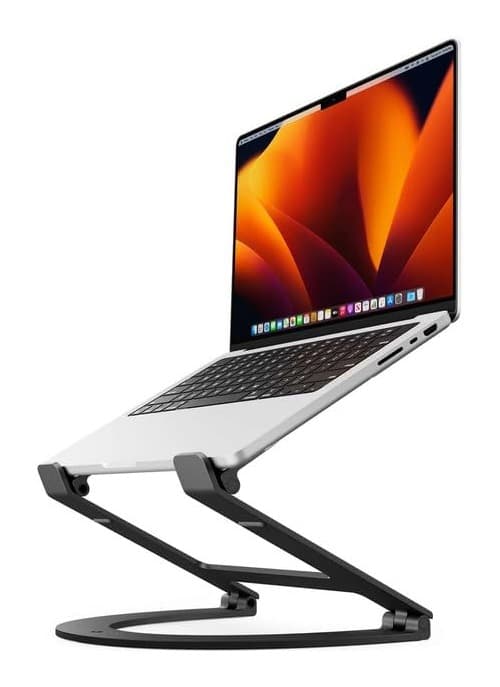
The Curve Flex fixes the mStand's one limitation. The laptop base adjusts from 2 to 11 inches above the desk, and the angle adjusts too, so you can match your eye height seated, standing, or on a video call. The aluminum arms are wrapped in textured silicone to keep the laptop from sliding, and the stand folds flat into an included neoprene pouch. It costs about twice as much as the mStand, and every adjustment is one more thing to set. It's also rated for 10–17 inch laptops up to 7 lb, which rules out heavy gaming laptops.
Pros
- 2–11 inch height range plus angle adjustment
- Folds flat with a neoprene pouch for occasional travel
- Silicone-covered arms grip the laptop and protect the finish
- Fits 10–17 inch laptops
Cons
- About $80, roughly double the mStand
- 7 lb laptop limit rules out heavy gaming machines
- More adjustment points to set than a one-piece riser
Best for: Tall users, sit-stand desks, and people who move between home and office a couple of days a week.
3. Best portable laptop stand
Roost V3 Laptop Stand
About $90
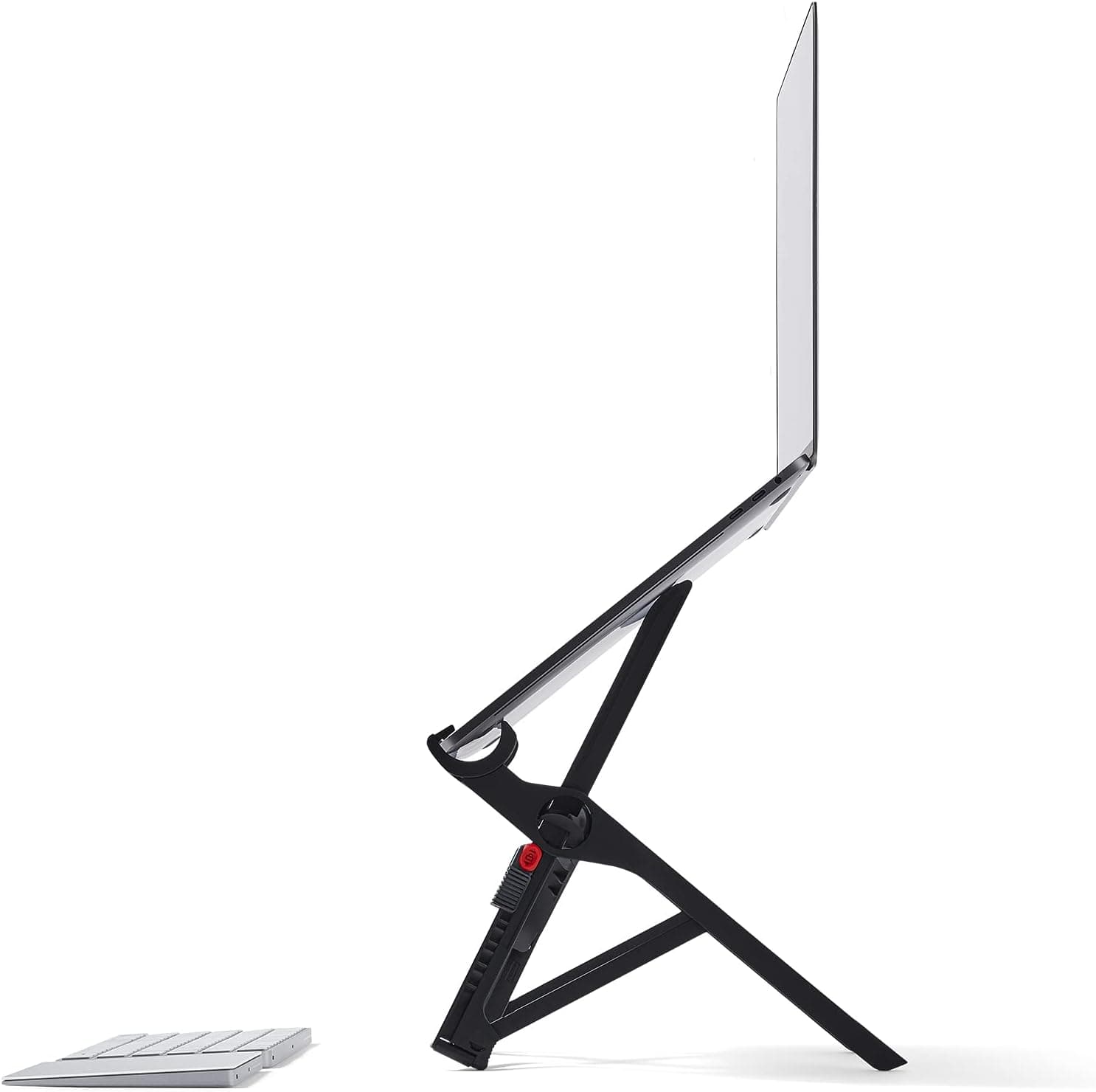
The Roost V3 is the stand for people who don't have one desk. It weighs 6 oz, folds thin enough to live in a laptop bag, and still lifts the screen 6.5 to 12.5 inches, higher than any fixed riser. Self-adjusting grips hold 12–18 inch laptops, and the V3's lock pops open to your memorized height. On a desk that never changes, though, you're paying the highest price here for portability you won't use, and the minimalist frame has none of the mStand's solid, furniture-like feel.
Pros
- 6 oz and folds thin enough for any laptop bag
- 6.5–12.5 inch screen lift, the tallest range here
- Grips fit 12–18 inch laptops
- Opens straight to your memorized height
Cons
- About $90, the most expensive pick
- Built for an external keyboard; you can't type on the laptop comfortably
- Minimal frame looks and feels less substantial on a home desk
Best for: Consultants, hot-deskers, and anyone who works from cafés or hotels as often as home.
How to choose
- Height: fixed or adjustable
- Aim for the top of the screen at or just below eye level. A fixed riser like the mStand (5.9 inches) gets most seated people close. If you're tall, stand while using the laptop, or share the desk, pick an adjustable stand (Curve Flex 2–11 inches, Roost 6.5–12.5 inches).
- Does the laptop travel?
- If it stays on the desk, a heavy one-piece stand is the stable choice. If it leaves the house every week, you want something that folds. The Roost is the lightest, and the Curve Flex is a middle ground.
- Size and weight limits
- Check the fine print against your laptop. The mStand takes laptops under 10.4 inches deep, the Curve Flex takes 10–17 inch laptops up to 7 lb, and the Roost takes 12–18 inch laptops.
- Budget for a keyboard and mouse
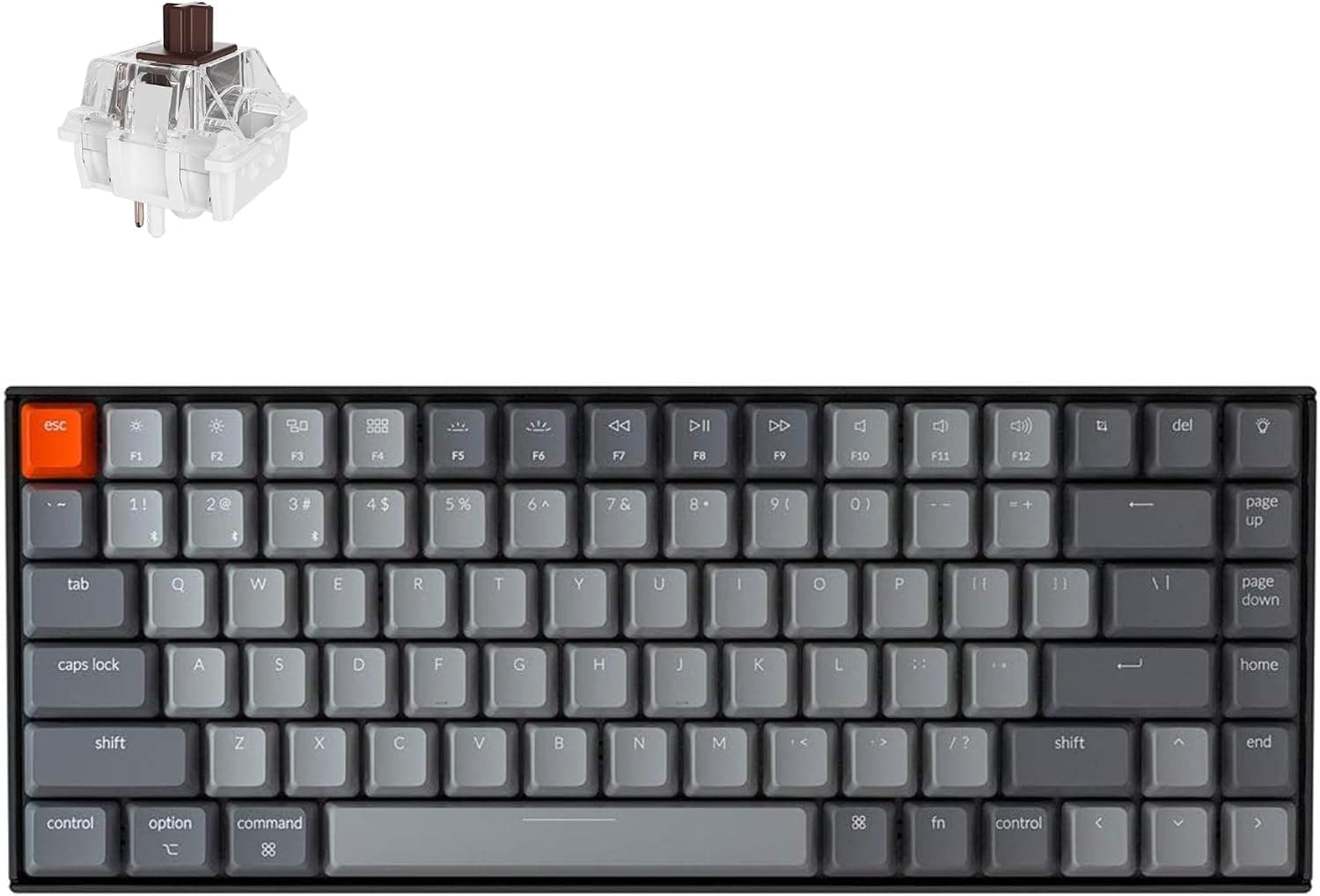
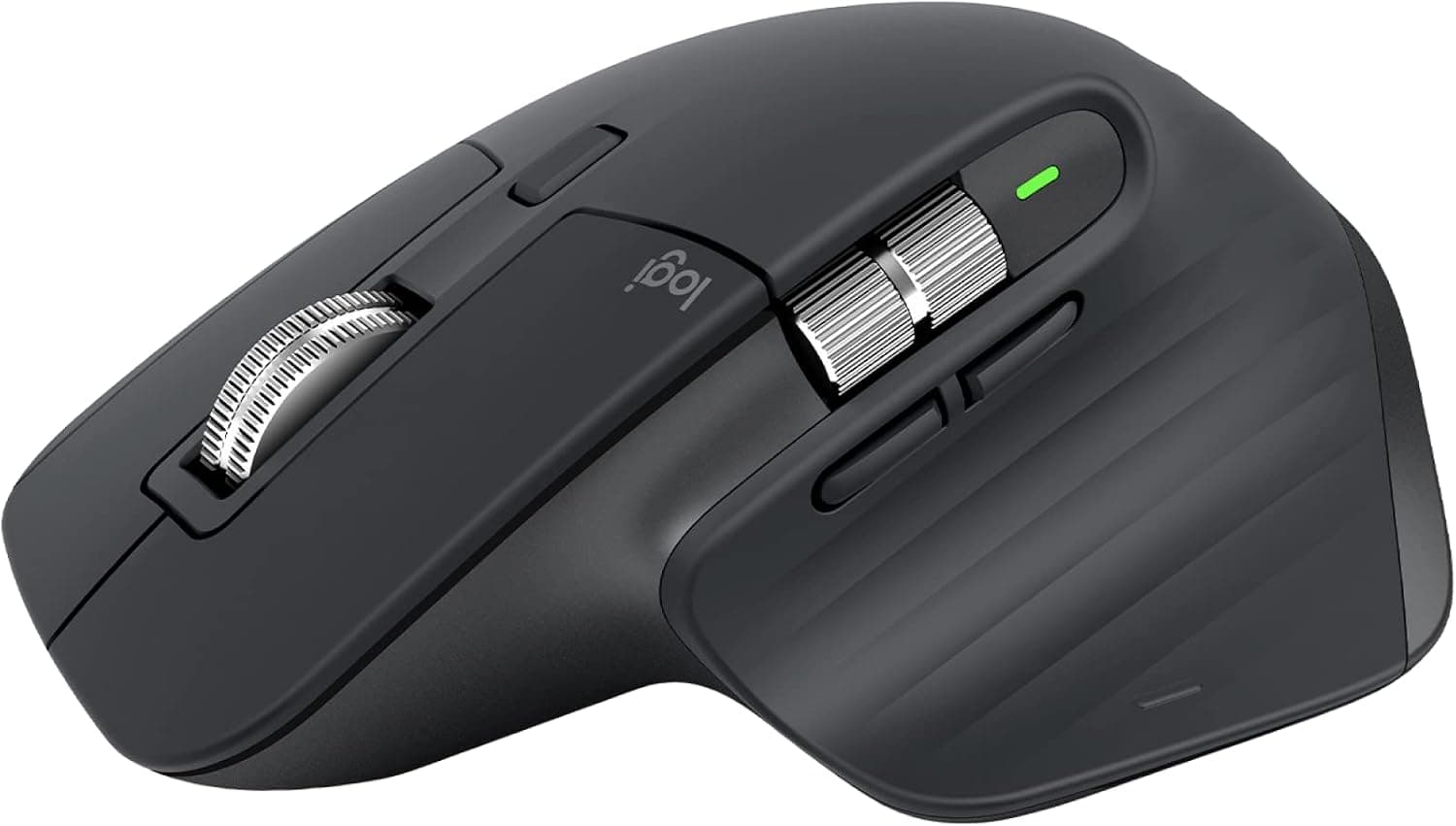
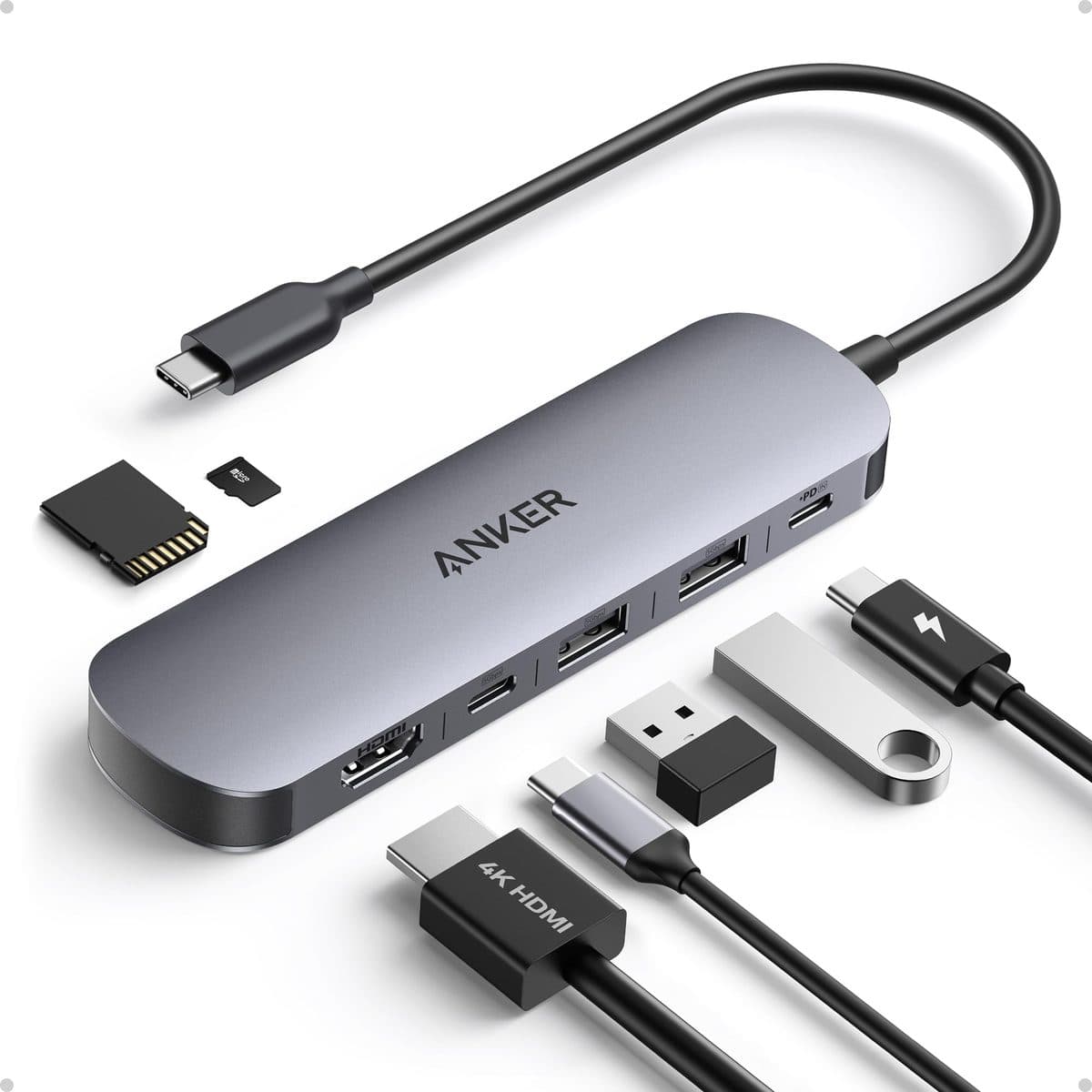
- Once the screen is at eye level, the laptop keyboard is too high to type on comfortably. Plan on an external keyboard and mouse (the Keychron K2 and Logitech MX Master 3S are our usual pair). A single-cable USB-C hub also keeps the stand tidy.
Frequently asked questions
What is the best laptop stand for a desk?
For a laptop that stays on one desk, the Rain Design mStand. It's one piece of aluminum, lifts the screen 5.9 inches, and costs about $40. If you need adjustable height, get the Twelve South Curve Flex (2–11 inches). If the laptop travels, get the Roost V3 (6 oz, 6.5–12.5 inches).
Do laptop stands actually help with neck pain?
They raise the screen so you're not looking down at it all day, which is the main cause of laptop-hunch posture. The catch is that it only works if you pair the stand with an external keyboard and mouse. Typing on a raised laptop just moves the strain from your neck to your shoulders and wrists.
How high should a laptop stand be?
High enough that the top of the screen sits at or slightly below eye level when you sit upright. For most people at a standard-height desk, a 5–6 inch lift gets close. Taller users, or people who stand while using the laptop, usually need an adjustable stand that goes higher.
Is a fixed or adjustable laptop stand better?
Fixed stands like the mStand are more rigid and have nothing to adjust or loosen, which is ideal for one person at one desk. Adjustable stands like the Curve Flex or Roost cost more and take a few seconds to set, but they're the right call if you're tall, share the desk, use a sit-stand desk, or travel.
Can I type on my laptop while it's on a stand?
You can, but it defeats the purpose. At eye level the keyboard sits too high and tilted for comfortable typing. Laptop stands are designed around an external keyboard and mouse.