Guides · 7 min read · 2026-10-19
Best Monitor Light Bars for Desk Setup
A monitor light bar lights the keyboard and notes without shining on the screen or taking desk space. Here are the picks that cover most setups, from premium BenQ to budget options.
Quick picks
Best overall
BenQ ScreenBar Pro LED Monitor Light Bar
Ultrawide coverage, motion sensor, and strong compatibility for curved monitors, per BenQ.
Best with rear light
BenQ ScreenBar Halo 2 LED Monitor Light Bar
Adds a backlight and wireless dial for dark rooms.
Best value
Auto-dimming and touch control at a lower price, with thousands of ratings.
Budget pick
Simple USB bar with three color temperatures.
Previous-gen BenQ
The original ScreenBar; buy only if clearly cheaper than the Pro.
1. Best overall
BenQ ScreenBar Pro LED Monitor Light Bar

The ScreenBar Pro is the one we point most people to. BenQ lists over 1000 lx center brightness with 500 lx coverage across a large desk area, asymmetric optics that avoid screen glare, and a clamp that fits thicker and curved monitors. The motion sensor turns it on when you sit down. Confirm the exact thickness and curvature limits on the Amazon listing before buying.
Pros
- Wide desk coverage without screen glare
- Motion sensor for automatic on/off
- Fits a wide range of monitor thicknesses and curves, per the listing
Cons
- Premium price
- Needs USB-C power or the included adapter
Best for: Most single or dual-monitor desks that want reliable, hands-off lighting.
2. Best with rear light
BenQ ScreenBar Halo 2 LED Monitor Light Bar

The Halo 2 adds a rear bias light and a wireless controller with its own display. Per BenQ, the front light still uses asymmetric optics, and the rear light helps reduce contrast in a dark room. It is the pick when you work with the room lights off. The wireless dial needs occasional charging.
Pros
- Rear backlight for dark-room comfort
- Wireless dial with precise control
- High color rendering, per the listing
Cons
- Highest price here
- Extra part to keep charged
Best for: Evening workers and anyone who wants bias lighting behind the monitor.
3. Best value
Quntis Computer Monitor Lamp
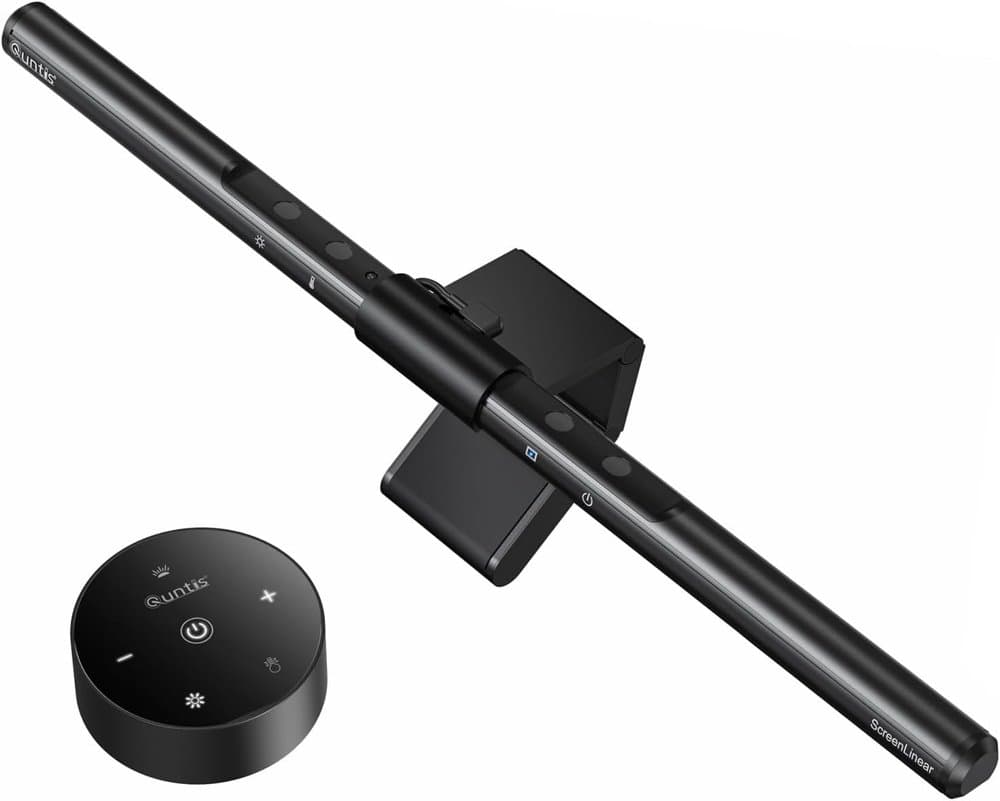
The Quntis light bar is the value option that still includes auto-dimming and asymmetric optics. It has a high number of Amazon ratings and sits well below the BenQ price. Check clamp fit on thinner or curved monitors; some budget bars struggle there.
Pros
- Much lower price than BenQ
- Auto-dimming and stepless control
- High rating volume on Amazon
Cons
- Clamp may not fit every curved or thick monitor
- Build and light quality step down from BenQ
Best for: Budget desks and first-time light-bar buyers.
4. Budget pick
SAMPHON Monitor Light Bar
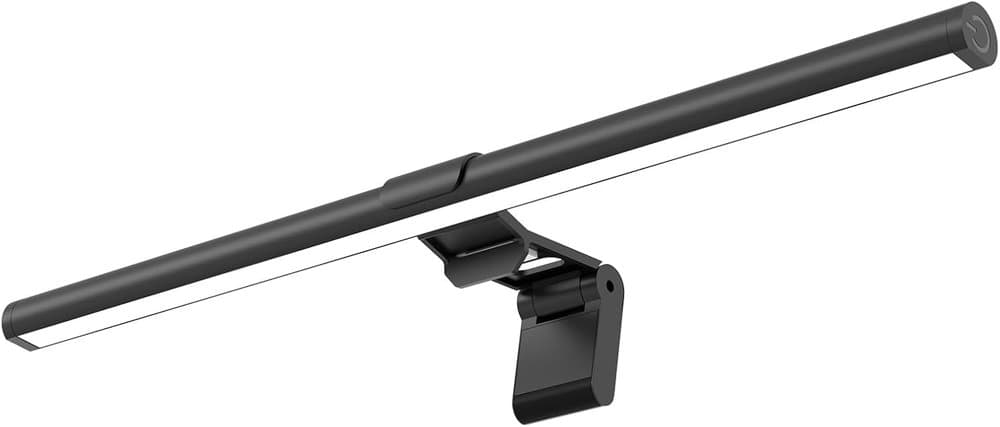
The SAMPHON is the lowest-cost option we list. It offers basic stepless dimming and three color temperatures in a compact bar. Treat it as a try-before-you-spend-more pick; the Amazon rating trails the others.
Pros
- Lowest price in this guide
- Simple touch or button control
- No desk footprint
Cons
- Lower rating volume and score than the Quntis and BenQ
- Fewer features
Best for: Stocking stuffers or testing whether a light bar helps before buying premium.
5. Previous-gen BenQ
BenQ ScreenBar Monitor Light
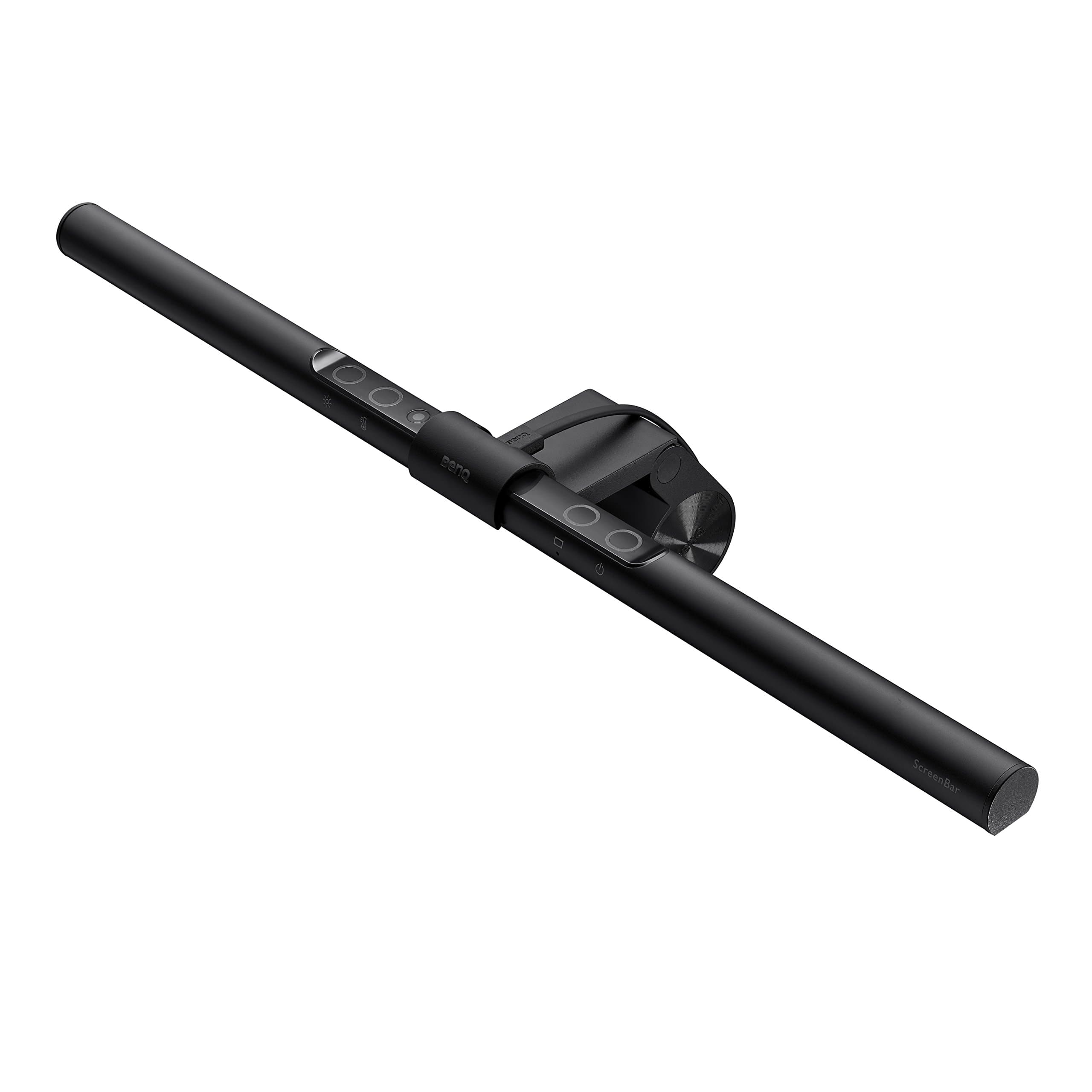
The original ScreenBar is the earlier model in the same line. It still clamps on and uses asymmetric light, but the Pro improves coverage, sensor, and fit. Only choose it when the price is meaningfully lower than the Pro on the day you buy.
Pros
- Same core glare-free idea
- Often discounted
- Proven track record
Cons
- Narrower coverage than the Pro
- Older design
Best for: Buyers who find a real discount on the older model.
How to choose
- Clamp fit first
- Measure your monitor thickness and check whether it is flat or curved. Premium bars list wider ranges; budget ones often do not. A bar that will not clamp is useless.
- Coverage vs price
- The BenQ Pro covers a larger desk area. For a compact setup the Quntis or SAMPHON is usually enough. Rear light is only useful if you work in the dark.
- Power
- All of these run from USB. Some include an adapter; others rely on a monitor USB port or a wall charger you already own.
Why a light bar instead of a lamp
A traditional desk lamp takes space and can reflect on the screen. A monitor-mounted bar sits above the display, lights the work surface, and leaves the desk clear. We may earn a commission from qualifying purchases. Product links use our Amazon Associates tag deskworth20-20.
How to choose
Most people: BenQ ScreenBar Pro. Dark-room bias lighting: Halo 2. Tight budget: Quntis. Absolute lowest spend: SAMPHON. Compare the clamp specs on Amazon against your monitor before you order.
Frequently asked questions
Will a monitor light bar work on a curved screen?
Some do. The BenQ Pro and Halo 2 list curved-monitor ranges. Many budget bars are designed for flat screens. Check the listing.
Do I need a rear light?
Only if you often work with the room lights off. For normal office lighting the front light is what matters.