Guides · 8 min read · 2026-08-12
How to Choose a Standing Desk (Without Overpaying)
Motors, stability, size, and warranties — a practical checklist so you buy once and actually use the standing positions.
We may earn a commission from qualifying purchases.
Start with how you work — not the marketing
If you mostly sit and stand for short stretches, a solid dual-motor mid-range desk is enough. If you switch heights several times a day or run a heavy dual-monitor setup, a stiffer frame and higher load rating matter more than a fancy control app. Be honest about weight: monitor arms, a dock, speakers, and a desktop PC add up fast.
Stability beats silent motors (but you can have both)
Wobble at standing height ruins the experience. Look for a wider foot stance, thicker columns, and reviews that mention typing at full height. Dual motors are usually quieter and more even under load. Memory presets sound optional until you share a desk — then they become essential.
Size the top for your real footprint
A 48-inch top works in apartments; 60 inches is the sweet spot for laptop + monitor + notebook; 72 inches is for multi-monitor or creative layouts. Leave room for a keyboard tray or arm if your chair arms don’t tuck under. Cable management is not optional — a hanging power strip and a rear tray keep the lift path clear.
Our shortlist by budget
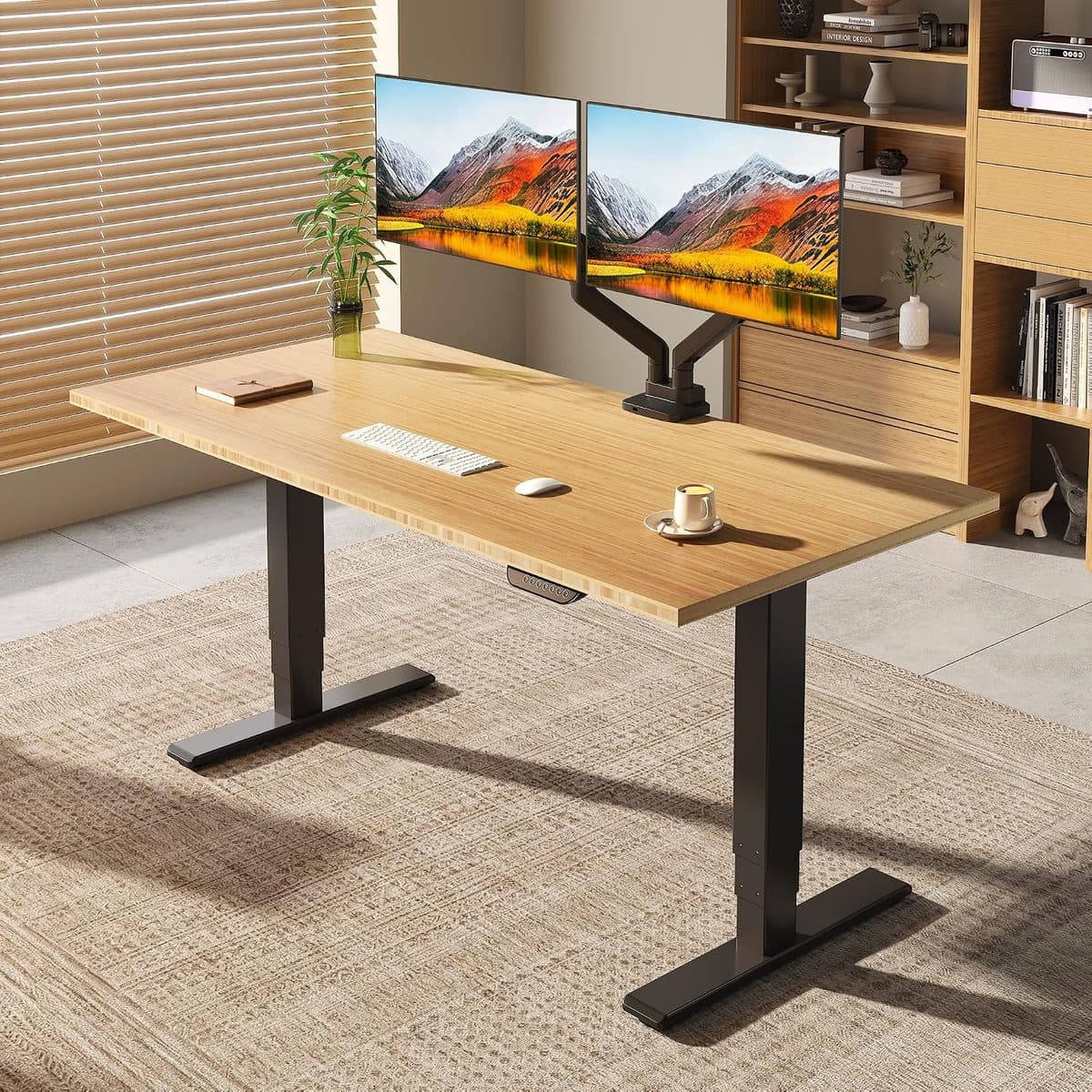
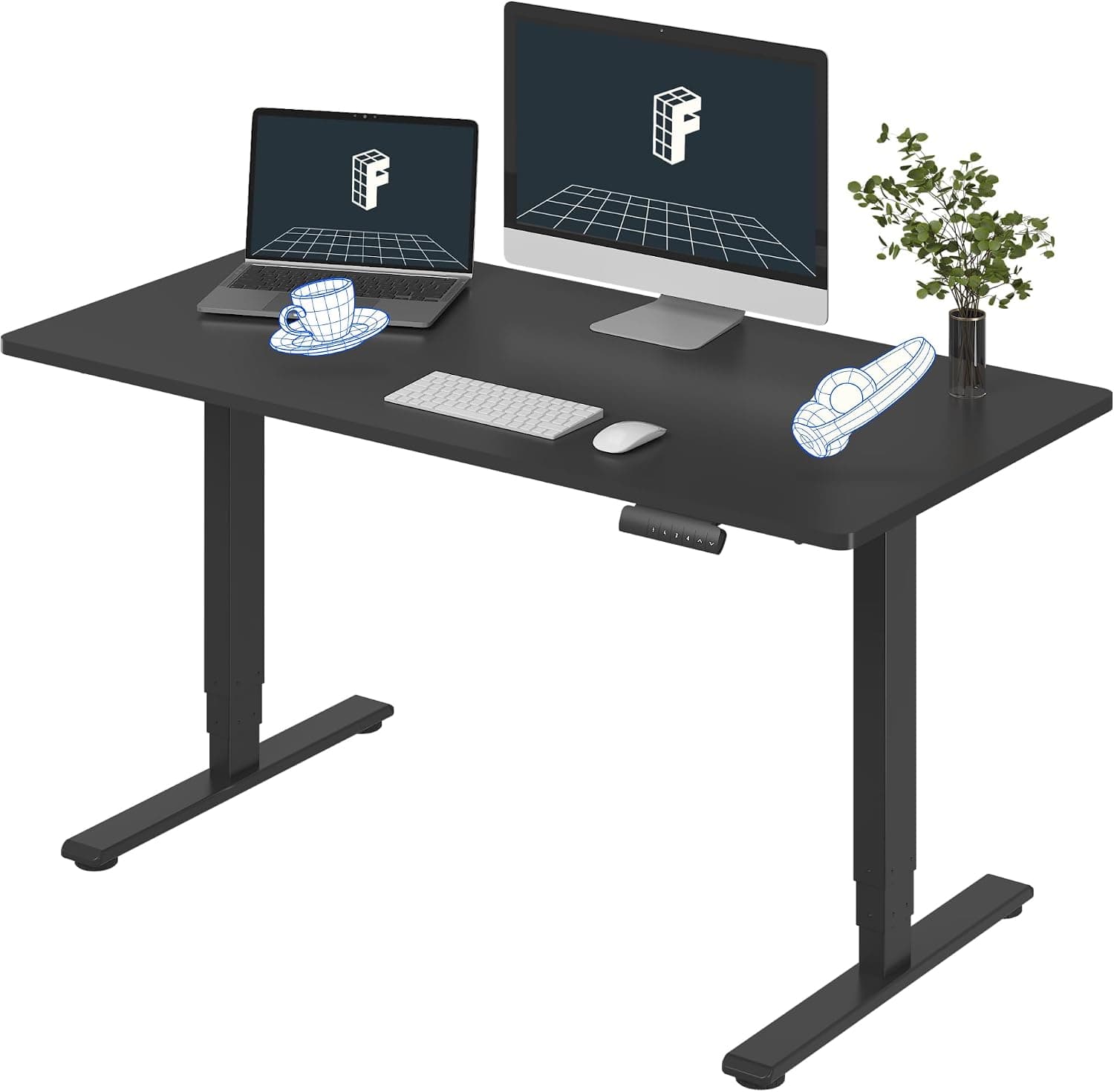
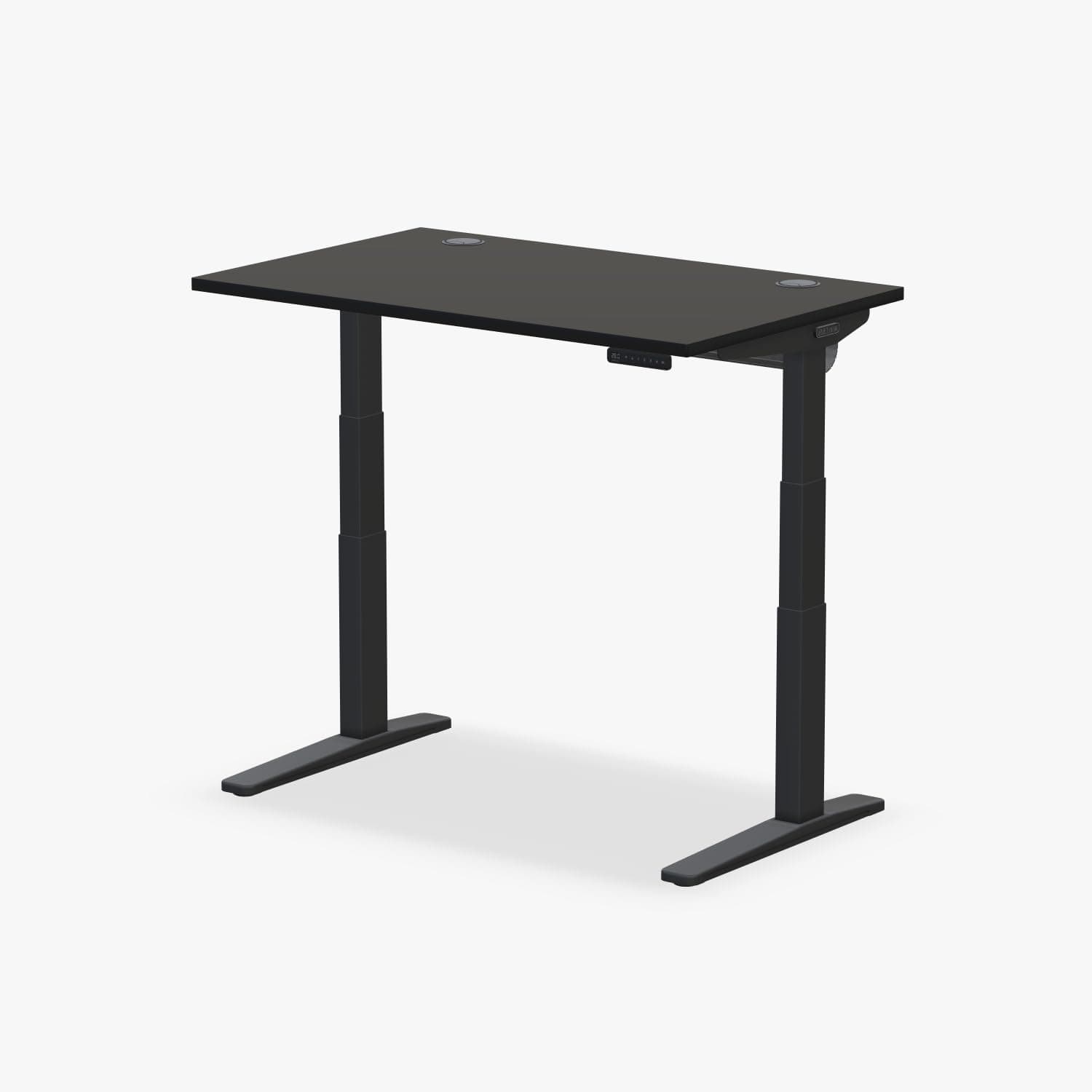
Most remote workers will be happy with the FlexiSpot Pro dual-motor (E6 MAX bamboo, about $440). If you want a wider top for less, the FlexiSpot E6 55x28 is about $320 — just note its 220 lb rating. Heavy multi-monitor setups, long ownership horizons, and maximum stability justify the premium UPLIFT V3 at about $569, with a 355 lb frame and a 15-year warranty. Compare them side-by-side on our comparison page before you buy — and budget an anti-fatigue mat the same week; our standing mat guide covers Topo terrain versus dense flat foam.