Guides · 7 min read · 2026-10-07
Best Mic Boom Arm for a Desk: Low Profile, Broadcast, or Budget
A desk mic on a tripod eats space and shows up in the webcam frame. Here is how to pick a boom arm: low-profile for calls, spring-damped for recording, or a budget clamp arm for a USB mic.
Quick picks
Best low-profile arm for on-camera desks
Elgato Wave Mic Arm Low Profile
All-metal Elgato arm with a 29.1 in reach and magnetic cable covers, built to sit below the shoulder line.
Best broadcast arm for a real desk mic
RØDE PSA1+ Professional Studio Boom Arm
RØDE PSA1+ with internal spring damping, for mics from 0.25 kg to 1.2 kg, on desks up to 70 mm thick.
Best budget desk arm for USB mics
InnoGear Microphone Arm Stand, Heavy Duty
InnoGear heavy-duty desk boom with internal springs, a 28 in horizontal reach, and a listed 3.5 lb load.
1. Best low-profile arm for on-camera desks
Elgato Wave Mic Arm Low Profile
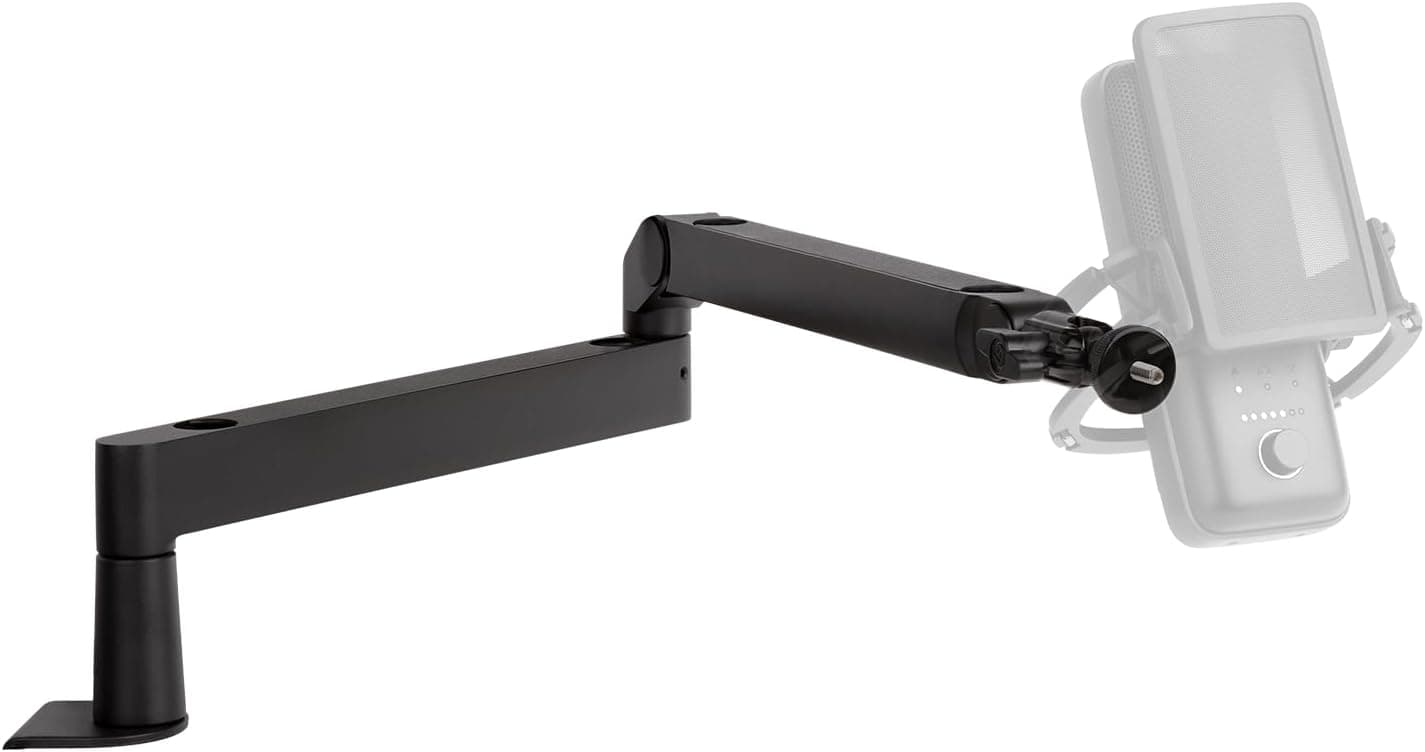
The Elgato Wave Mic Arm Low Profile is the pick when the webcam has to see your face, not the arm. Elgato lists an all-metal anti-torsion build, magnetic cable-channel covers, 360-degree horizontal rotation, 90-degree upper vertical rotation, and a 740 mm / 29.1 in horizontal reach. That low stance is the point: it keeps the mic close without crossing the camera line the way a tall scissor arm does. It is a desk-clamp arm, so the edge still has to be solid enough to hold it.
Pros
- Listed 29.1 in / 740 mm horizontal reach
- Magnetic covers hide the cable run
- Low profile meant to stay below the shoulder line
- 360-degree horizontal and 90-degree upper vertical rotation
Cons
- Premium all-metal arm, not the budget option
- Upper vertical travel is listed at 90 degrees, not a full broadcast swing
- Clamp needs a desk edge that can take the load
Best for: Calls and streams where the mic should stay out of the webcam frame.
2. Best broadcast arm for a real desk mic
RØDE PSA1+ Professional Studio Boom Arm
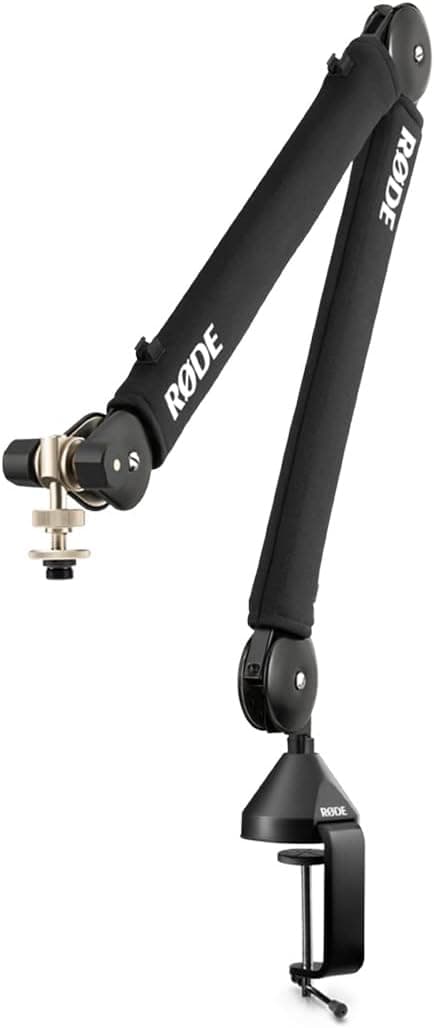
The RØDE PSA1+ is the arm to buy when you will move the mic during a recording and do not want creaks in the track. RØDE lists internal spring damping, 360-degree rotation, integrated cable management, a clamp for desks up to 70 mm thick, and support for microphones from 0.25 kg to 1.2 kg including shock mounts. The box includes the arm, a desk clamp, and thread adaptors for both 3/8 inch and 5/8 inch mounts. It is the wrong buy for a tiny USB stick mic — the lower end of that weight range is 0.25 kg, so very light mics may not balance.
Pros
- Internal spring damping for quieter mid-recording moves
- Listed mic range 0.25 kg to 1.2 kg, shock mounts included
- Clamp listed for desks up to 70 mm thick
- 3/8 inch and 5/8 inch thread adaptors in the box
Cons
- Larger on camera than the Elgato low-profile arm
- Very light mics can sit under the 0.25 kg minimum
- Needs a desk edge up to 70 mm that the clamp can bite
Best for: Podcast and voice desks with a condenser or dynamic mic and a shock mount.
3. Best budget desk arm for USB mics
InnoGear Microphone Arm Stand, Heavy Duty
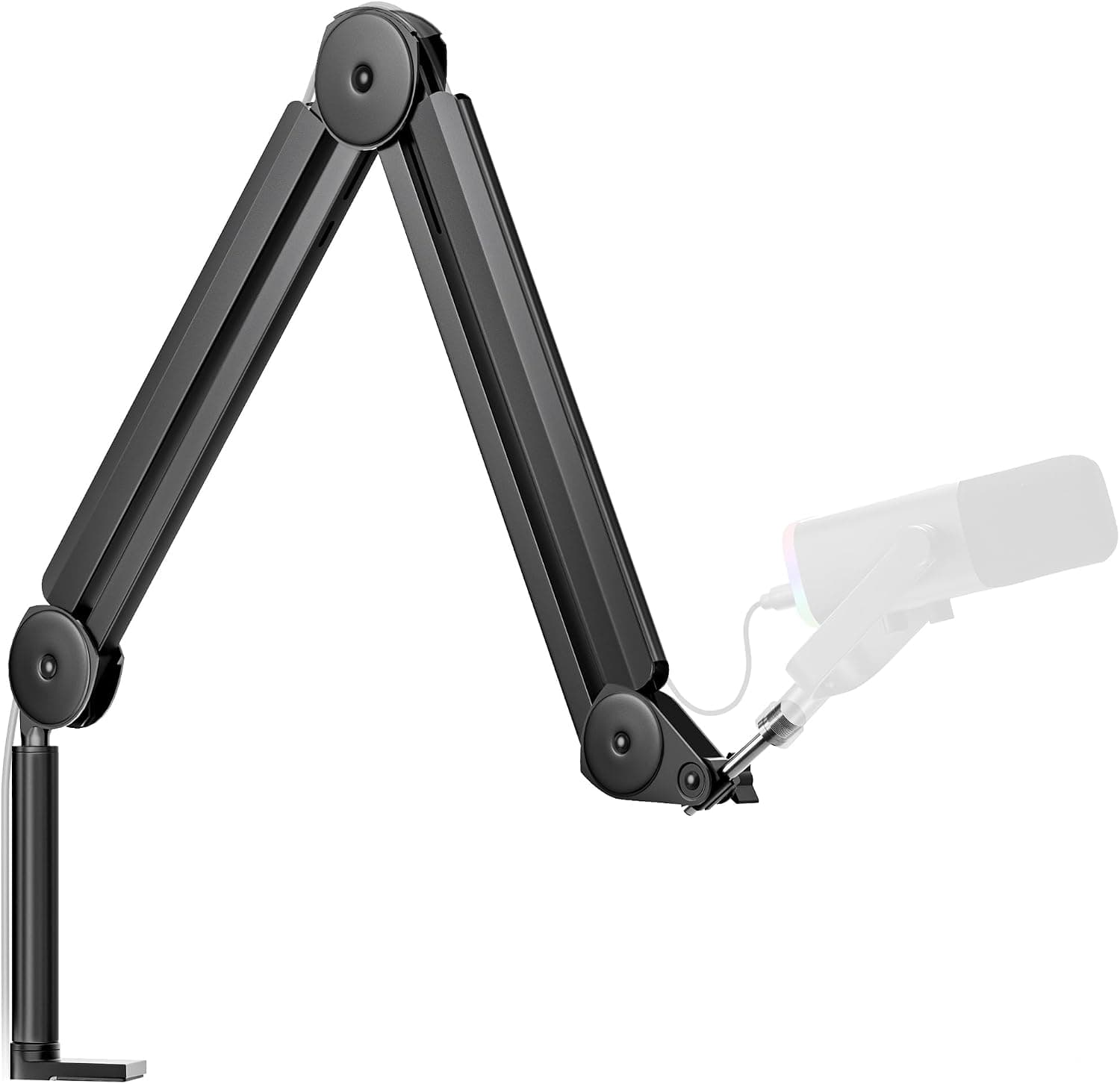
The InnoGear Microphone Arm Stand is the budget desk clamp for a Blue Yeti, Fifine, or similar USB mic. The listing describes internal springs (not exposed coils), a max horizontal reach of 28 inches and a max vertical reach of 27 inches, adjustment of 135 degrees back and forth and 180 degrees up and down, and a stated load of 3.5 pounds. It includes a mic clip and cable ties, and the 5/8 inch connector is listed as compatible with mounts such as Blue Yeti, HyperX QuadCast, and Shure SM7B. Treat the heavy-mic claim carefully: a 3.5 lb rating is the manufacturer's number, and a large shock mount still changes the balance.
Pros
- Internal springs instead of exposed coils
- Listed 28 in horizontal and 27 in vertical reach
- Stated 3.5 lb load and a 5/8 inch connector
- Mic clip and cable ties included
Cons
- Cable ties, not the Elgato magnetic channel or RØDE integrated routing
- Consumer scissor arm — not the silent broadcast mechanism of the PSA1+
- A heavy dynamic mic plus shock mount can still sag a budget arm
Best for: A first USB mic that needs to leave the desk, without a studio-arm budget.
How to choose
- Camera line first
- If you are on camera, a low-profile arm keeps the mic under your shoulder. A tall scissor arm is easier to position and easier to see in the frame.
- Weight, not the brand story
- Match the arm to the mic plus shock mount. RØDE lists 0.25–1.2 kg for the PSA1+. InnoGear lists 3.5 lb for its desk arm. A mount that is too light, or a mic under the minimum, will not stay put.
- Desk edge
- All three clamp on. The PSA1+ listing specifies desks up to 70 mm thick. Glass tops and thin edges are the usual failure, not the arm itself.
Buy the arm for the job, not the mic brand
A boom arm does three things: get the mic off the desk, put it near your mouth, and keep the cable from draping across the keyboard. On-camera desks care about height. Recording desks care about noise when you move the arm. USB-mic desks care about price and whether the clamp and thread fit. We may earn a commission from qualifying purchases. Product links use our Amazon Associates tag deskworth20-20.
How to choose
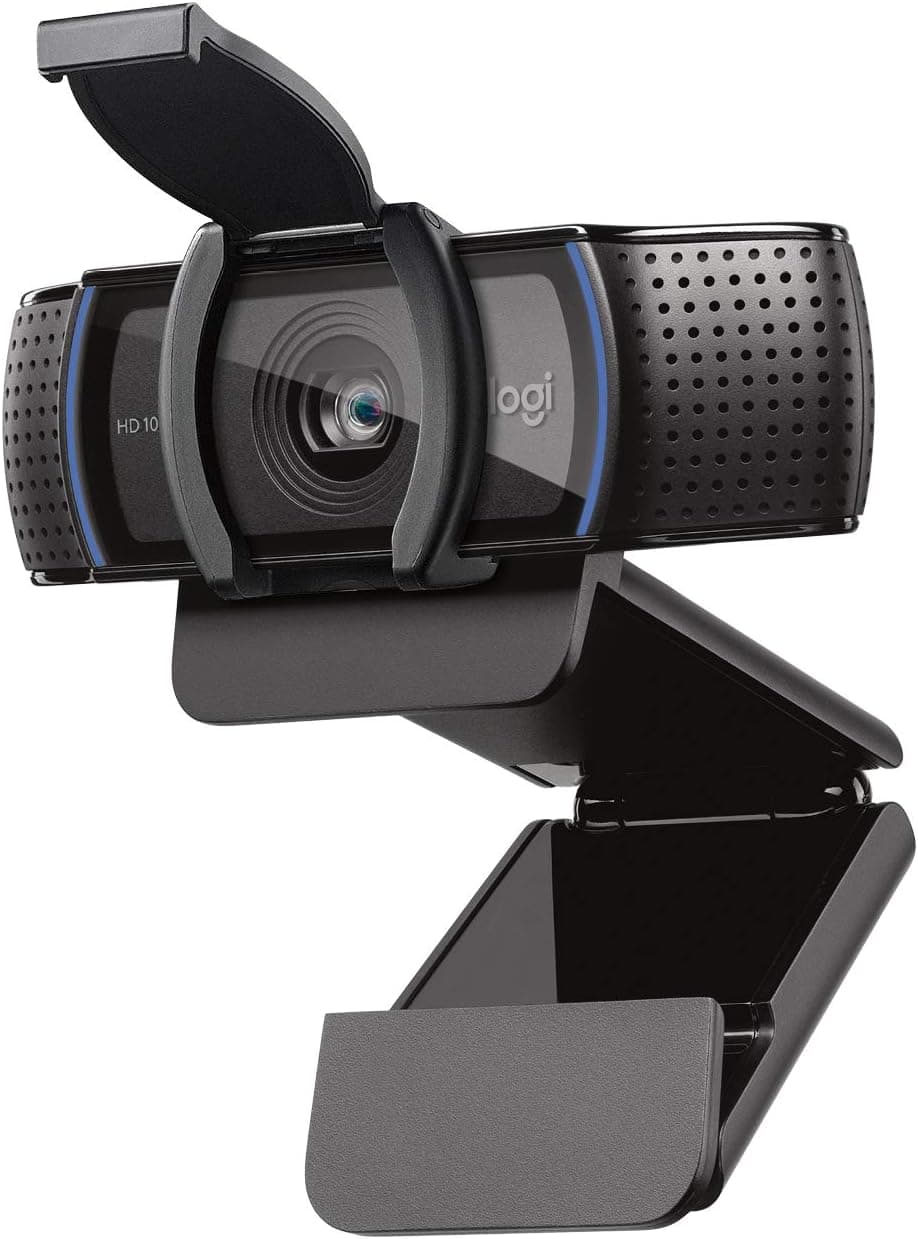
On camera most of the day: Elgato Wave Mic Arm Low Profile, for the 29.1 in reach and the low stance. Recording with a real mic and shock mount: RØDE PSA1+, for the spring damping and the 0.25–1.2 kg range. First USB mic, Blue Yeti class: InnoGear desk arm, for the internal springs, 28 in reach, and included clip. Pair any of them with a webcam on a separate stand or the monitor, such as the Logitech C920s, so the mic arm is not also your camera mount. Compare the three on our boom arm page before you buy.
Frequently asked questions
Do I need a boom arm if I already have a USB mic stand?
Only if the stand is in the way. A desk tripod is fine for occasional calls. A boom arm matters when the mic blocks the keyboard, shows up in the webcam, or you want it closer without moving the laptop.
Will the RØDE PSA1+ hold a Shure SM7B?
RØDE lists a 0.25 kg to 1.2 kg range including shock mounts, and includes 3/8 inch and 5/8 inch adaptors. Check your mic plus mount against that range on the live listing before you buy — we are not restating a weight we did not measure.
Why not put the webcam on the mic arm?
The arm is sized for a microphone. The InnoGear listing does mention a 3/8 inch to 1/4 inch path on some related models for webcams, but these picks are mic arms. Keep the Logitech C920s on the monitor or a small stand so moving the mic does not move the camera.